ExchangeMetrics: Message Activity Filter
The Message Activity Filter page configures which domains the data collector should return mail flow
from specific senders and to specific recipients. For example, if you enter @netwrix.com in the
Senders list and @netwrix.com in the Recipients list, the data collector returns message activity
only for mail sent to and received from an @netwrix.com address. It is a wizard page for the
categories of:
- User’s Message Activity
- User’s Message Activity Per Hour
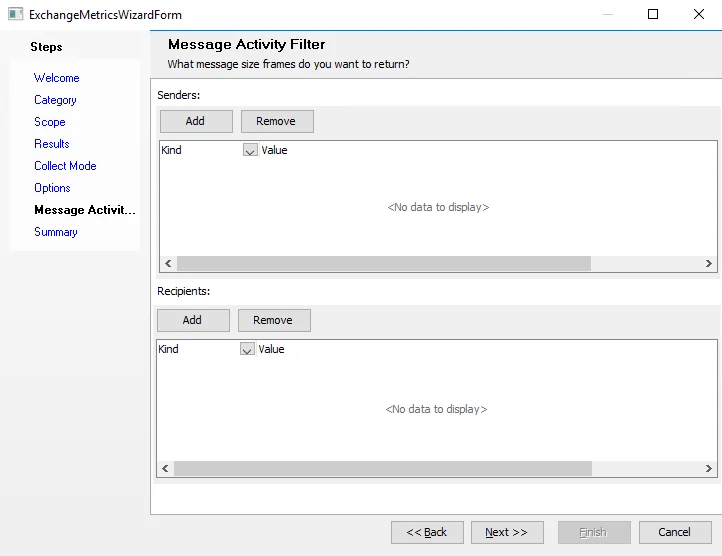
Configure the Message Activity Filter using the following options:
-
Add – To add an entry to a category, click Add in that category
-
Select Exact Match in the added filter to reveal a dropdown list with the following condition options:
- Exact matches
- Contains
- Begins with
- Ends with
-
Kind – Select (Custom…) to open the Custom Filter menu. The Custom Filter menu provides options to create and configure other filters.
-
Value – Enter the filter to apply
You can sort and filter the columns in the entry tables using the same sorting and filtering methods as Enterprise Auditor data grids. The Remove option will delete a selected filter.