File System Action: Action
On the Action page, select the type of action to configure, define a new action, and configure additional capabilities.
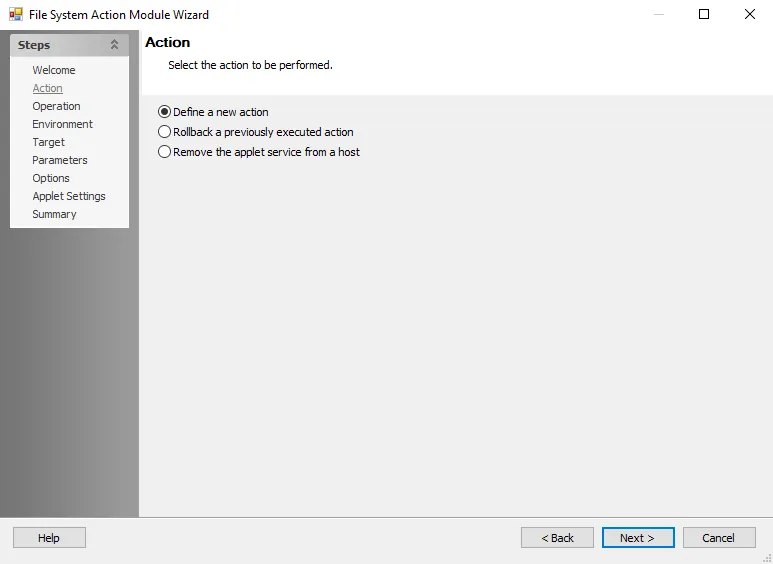
The following options are available:
- Define a new action – Enables the Operation page where operations are selected on which the action is based
- Rollback a previously executed action – Enables the Prior Actions page, where you can select from lists of previously executed actions and rollback actions. Not all operations support rollback. Enable the Support Rollback option before execution for the action to perform a rollback.
- Remove the applet service from a host – If an executed action installs an applet service on a host from a Access Analyzer Console, it remains installed after the action completes, so other Access Analyzer consoles can use the same applet service to perform actions. This setting removes the action’s applet service from that host.