Public Folder: Action
The Action page specifies the basic action to perform on public folders. The pages available for selection in the Steps pane adjust based on this selection.
note
After you select and save an action and close the wizard, this page is no longer available, and you can't alter the selection.
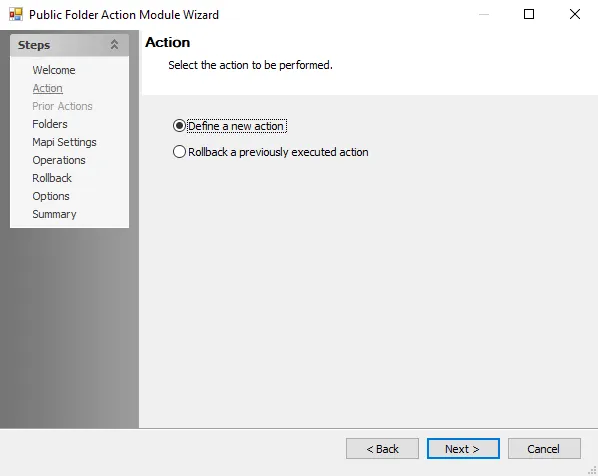
Choose from the following actions:
- Define a new action – Enables the Operation page, where you select the operation on which to base the action
- Rollback a previously executed action – Enables the Prior Actions page, which displays a list of previously executed actions that you can roll back. Not all operations support rollback. Enable the Support Rollback option before execution to make the action eligible for rollback.