ExchangeMetrics: Message Activity Filter
The Message Activity Filter page configures which domains the data collector should return mail flow
from specific senders and to specific recipients. For example, if you enter @netwrix.com in the
Senders list and @netwrix.com in the Recipients list, the filter returns message activity only for
mail sent to and received from an @netwrix.com address. It is a wizard page for the categories of:
- User’s Message Activity
- User’s Message Activity Per Hour
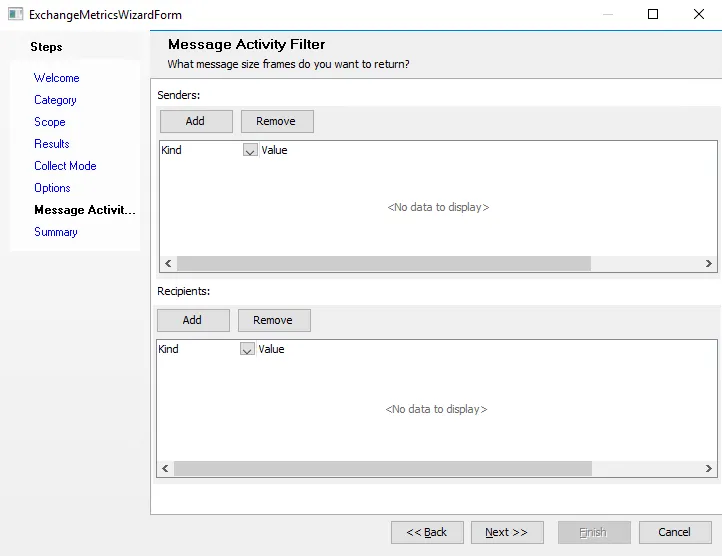
Configure the Message Activity Filter using the following options:
-
Add – To add a filter to a category, click Add in that category to add an entry to it
-
Select Exact Match in the added filter to reveal a dropdown list with the following condition options:
- Exact matches
- Contains
- Begins with
- Ends with
-
Kind – Select (Custom…) to open the Custom Filter menu. The Custom Filter menu provides options to create and configure other filters.
-
Value – Enter the filter to apply
You can sort and filter the columns in the entry tables using the same methods as Access Analyzer data grids. The Remove option will delete a selected filter.