SMARTLog: Log Type
Use the Log Type page to select the log type to process.
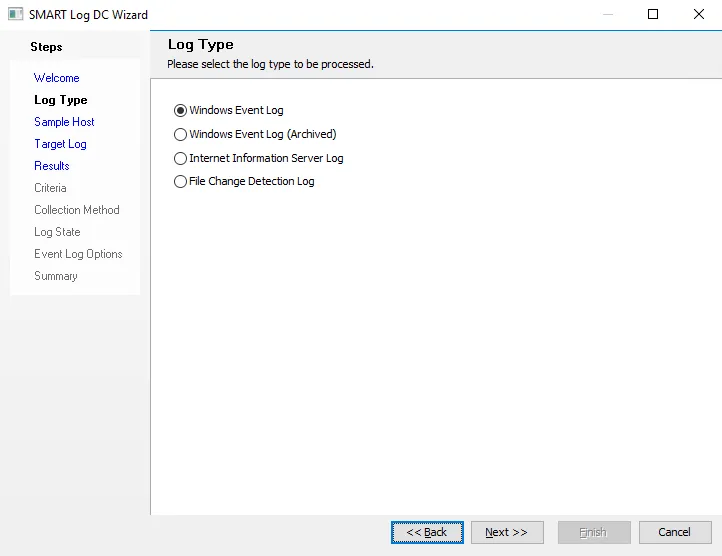
The log types are:
-
Windows Event Log – Connects to and extract information from any Windows event log made available on the target host
-
Windows Event Log (Archived) – Extract events from an offline log by moving the log to the Access Analyzer Console and processing it on the local host instead of the target host
-
Internet Information Server Log – An Exchange query that returns information from Outlook Web Access IIS logs found on CAS servers
- You must configure the IIS log to generate specific columns for the SMARTLog Data Collector to audit them. See the IIS Log Auditing Requirements topic for additional information.
-
File Change Detection Log – This is a legacy option. Don't select it.
IIS Log Auditing Requirements
The SMARTLog Data Collector needs the IIS logs to generate the following columns:
- Date (date)
- Time (time)
- ClientIP (c-ip)
- UserName (cs-username)
- UriSteam (cs-uri-stem)
- UriQuery (cs-uri-query)
- Protocol Status (HttpStatus)
- Protocol substatus (HttpSubStatus)
- BytesSent (sc-bytes)
- BytesRecv (cs-bytes)
- UserAgent (cs(User-Agent))