Searching and Filtering Data
When dealing with large sets of data, it may be useful to search for a desired attribute. This can be done using the Filter icon.
Searching and grouping can't be enabled at the same time. If grouping is enabled, the Search icon is disabled in the report.
The following example shows an interactive grid in which searching has been enabled. See the Grid topic for additional information.
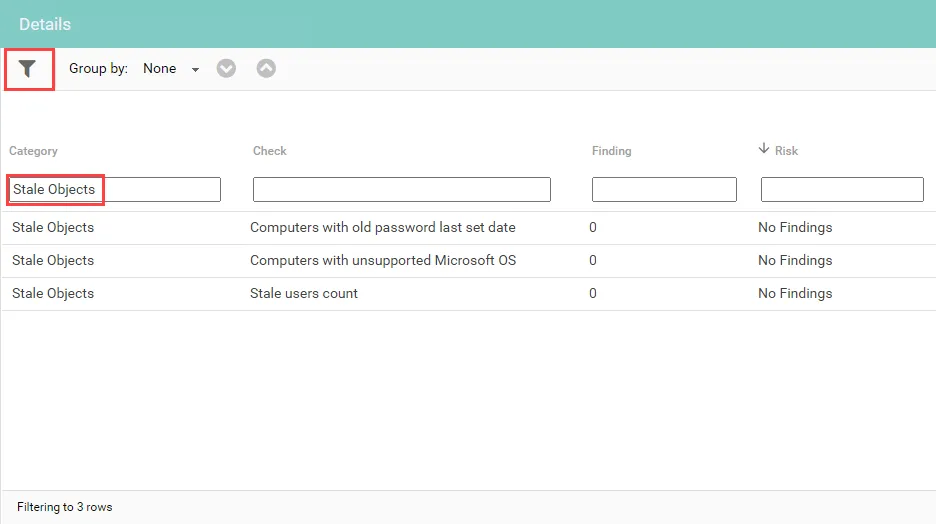
Enter search criteria in the boxes under the columns to filter the data. Click the search icon again to clear the filters.
Click a column to sort by that column. Clicking on a cell in a column automatically expands the column size to fit the largest length of text contained in the column.
Searching Enumerated Tables
Enabling the enumerated column option, and choosing a column from the data set adds a list of column types to display as enumerated tables.
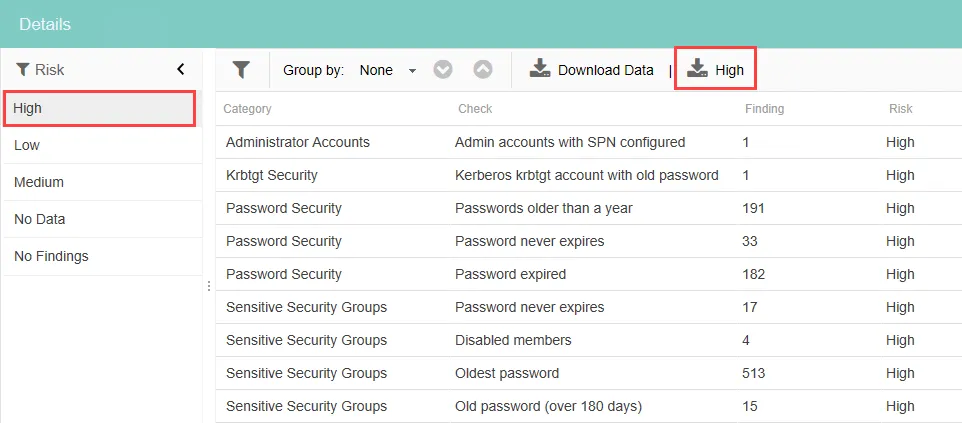
To change the enumeration in the report, select an option from the enumerated column list. When enumeration is set on an interactive grid, a second download button is displayed with the name of the selected enumerated column. You can use this to download a CSV file that only contains the data for the selected enumeration.
Filtering on Dates & Times
Data can also be filtered on dates and times. Expanding the column's width activates hyperlinks to filter on specific time periods.
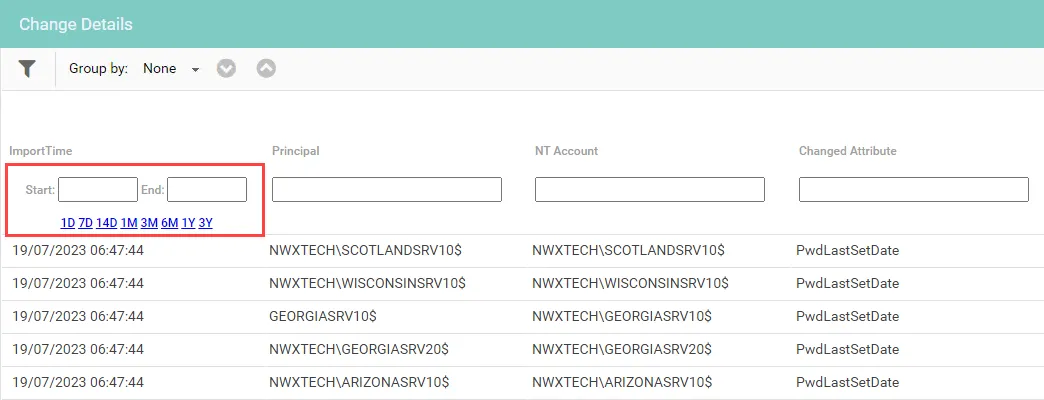
Enter a Start and End date and select the time period you want.
Filtering on Numeric Columns
Use comparison operators to filter data. The available comparison operators include the following:
| Description | Operator |
|---|---|
| Equal to | = |
| Greater than | > |
| Less than | < |
| Less than or equal to | <= |
| Greater than or equal to | >= |
| A range of values | n1..n2 |
Adding & Removing Columns
Columns can be added or removed from the table.
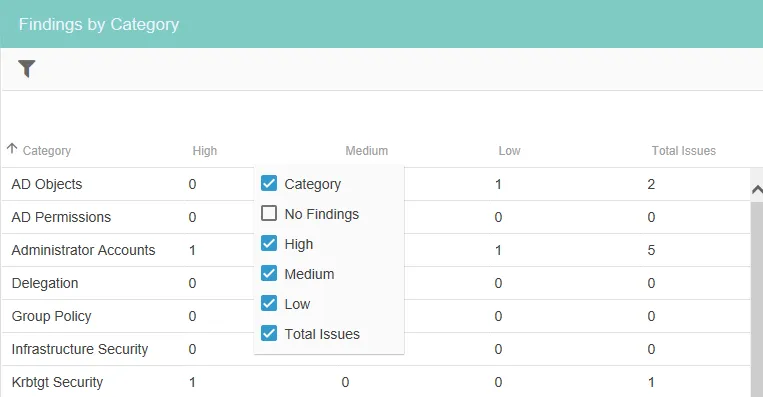
Right-click a column to display a list of the available columns. Select the checkboxes of the columns you want to be displayed. Click the up or down arrows to scroll through the list of columns.