SSH Username/Key
The SSH Username/Key credential type authenticates using an SSH username and private key. Use this credential type for source groups that connect to hosts over SSH.
Create an SSH Username/Key service account
-
Navigate to Configuration > Service Accounts.
-
Click Add Service Account.
-
In the Name field, enter a descriptive name for this service account.
-
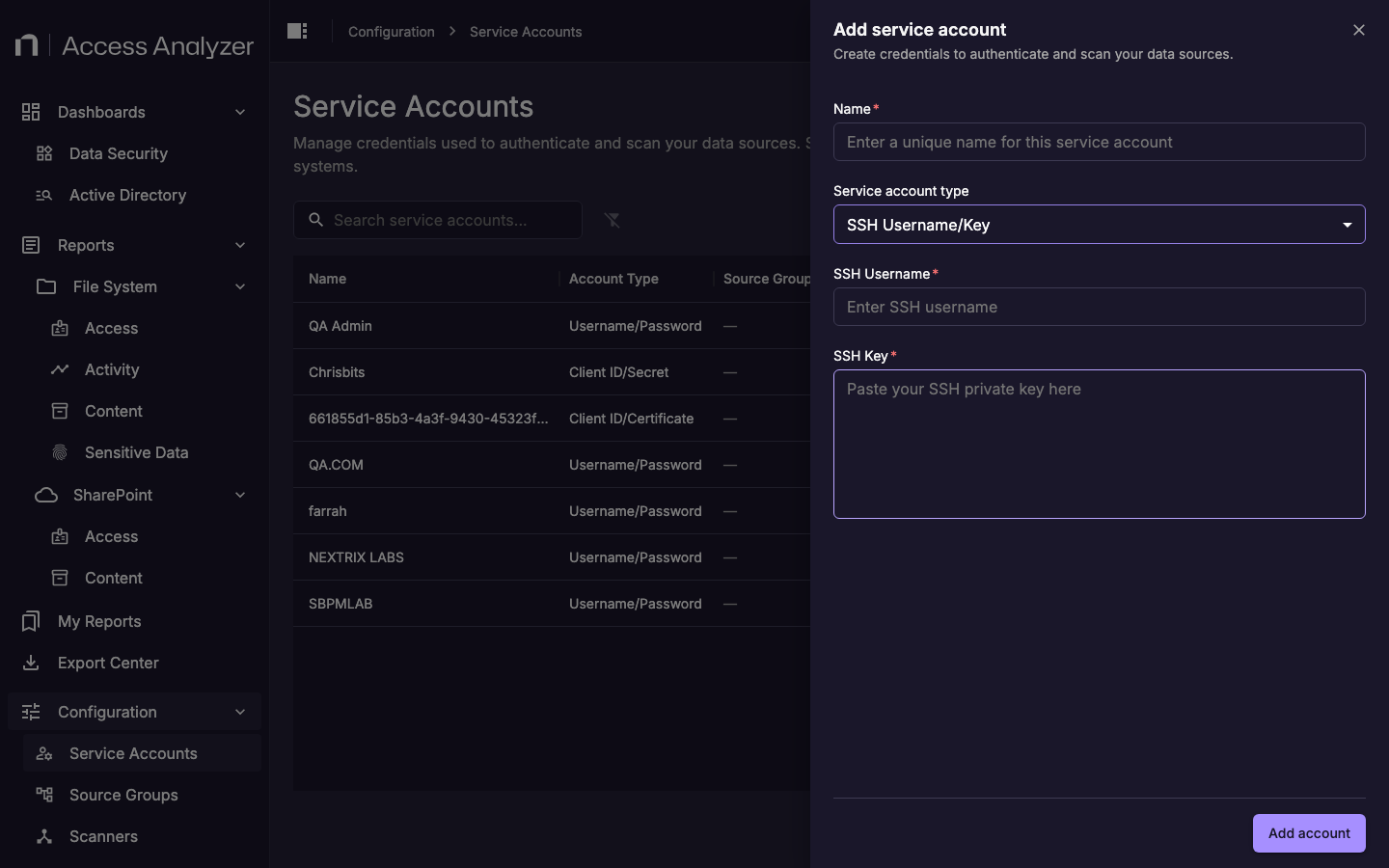
From the Service account type drop-down, select SSH Username/Key.
-
In the SSH Username field, enter the username for the SSH account.
-
In the SSH Key field, paste the SSH private key.
-
Click Add account.
Fields
| Field | Description |
|---|---|
| Name | A display name that identifies this service account in Access Analyzer. |
| SSH Username | The username of the SSH account on the target host. |
| SSH Key | The SSH private key used to authenticate. Paste the full private key including the header and footer lines. |