Username and Password
The Username and Password credential type is used by Active Directory and file server source groups. Both require a domain account whose credentials Access Analyzer uses to connect and authenticate during scans.
Create a Username/Password service account
-
Navigate to Configuration > Service Accounts.
-
Click Add Service Account.
-
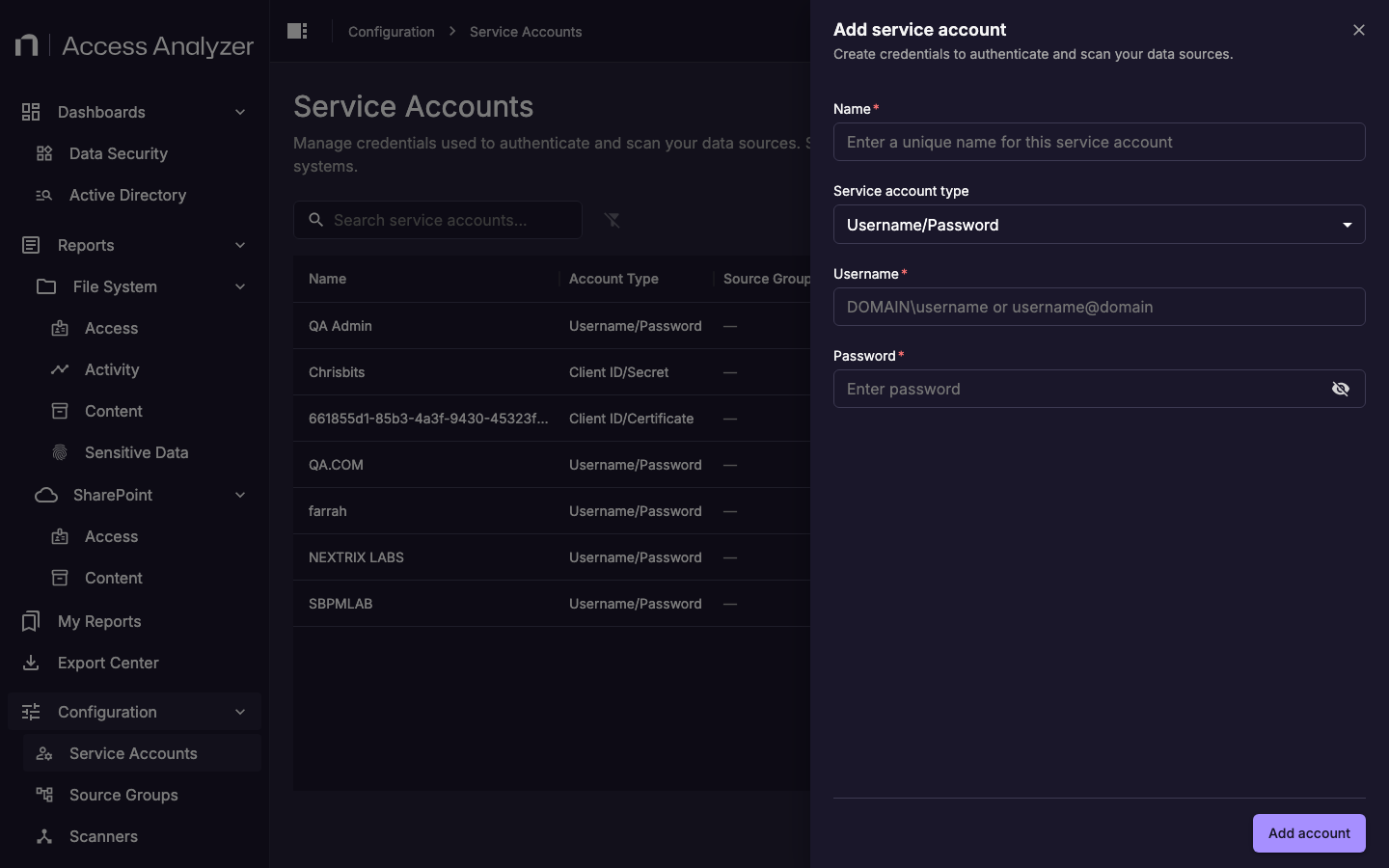
In the Name field, enter a descriptive name for this service account.
-
From the Service account type drop-down, select Username/Password.
-
In the Username field, enter the domain account in
DOMAIN\usernameorusername@domainformat. -
In the Password field, enter the account password.
-
Click Add account.
Fields
| Field | Description |
|---|---|
| Name | A display name that identifies this service account in Access Analyzer. |
| Username | The domain user account in DOMAIN\username or username@domain format. |
| Password | The password for the domain account. |
Active Directory
Active Directory source groups use the service account to connect to domain controllers over LDAP or LDAPS and read directory objects. The account must have Read access to the Active Directory directory tree.
For full permission requirements, see Active Directory Connector Requirements.
File Server
File server source groups use the service account to connect to Windows file servers over SMB and enumerate shares, permissions, and file contents. The account must be a member of the same domain as the target file servers. The specific permissions required depend on the scan types you enable — access scanning and sensitive data scanning have different requirements.
For full permission requirements, see CIFS / SMB File Share.