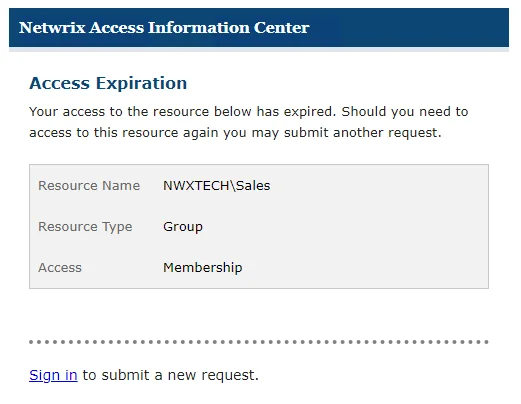
Access Expiration Email
If only temporary access was granted, after the date expires, the system automatically removes the user from the resource and sends them an email notification of the removal.
On the Request History Page of the Your Access portal, you can see that the icon in the Expired column has changed and its tooltip indicates that the access has expired.