Diagnostics Page
Download logs and enable debug log level for troubleshooting with Netwrix Support on the Diagnostics page of the Configuration interface.
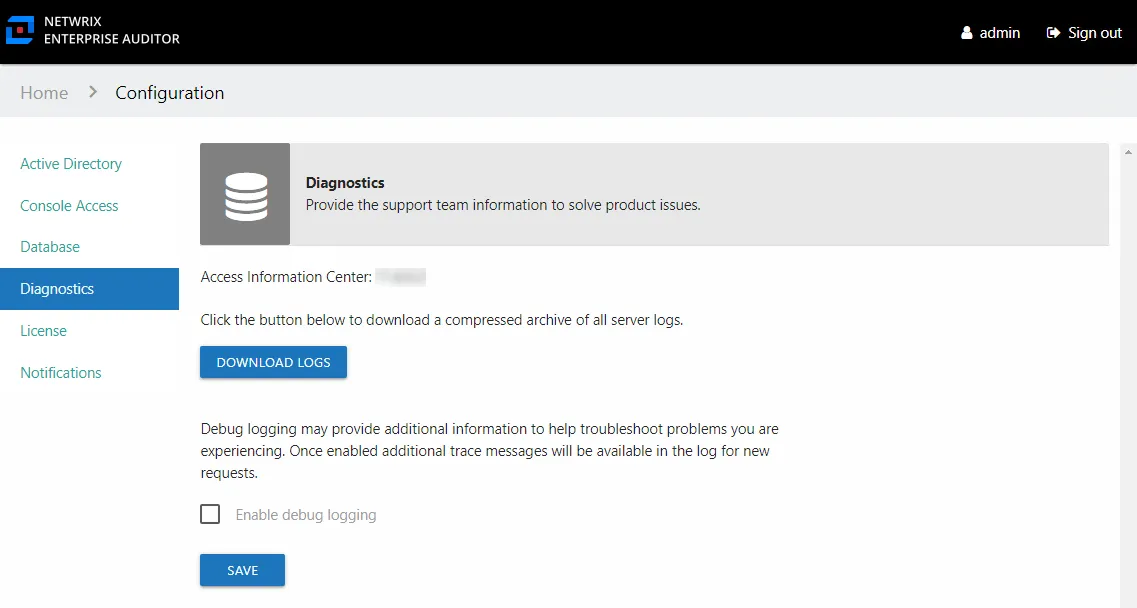
When requested by Netwrix Support, click Download Logs to download the archive of all application logs.
Debug Logs
When requested by Netwrix Support, provide debug logs:
Step 1 – On the Diagnostics page, check the Enable debug logging box.
Step 2 – Click Save.
Step 3 – Reproduce the issue you are having.
Step 4 – On the Diagnostics page, click Download Logs.
The downloaded logs contain the debug logging information. Send them to Netwrix Support. When your issue is resolved, turn off Debug logs.