Activity Details Report
The Activity Details report at the on-premise farm and online instance levels provides statistical activity event information by user on the selected farm during the specified date range. This report includes a line graph for Active Users Trend.
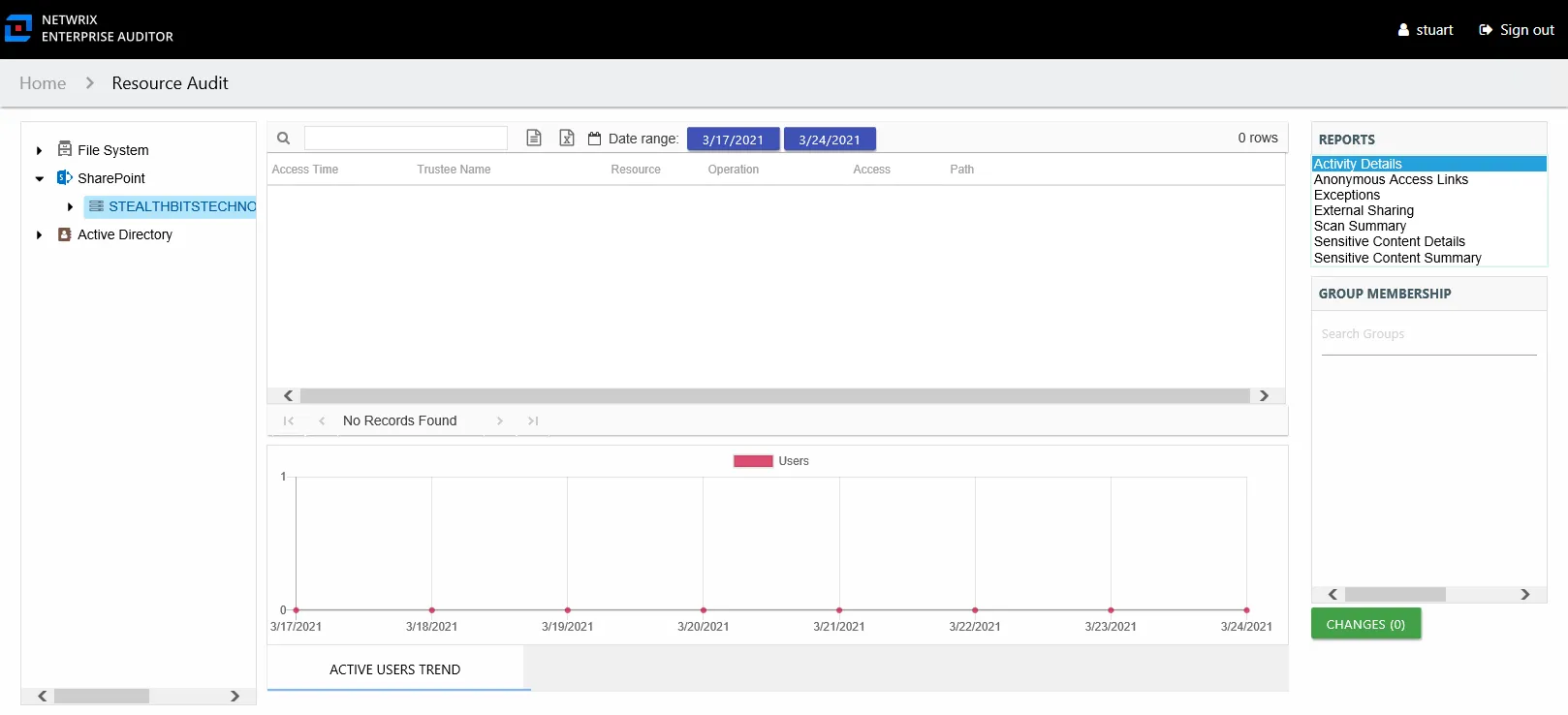
This report includes the following columns:
- Access Time – Date and timestamp for when the operation occurred
- Trustee Name – Owner of the trustee account
- Trustee Account – Active Directory account associated with the trustee
- Department – Department to which the trustee account belongs
- Title – Trustee’s title as read from Active Directory
- Mail – Trustee’s email account as read from Active Directory
- EmployeeId – Corporate ID for the employee as read from Active Directory
- Description – Description of the trustee object as read from Active Directory
- DistinguishedName – Distinguished name for the trustee account
- ObjectSid – Security ID of the object
- Disabled – True or False if trustee account is disabled
- Deleted – True or False if trustee account is deleted
- Resource – Resource type being accessed
- Operation – Name of operation logged
- Access – Whether the trustee was granted access to execute the operation: Allowed or Denied
- Path – Original location where the operation occurred
- Target Path – New location if changed by the operation. Blank if the operation doesn't result in a new path.
- Process Name – Name of the process which performed the operation
The table data grid functions the same way as other table grids. See the Data Grid Features topic for additional information.
One line graph displays Active Users Trend for the selected resource.

The Active Users Trend line graph shows the number of active users over the selected date range, indicating how many users are performing activity per day.
See the Activity Report Results Pane Features topic for instructions on filtering the trend graph.