Qumulo Tab
The Qumulo tab provides features to configure settings for monitoring Qumulo devices.
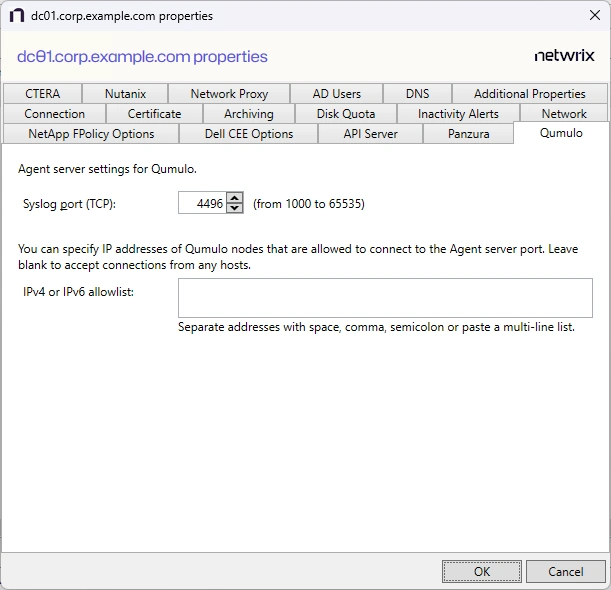
The available options are:
- Syslog port (TCP) – Enter the TCP port that Qumulo will use to connect to the agent. The agent will add the port to the firewall exclusions automatically. The default is 4496. The range of valid values is from 1000 to 65535.
- IPv4 or IPv6 allowlist – Specify the IP addresses of the Qumulo nodes allowed to connect to the agent server port. Separate multiple addresses with space, comma (,), semicolon (;), or on separate lines. Leave the box blank to accept connections from any hosts.
Click OK to commit the modifications. Click Cancel to discard the modifications. The Agent Properties window closes.