Configure LDAP Monitoring for Netwrix Threat Manager
monitoring within Netwrix Activity Monitor for Netwrix Threat Manager.
note
LDAP Monitoring isn't enabled, it must be enabled in the Monitored Domains tab.
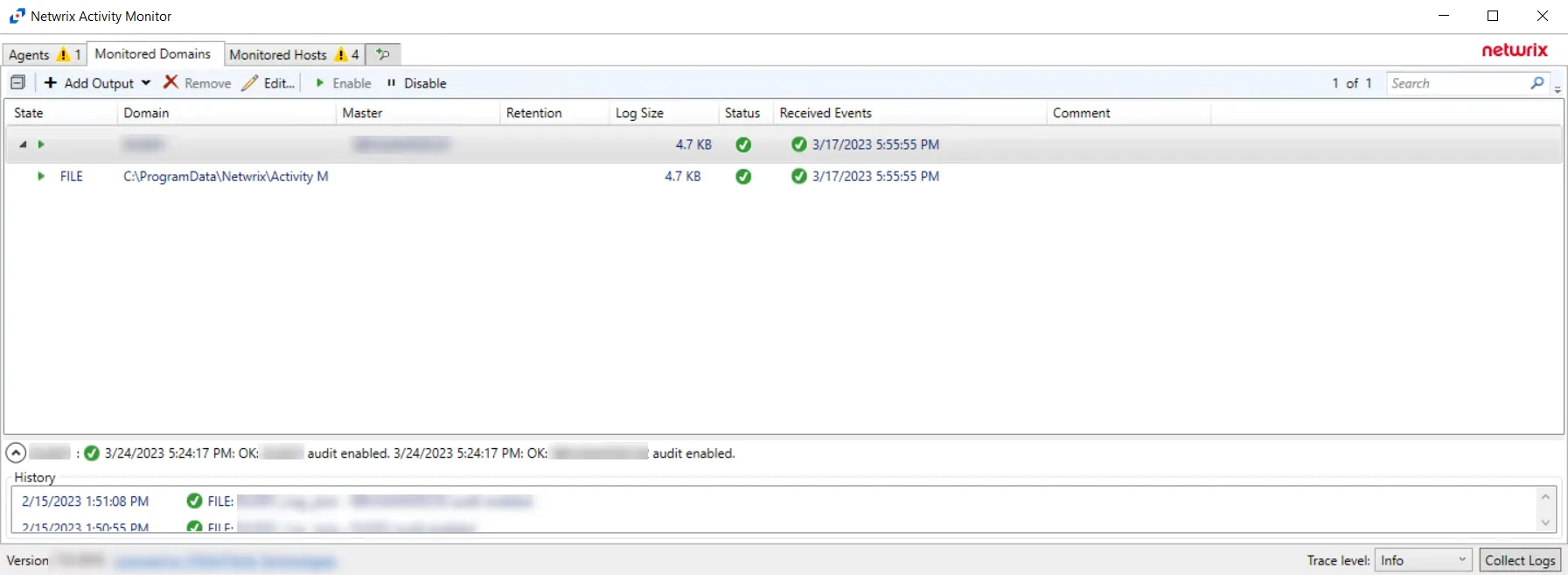
Step 1 – In the Activity Monitor, click the Monitored Domains tab.
Step 2 – Select a domain and click Edit.
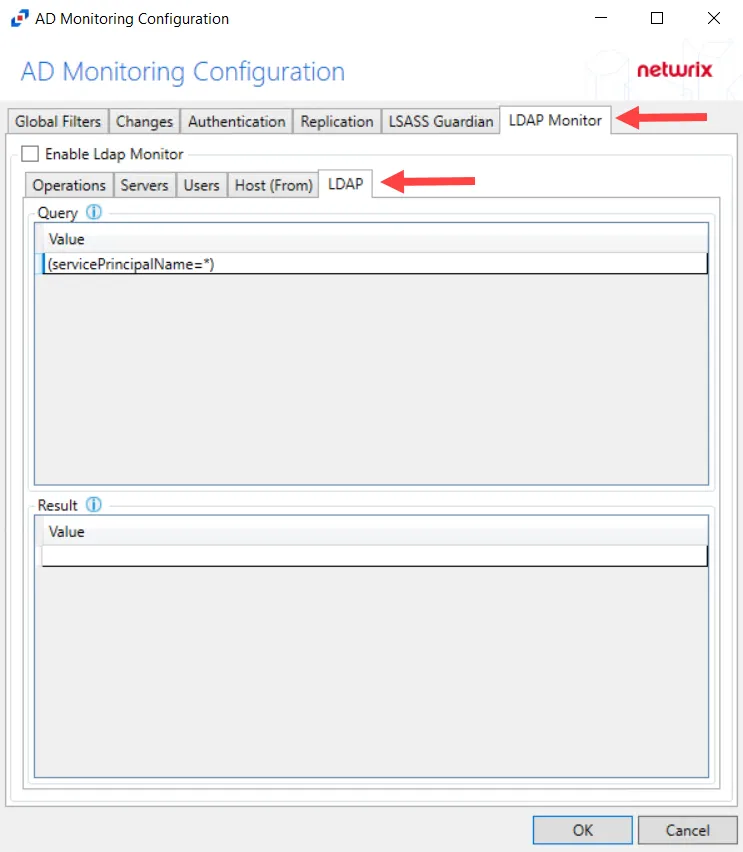
Step 3 – Select the LDAP Monitor tab.
Step 4 – Select the LDAP tab.
Step 5 – In the “Query” section, double-click the blank line below the last filled in line.
Step 6 – Paste the string copied from Threat Manager and press Enter.
LDAP monitoring has been configured for Threat Manager.