Deletions Dashboard
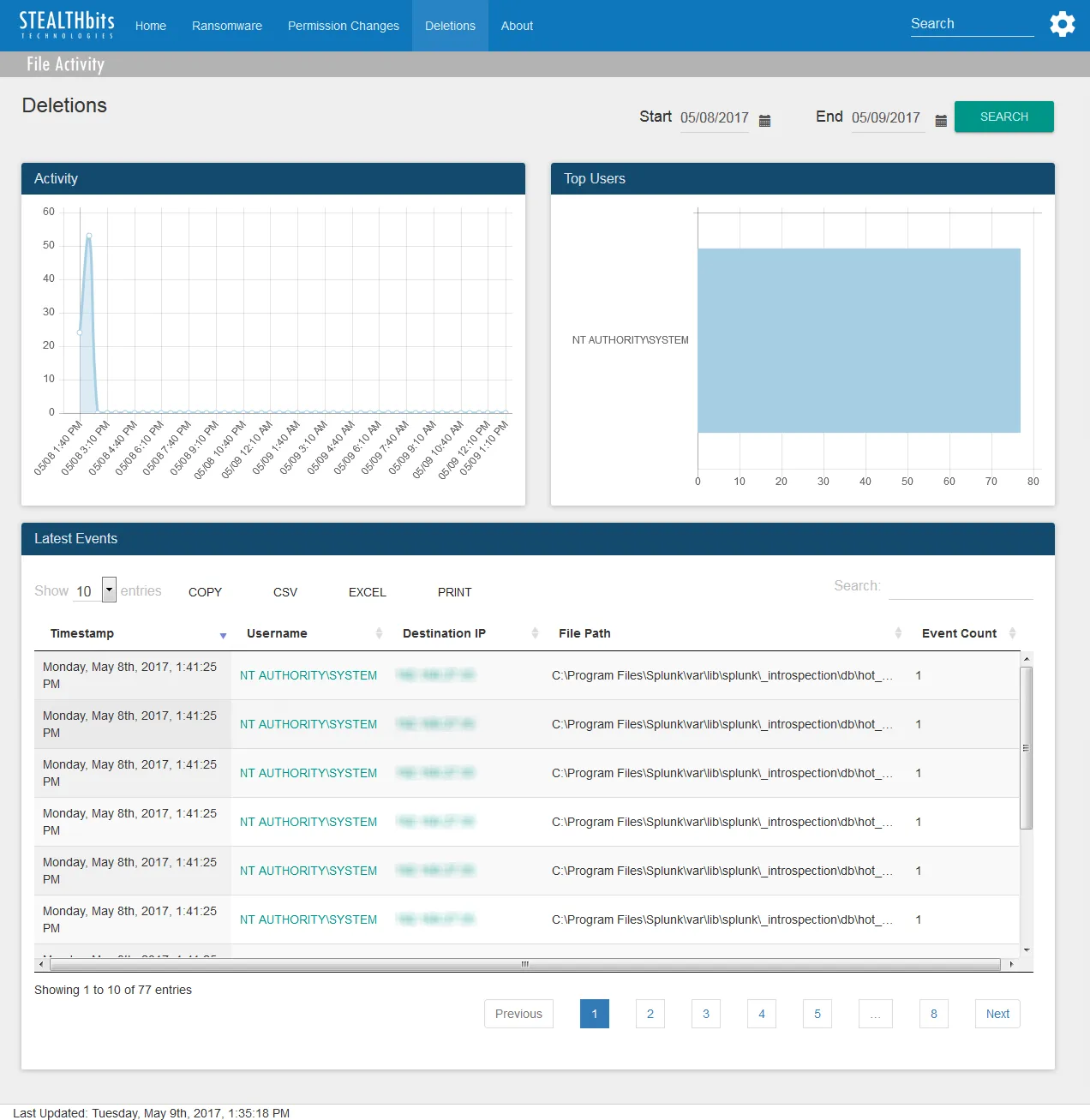
The Deletions dashboard contains the following cards:
-
Activity – Timeline of all deletion events over the specified time interval
-
Top Users – Displays up-to the top five users associated with deletion events over the specified time interval
-
Latest Events – Tabular format of all deletion events which occurred over the specified time interval
- See the Table Card Features topic for additional information.
The time interval is identified in the upper-right corner with the Start and End boxes. This is set by default to the “past day,” or 24 hours. To search within a different interval, either manually enter the date and time or use the calendar buttons to set the interval. Then click Search to refresh the card data.