Host Investigation Dashboard
The Host Investigation dashboard appears only after you conduct a search. You can conduct a search by clicking a hyperlink within the Destination IP column of a table card. Alternatively, enter the complete host IP Address in the Search box on the right side of the navigation bar.
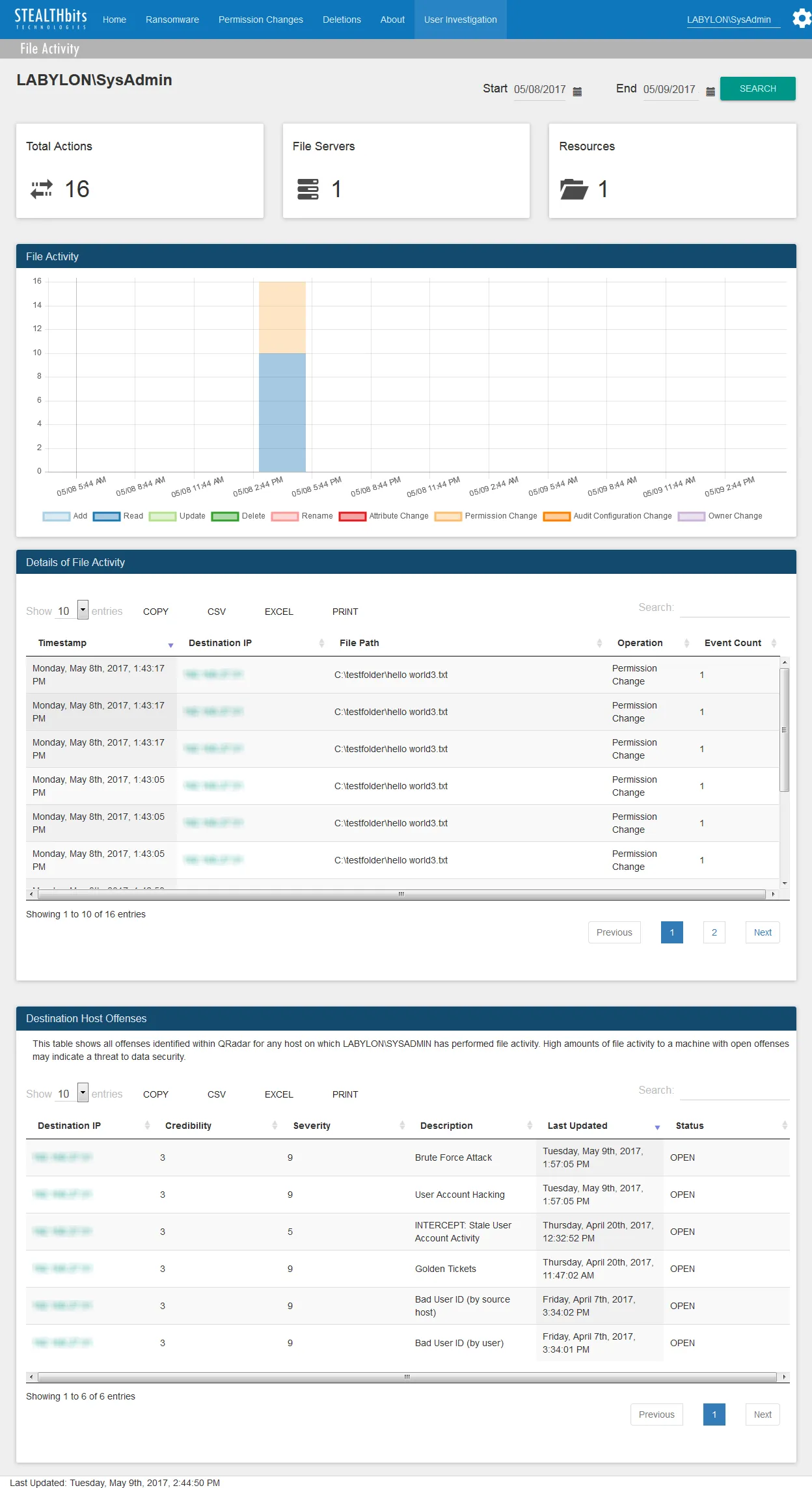
The Host Investigation dashboard contains the following cards:
-
Total Actions – Number of all file activity events associated with the host over the specified time interval
-
Users – Number of usernames associated with the host over the specified time interval
-
Resources – Number of distinct files associated with the host over the specified time interval
-
File Activity – Timeline of all events associated with the host over the specified time interval
- Click individual elements in the legend to toggle the graph values on and off.
-
Details of File Activity – Tabular format of all file activity events associated with the host which occurred over the specified time interval
- See the Table Card Features topic for additional information.
-
Destination Host Offenses – QRadar offenses associated with the host which occurred over the specified time interval
- See the Table Card Features topic for additional information.
The time interval is identified in the upper-right corner with the Start and End boxes. This is set by default to the “past day,” or 24 hours. To search within a different interval, either manually enter the date and time you want, or use the calendar buttons to set the date and time interval. Then click Search to refresh the card data.