Permission Changes Dashboard
View information on permission changes through the Permission Changes Dashboard for Splunk.
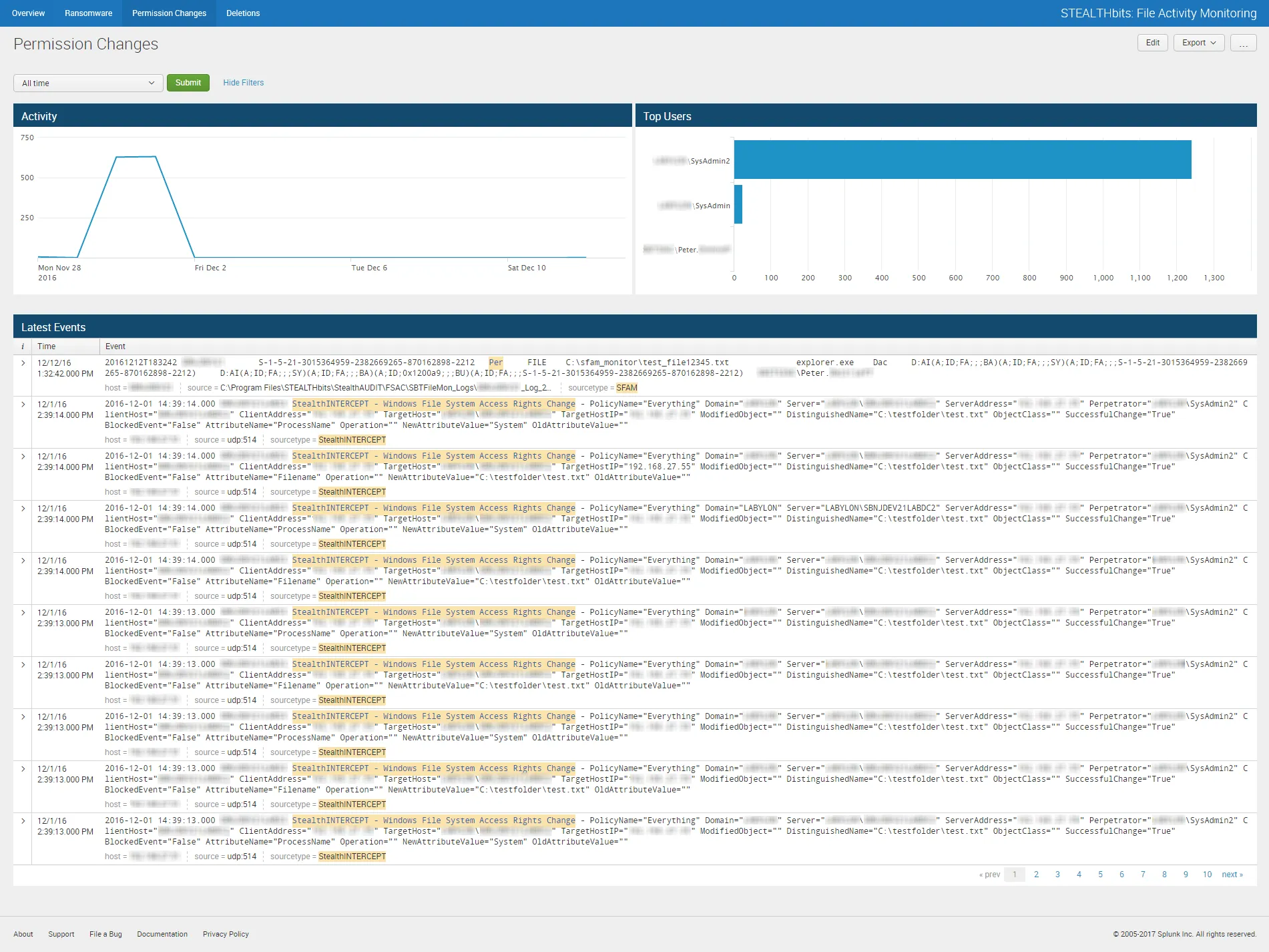
The Permission Changes dashboard contains the following cards:
- Activity – Timeline of all permission change events in the specified timeframe
- Top Users – Displays up-to the top five users associated with permission change events that occurred in the specified timeframe
- Latest Events – Tabular format of all permission change events that occurred in the specified timeframe
The specified timeframe is set by default to the Last 24 hours, or past day.