Change and Activity Reports
Change and activity reports provide information on changes to different aspects of the audited environment. Depending on the data source, navigate to one of the following locations, or use the search field to look for the keywords you need:
| Data source | Report location |
|---|---|
| Active Directory | Active Directory → Active Directory Changes |
| Active Directory Federation Services | Active Directory Federation Services (AD FS) |
| Microsoft Entra ID Plans | Microsoft Entra ID Plans |
| Group Policy | Active Directory → Group Policy Changes |
| Exchange | Exchange |
| Exchange Online | Exchange Online |
| File Servers | File Servers → File Servers Activity |
| Oracle Database | Oracle Database |
| SharePoint | SharePoint |
| SharePoint Online | SharePoint Online |
| SQL Server | SQL Server |
| VMware | VMware |
| Windows Server | Windows Server → Windows Server Changes |
| Event Log | Windows Server → Event Log |
| IIS | Windows Server→ Event Log |
| Logon Activity | Active Directory → Logon Activity |
| Integration API | Organization Level Reports |
| Netwrix Auditor self-audit | Organization Level Reports |
In the report filters, select a monitoring plan you want to generate a report for. To review data sources and items included in each plan, navigate to the Monitoring Plans section.
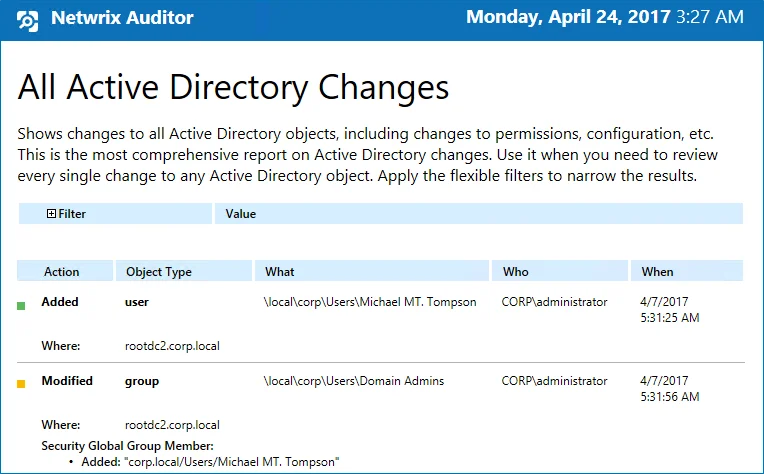
Each report has a set of filters which help organize audit data in the most convenient way. See the View Reports topic for additional information. You can also create a subscription to any report you want to receive on a regular basis. See the Subscriptions topic for additional information.