URL & Login
The Access Reviews Console can be accessed through a supported browser from a machine within your company's network. The URL is the hosting machine's name and the port, http://[HOSTNAME.DOMAIN.COM]:81. For example, if the application was installed on a server named NEWYORKSRV10.NWXTech.com with the default port of 81, the URL would be http://NEWYORKSRV10.NWXTech.com:81.
Administrators
Administrators with access to the server hosting the application can use the desktop icon to launch the application in their default browser. Alternatively, the localhost URL can be used:
-
HTTP URL
-
HTTPS URL
Remote Access
Since Access Reviews is a browser-based application, access the web interface remotely. It is up to the Administrator to provide users with the correct URL for access.
Depending on your network environment, you may need to use the NetBIOS name, FQDN, or IP Address of the hosting server in the browser. Also, additional configurations by network and system administrators may be necessary to make the web server accessible to remote users (firewall configurations, DNS settings, etc.).
The server name in the URL can be replaced with an alias. See the Notification Options topic for additional information.
Login Page
Users login with their domain credentials. If only one domain is known to the Access Reviews
Console, the credentials need only be username and password. If multiple domains are known, then the
username needs to be entered in the domain\username format.
NOTE: The URL may need to be added to the browser’s list of trusted sites.

The interface a user arrives at depends upon the assigned role or lack of assigned role.
User Landing Page
Role based access controls what interfaces users can see and where each user is directed upon login.
RECOMMENDED: Send an email to your users. Let them know why you are implementing use of the application, provide the URL, and explain how to login with their domain credentials and the username format. See the Enable Console Users topic for additional information.
Administrator Role
Users granted the Administrator role are directed to the Resource Owners interface upon login.
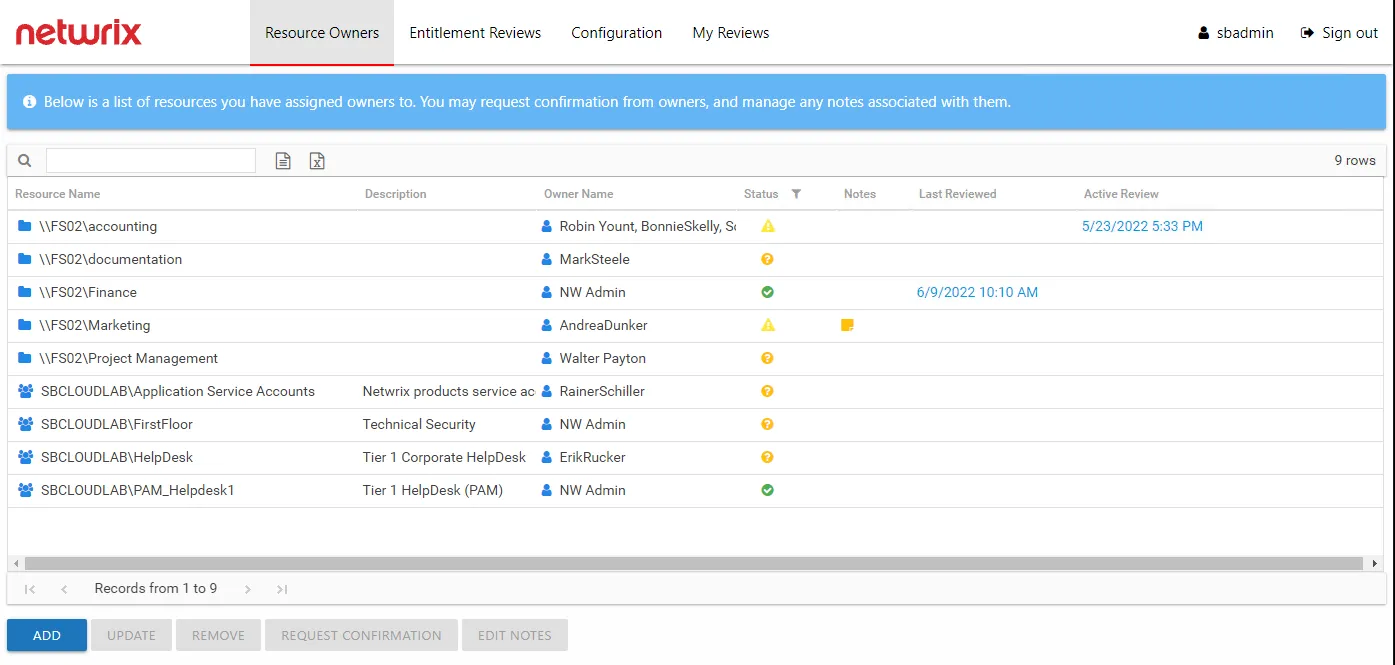
Administrators are the only ones with access to the Configuration interface. The My Reviews interface is available if the logged in user is also assigned ownership of a resource.
Security Team Role
Users granted the Security Team role are directed to the Resource Owners interface upon login.
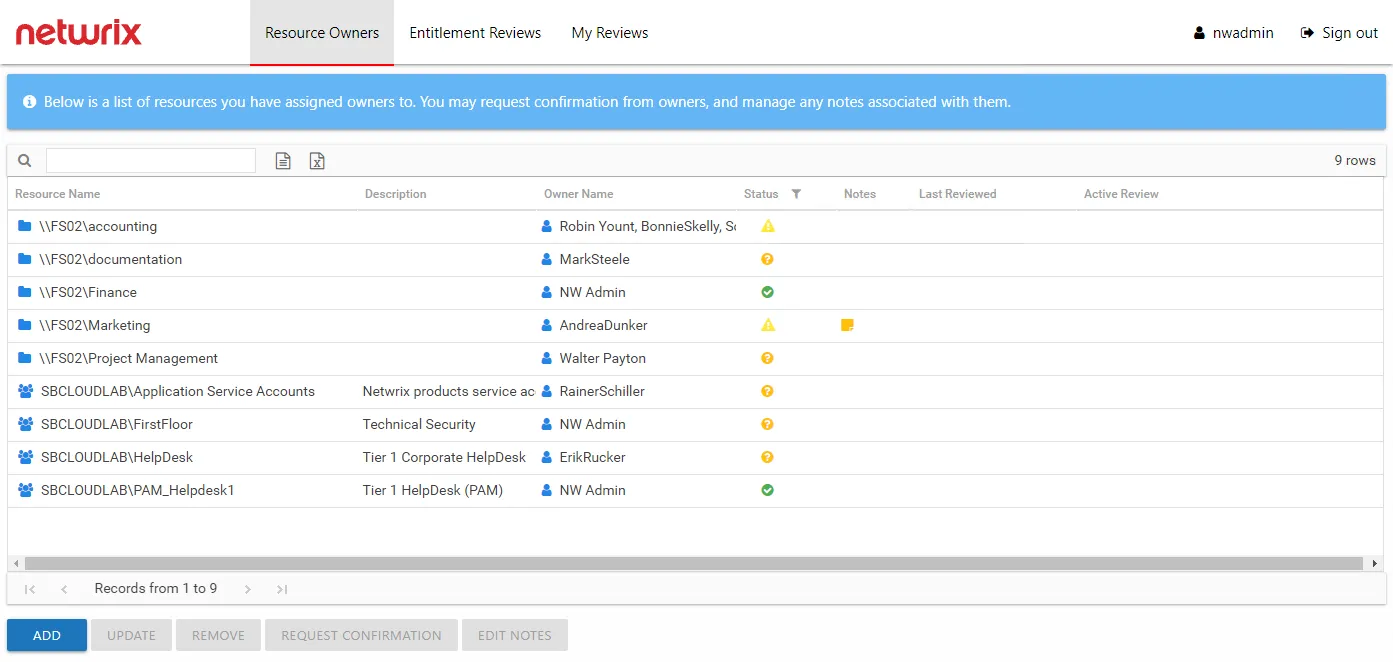
Security Team members only lack access to the Configuration interface, which is only available to Administrators. The My Reviews interface is available if the logged in user is also assigned ownership of a resource.
Owners Without Role
Users assigned ownership of a resource but not granted a user role are directed to the My Reviews interface upon login.
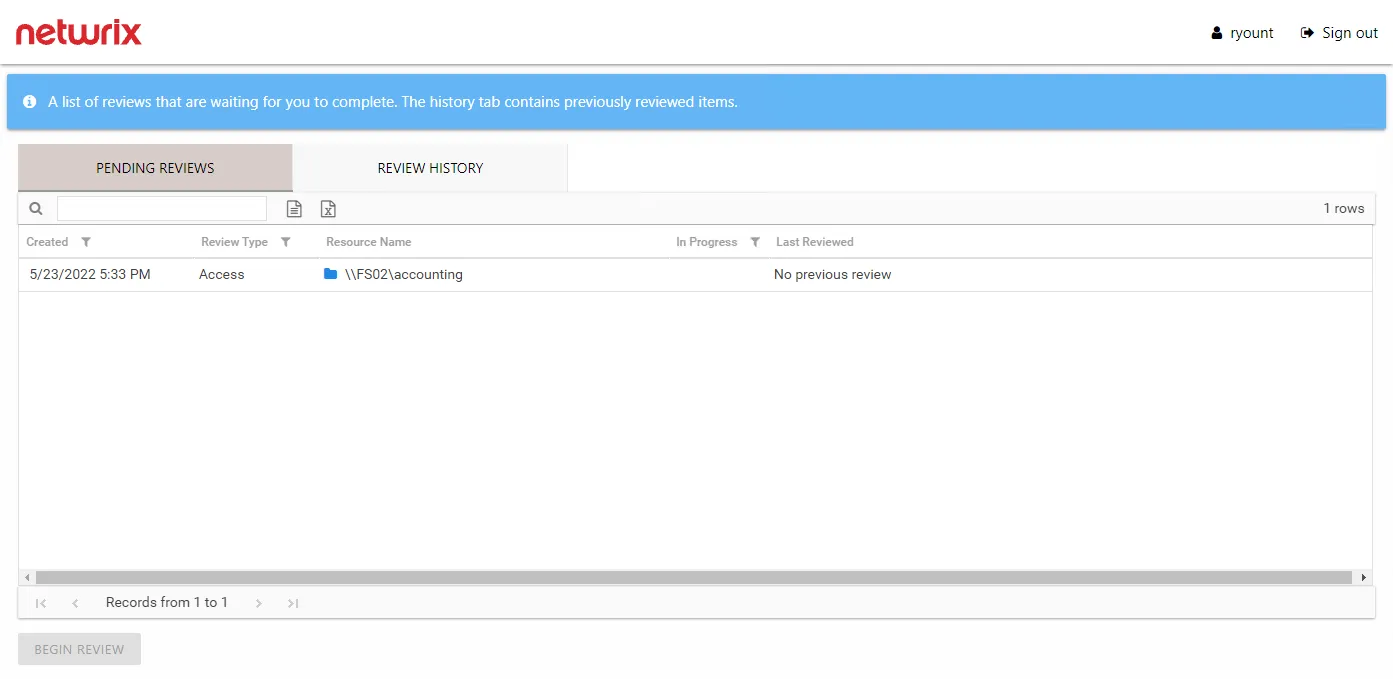
Owners can view pending reviews and view historical reviews.