Deployment Procedure
Step 1 – Accept EULA.
Step 2 – Select the installation folder and click Next.
Step 3 – Click Install. The wizard will start and ask the additional parameters.
Configure Copilot for Monitoring
Step 1 – Register an Azure App and grant it the following permissions:
- Microsoft.Graph — Domain.Read.All
- Office 365 Management APIs — ActivityFeed.Read
Configure the add-on
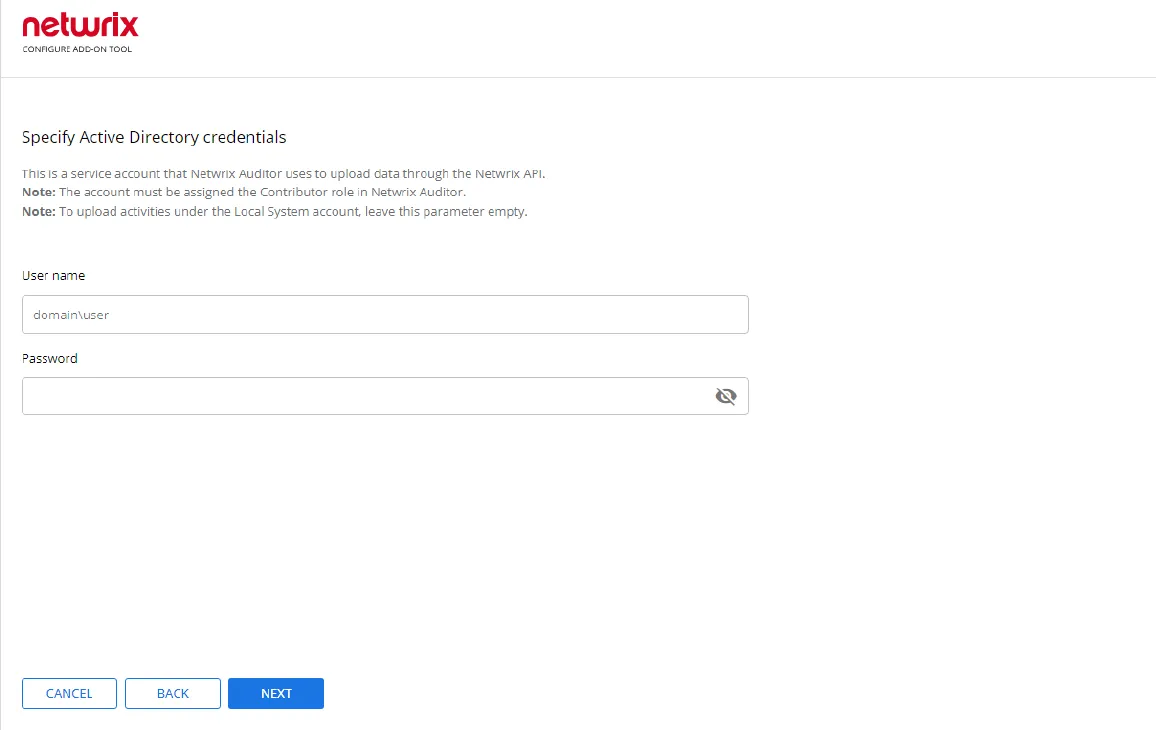
Step 1 – Specify Active Directory credentials.
- Username – Provide the name of the account under which the service runs. Unless specified, the service runs under the account logged on.
- Password – Provide the password for the selected account.
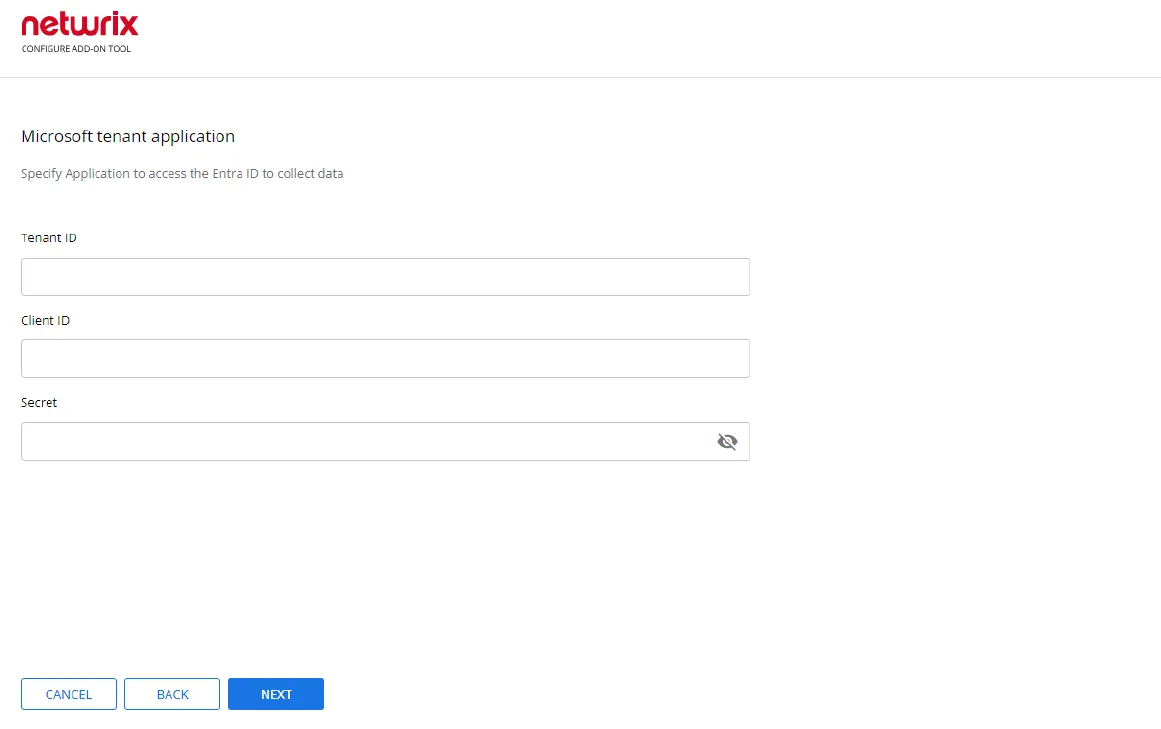
Step 2 – Enter Tenant ID, App ID and App Secret of the Azure App you registered for the add-on. Click Next.
Step 3 – Click Run and close the window. The service should start the data collection now.