First Launch
The installer places the following icon on the desktop which opens the Access Reviews Console:

Use this icon to launch the Access Reviews Console for the first time.
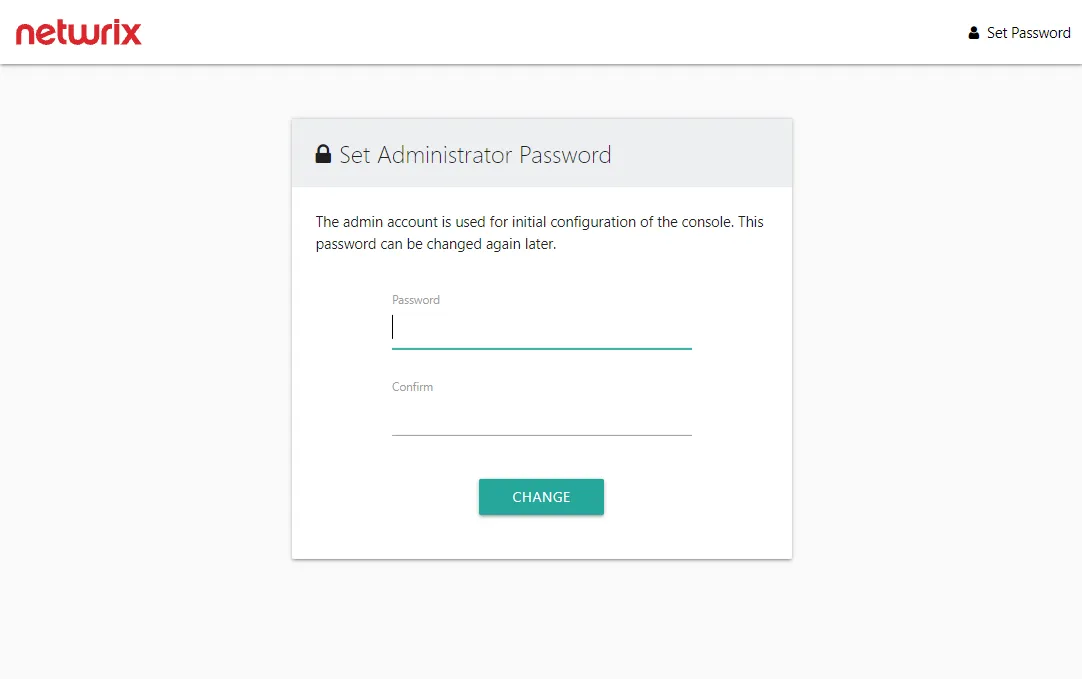
The Access Reviews application is installed with a Builtin Administrator account; "admin" is the User Name. You must set the account's password, which must be eight or more characters long. After setting the password, log in with the "admin" account.
Using the Configuration interface, the Builtin Administrator account can be disabled once a domain account has been granted the Administrator role. You can also change the password for the Builtin Administrator account. See the Modify the Builtin Administrator Account topic for additional information.
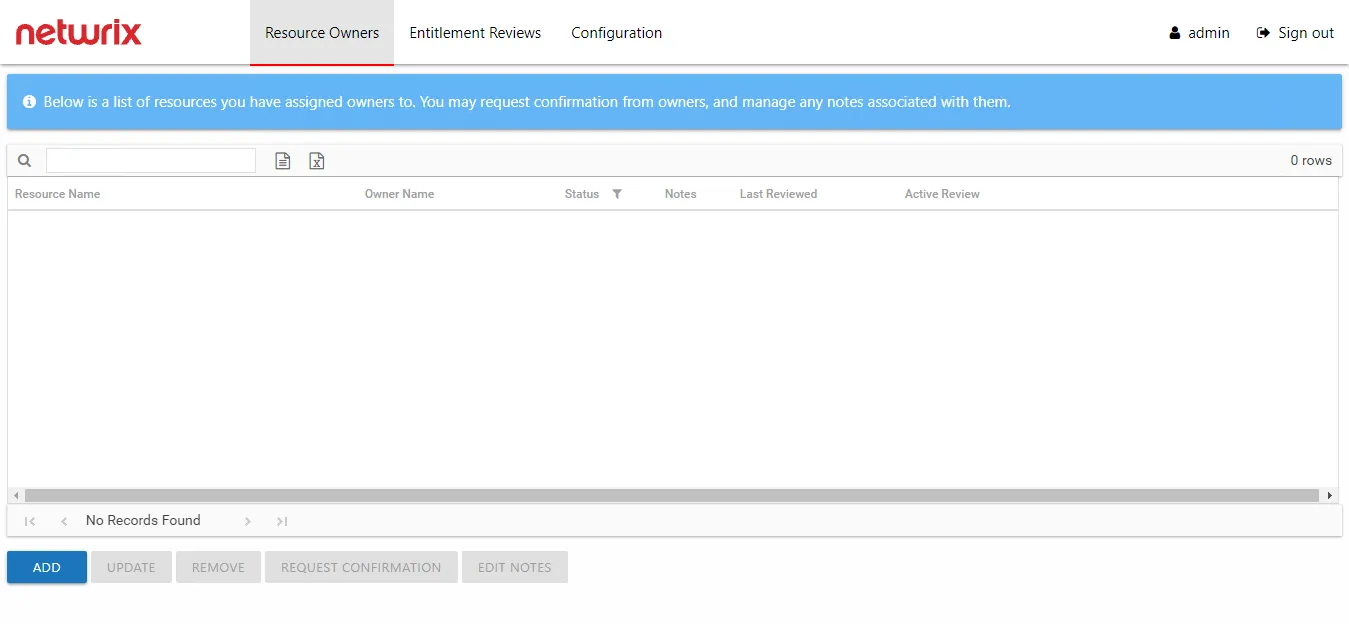
The Resource Owners interface opens. First, configure console access for domain users and configure notification settings. Select the Configuration tab. See the Console Access Page and Notifications Page topics for additional information.
The role assigned to a console user controls which interfaces that user can access. Owners don't need to be assigned console access. See the URL & Login topic for information on how users log in and where they are directed after login.
See the Navigation topic for information on each of the interfaces.