Review Instances
After you complete a review, you can run it again, which creates multiple instances of the review. Each instance is identified by date timestamps indicating its start and end times.
RECOMMENDED: Before running another review instance, ensure the most up to date information is available to owners for review.
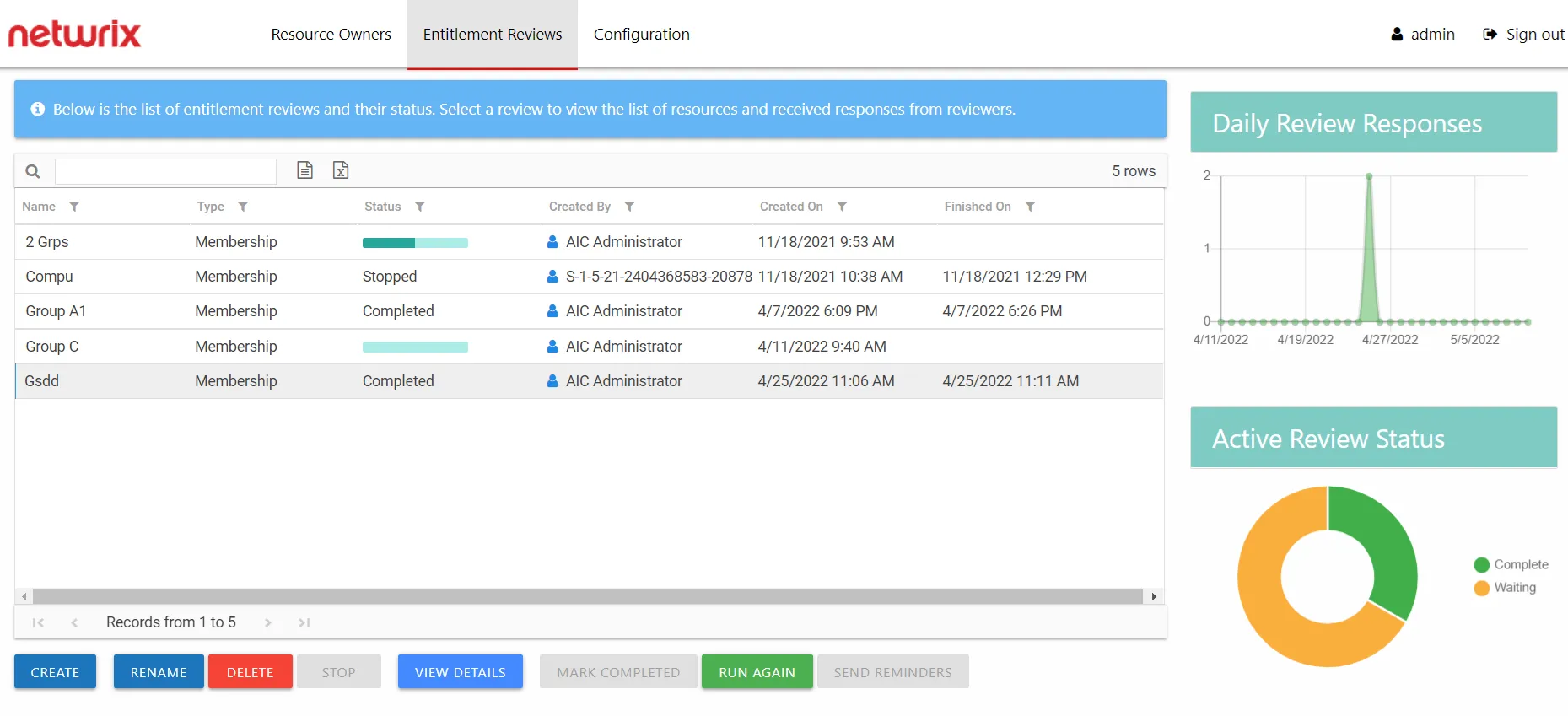
On the Manage Reviews page in the Entitlement Reviews interface, you can restart a review with a Completed status. Select the review and click Run Again. The Create Review wizard opens without the Review Type page. You can run the review as-is by navigating through the wizard with the Next buttons, or modify it as needed. Completing the wizard process restarts the review. See the Create Review Wizard topic for additional information.