Ownership Confirmation Request Email
When an Ownership Administrator requests ownership confirmation for a resource being managed through the Access Reviews application, you, as the assigned owner, receive the following email.
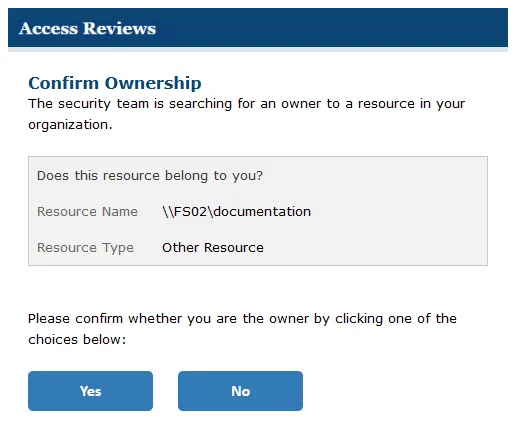
The Ownership Confirmation Request email provides buttons for confirming (Yes) or declining (No) ownership of the listed resource. To process your response, you must authenticate. The application launches in your default browser. Enter your domain credentials to complete the process. One of two messages appears, depending on whether you confirmed or declined.
Confirmed Ownership Message
If you accept ownership for the assigned resource, the browser displays the following message after authentication:
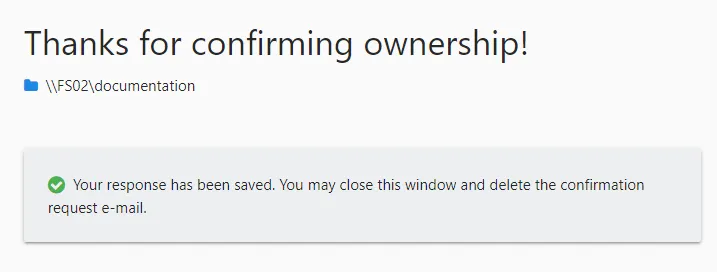
"Your response has been saved. You may close this window and delete the confirmation request e-mail."
Declined Ownership Message
If you decline ownership for the assigned resource, the browser displays the following message after authentication:

"Before we update ownership can you suggest another owner?" Enter possible owners in the textbox. Click Submit to complete the process.

"Your response has been saved. You may close this window and delete the confirmation request e-mail."