Review History Page
The Review History page lists all completed review instances for your resources.
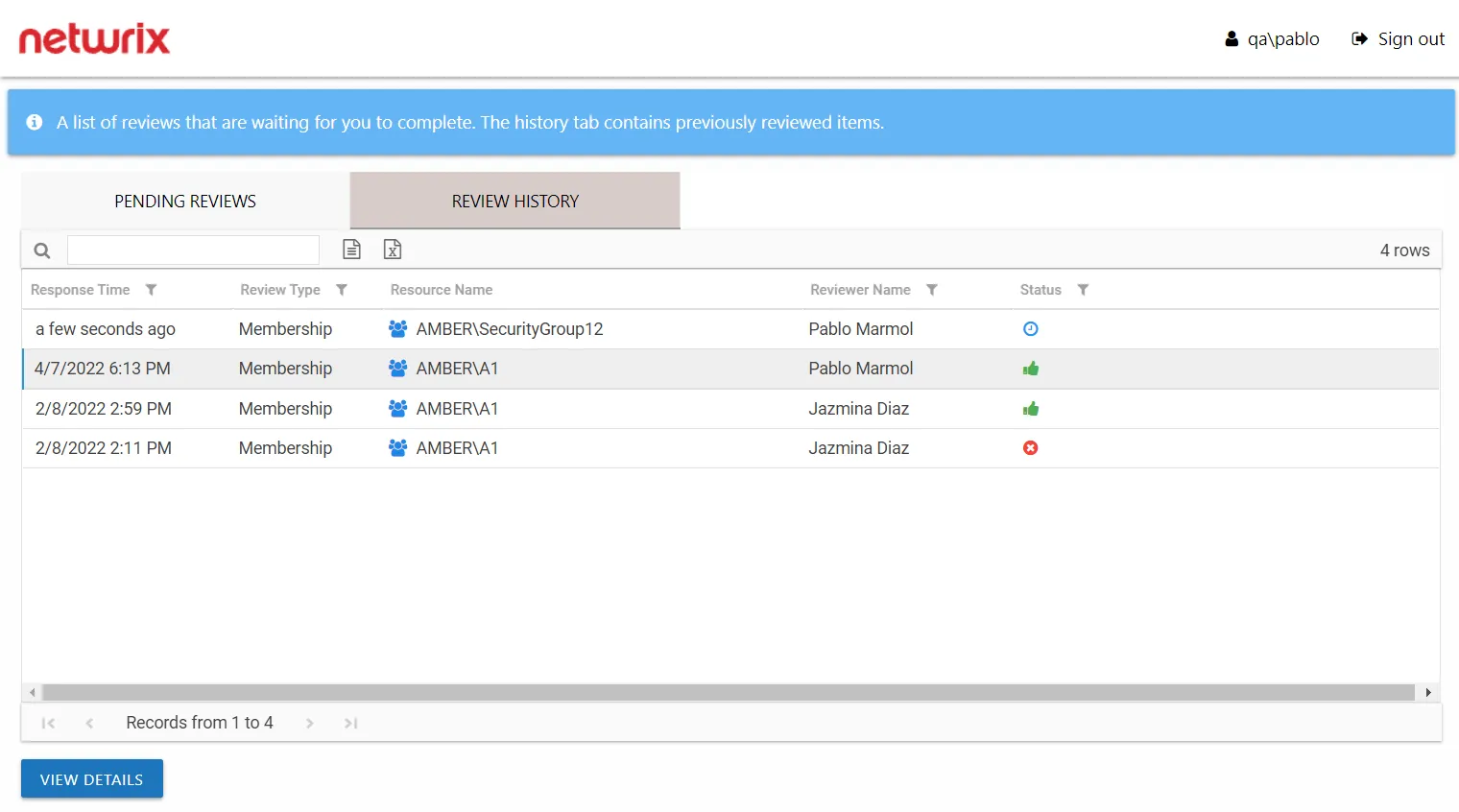
The information displayed in the table includes:
- Response Time – Date timestamp when the last review took place for the resource.
- Review Type – Type of review
- Resource Name – The icon indicates the type of resource. The resource name includes its location, such as the UNC path for a file system resource, the URL for SharePoint resource, or Group name (e.g., [Domain][Group]).
- Reviewer Name – Name of the assigned owner who performed the review
- Status – Icon indicates the decision provided by the Review Administrator: Accept, Decline, Defer, or Waiting. Hover over a status icon to display its tooltip.
The table data grid functions the same way as other table grids. See the Data Grid Features topic for additional information.
Review Details Window
The View Details button at the bottom of the Review History page opens the Review Details window for a resource with recommended changes.
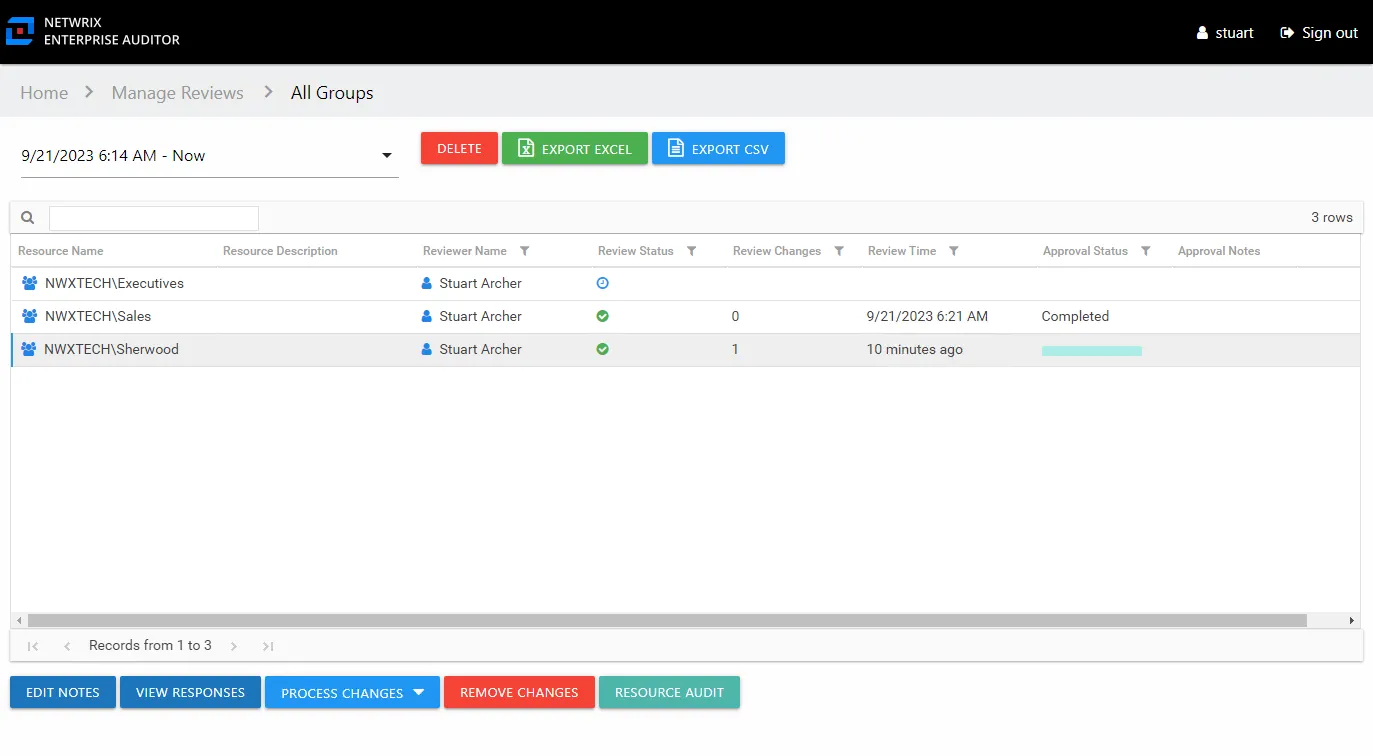
The information displayed in the table includes:
- Item Reviewed – The item for which the owner suggested changes
- Current – Current state of the item at the time of the review. It could be the type of access (for Access reviews) or being a member (for Membership reviews).
- Desired – Change suggested by the owner. It could be the new type of access (for Access reviews) or removing membership (for Membership reviews).
- Notes – An icon here indicates that the owner entered notes. Select the item and click the View Notes button to open the View Notes window.
- Status – Icon indicates the decision provided by the Review Administrator: Accept, Decline, Defer, or Waiting. Hover over a status icon to display its tooltip.
Click OK to close the window.