SQL Server
The SQL Server source configuration screen lets you enable the crawling and classification of content stored in your MS SQL, MySQL, PostgreSQL, and Oracle servers. The SQL Server source crawls all databases found on a given server.
After connecting, you can create an intelligent content mapping, crawling certain fields as unstructured index text, and other fields as mapped metadata.
To crawl SQL server:
-
Go to Content → Sources and select Add.
-
Select SQL Server.
-
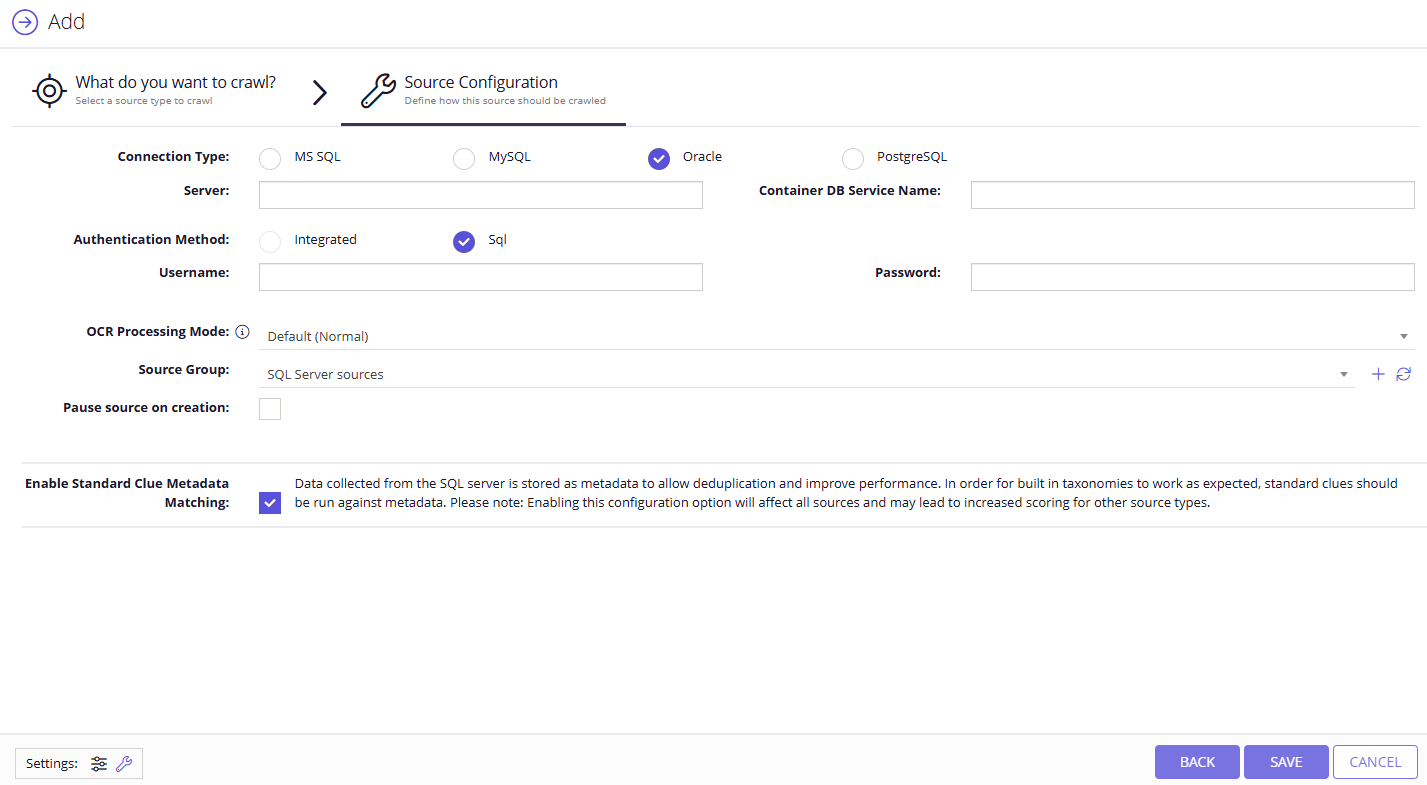
Specify the server type: MS SQL Server, MySQL Server, Oracle Server, or PostgreSQL Server.
-
Complete the following fields:
Option Description Server Specify the server name of the database system to be crawled (use "." to indicate the local server). Authentication Method Select authentication method: Integrated or SQL. - With Integrated option selected, NDC accesses the database via the NDC Service Account.
- With SQL option selected, you specify the user name and password to be used when accessing the database.
OCR Processing Mode Select processing mode for images in the documents: - Disabled – document images will not be processed.
- Default – defaults to the source settings if configuring a path or the global setting if configured on a source.
- Normal – images are processed with normal quality settings.
- Enhanced – upscale images further to allow more accurate results. This will provide better accuracy but can lead to longer processing time if the images don't contain text.
Source Group If you want to add the database source to a source group, select an existing source group or create a new one. Pause source on creation Pauses the source upon creation, to allow for further configuration before collection begins. -
Select Save.
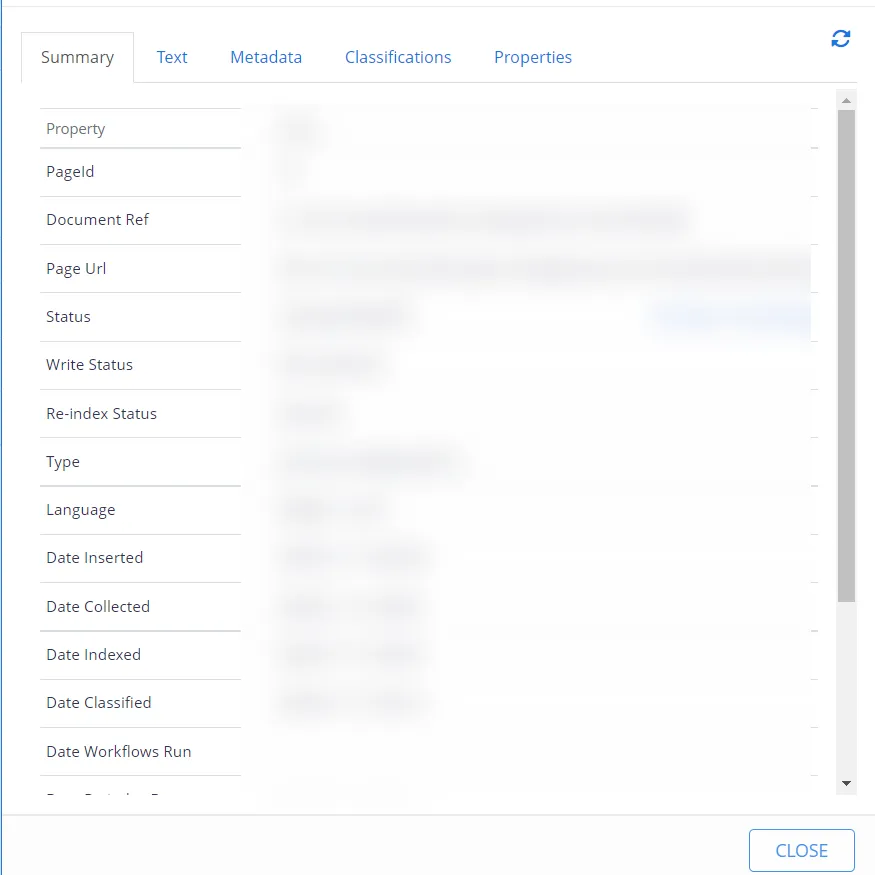
You can then review summary, text, metadata, classifications, and properties of your crawling by selecting information icon against your server. You can also build the report for more details.