Add MS SQL Server
When adding a SQL server source, you can choose to add an MS SQL server as the source. For more information, see SQL Server.
To connect to a MS SQL server:
-
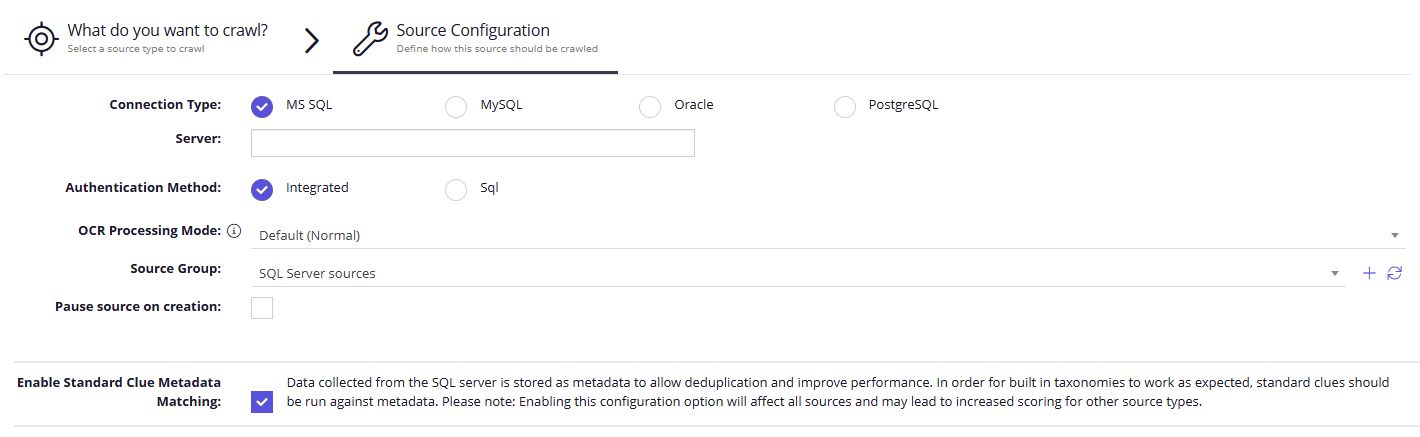
On the Source Configuration screen, select SQL Server, then set Connection Type to MS SQL.
-
Specify MS SQL server.
-
Specify Authentication method:
- Integrated
- SQL - specify username and password of the MS SQL server.
-
Select Save.