Source Groups
Source groups logically group specific sources, perhaps by type or by an internal business specification.
A group can either be "mixed", which allows it to contain all source types, or source-specific. For example, you could create a source group named "Demo Content", which only supports the addition of SharePoint sources. When you create a source, any existing source groups that support that source type appear in a dropdown in the source configuration screen.
Netwrix Data Classification treats certain source types as source groups. See Dynamic Source Groups for the available group types and configuration options.
To amend the group settings, select the cog icon for that source group on the main sources grid screen:

Here you can:
- Amend the group name
- Delete the group
- Disable Search Index — When you disable this option, the product doesn't process content into the core search index (classification occurs as normal, although Browse, Search, and Suggestions exclude the content).
- Discovery mode — The product fully enumerates a source before processing any files.
- (SharePoint only) Supply regular expression rules to support automatically assigning sources to a specific group
- Enable Text Extraction - Allows reading the documents and running classification rules against their content. If you untick the checkbox, the system fetches only the metadata without crawling the entire document. After this you can run a workflow to remove the old data, using the Document Age option. Unlike in Discovery Mode, you can still run workflows if metadata alone triggers the workflow. See Step 3. Specify Conditions for Processing for instructions on configuring metadata-only workflows.
The product supports credentials only if the source group is type-specific.
Deleting a group will remove all existing items from the group leaving them unassigned. You can also remove specific sources from a group by selecting the source group in the grid and then selecting Remove from Group for the required sources. You can create and assign source groups as part of the source creation process.
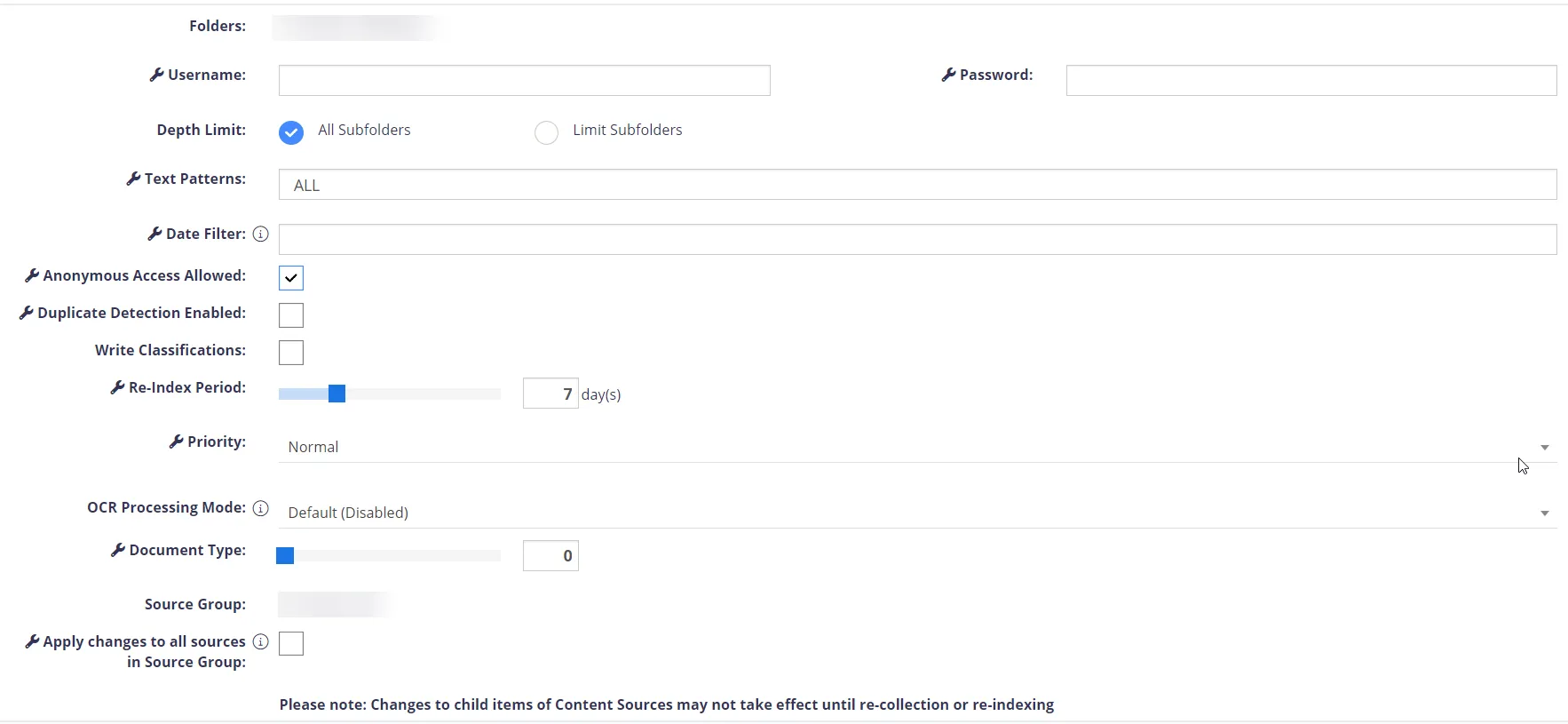
In the Source Group settings, you can:
-
Set the Re-index period, priority, and credentials for a single source in the group or configure these options for all sources in this group using the "Apply changes to all sources in Source Group" option.
noteThe Apply changes to all sources in Source Group option is available when you have more than one source in a source group.
Dynamic Source Groups
Use Dynamic Source Groups to add a collection of sources at once. You access these source groups through the Add page in the Auto-Detect a Set of Sources section. Each Dynamic Source Group has different options depending on which one you configure. The Dynamic Source Groups are: