Step 1. Select Content Type
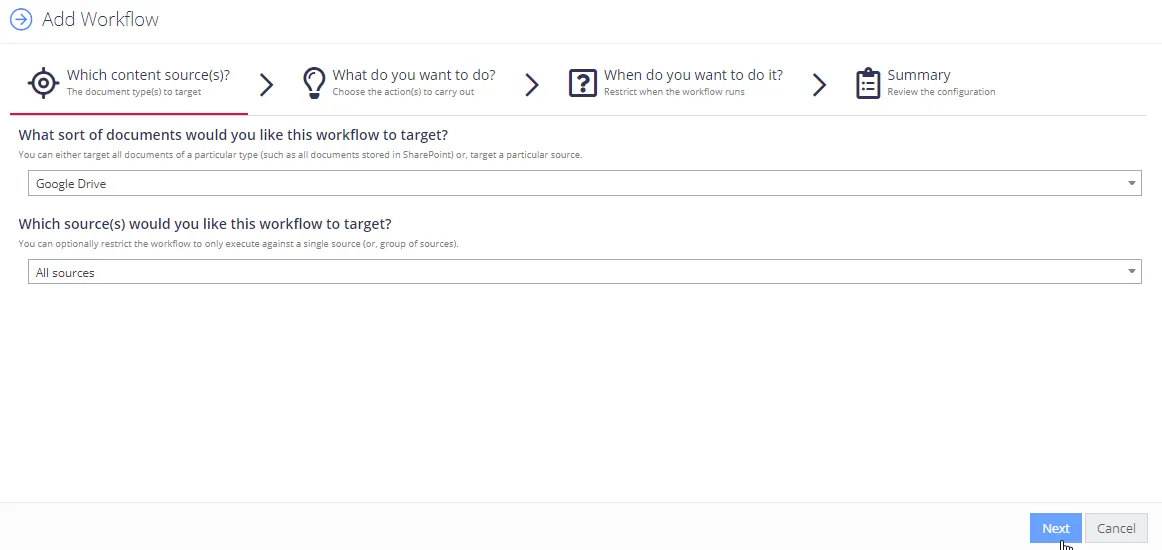
At the first step of the wizard, select the type of content your workflow will process, and specify which content sources of that type should be included in processing.
- From the dropdown list, select what type of documents you want this workflow to target:
- To apply the workflow to all types of content, select All types.
- Otherwise, select what type of content you want to be included in the workflow:
- Exchange
- File
- Google Drive
- SQL
- Then specify which source of content you want to process. You can select All sources, or select the one you need.
Click Next to proceed.
See also: Content Sources.