Index Maintenance
This feature is only available for ‘Superusers’.
You may need to reprocess content or even clean the environment on a large scale — for example, after a large amount of content has been deleted, or after setting up Data Quality Services (DQS). In such scenarios, maintain the index to ensure data consistency. To automate maintenance operations, use the built-in Index Cleaner tool.
To launch the Index Cleaner tool:
- Open NDC Management Web Console.
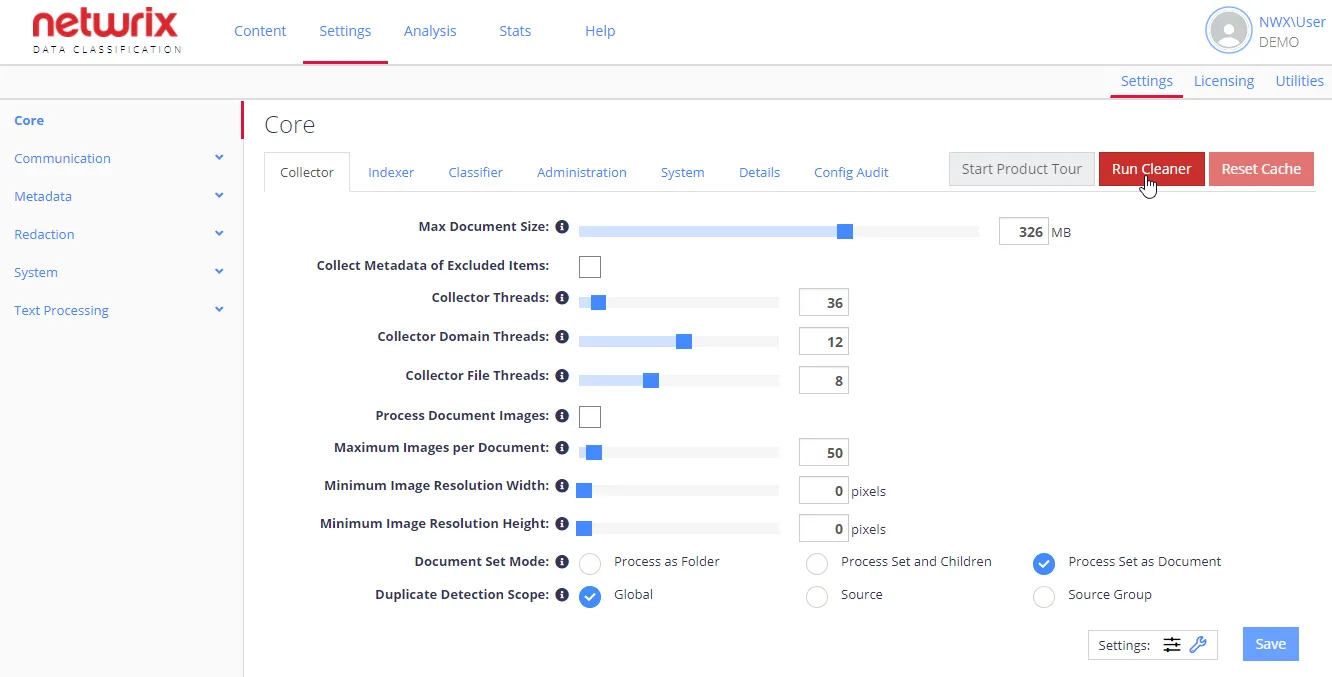
- Navigate to Settings > Config and click Run Cleaner.
- Then follow the steps of Index Maintenance wizard.
See next: