Generate a Report on Enabled Users Without Managers Along with Distribution List Memberships
Applies To
Directory Manager 11
Overview
Netwrix Directory Manager (formerly GroupID) allows you to generate reports on enabled users who do not have a manager, along with their distribution list (DL) memberships. The Reports module is a free tool for running reports on Active Directory and Microsoft Exchange/Office 365. This article explains how to generate this report using the Reports portal.
Instructions
Generate a Report on Enabled Users Without Managers and Their DL Memberships
-
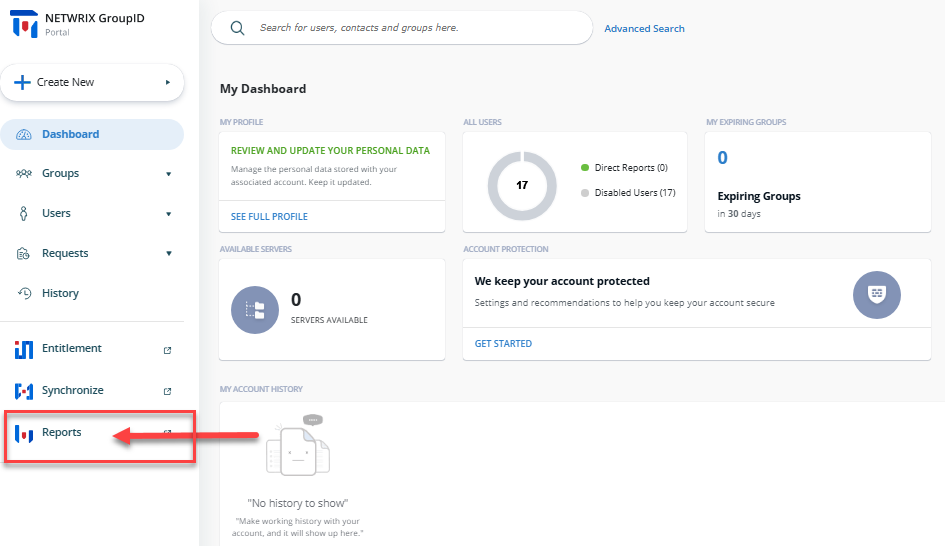
In the Directory Manager portal, select Reports from the left navigation bar. The Reports portal will open in a new browser tab.
-
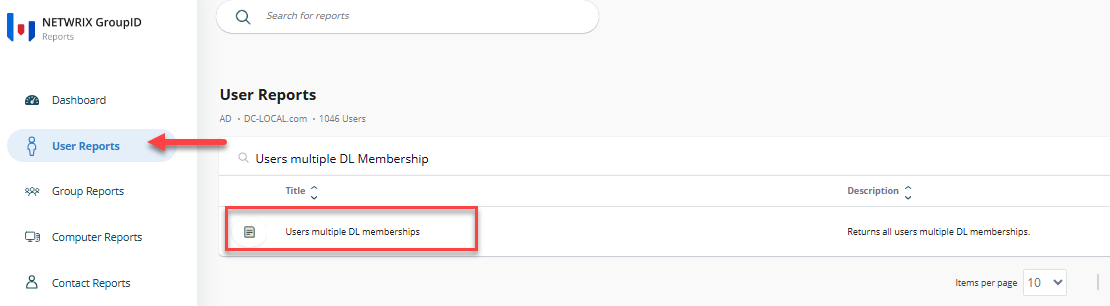
Click the User Reports button on the navigation bar.
-
In the Users category, type Users multiple DL memberships in the search bar.
-
Click the report when it appears in the search results. A new window will open.
-
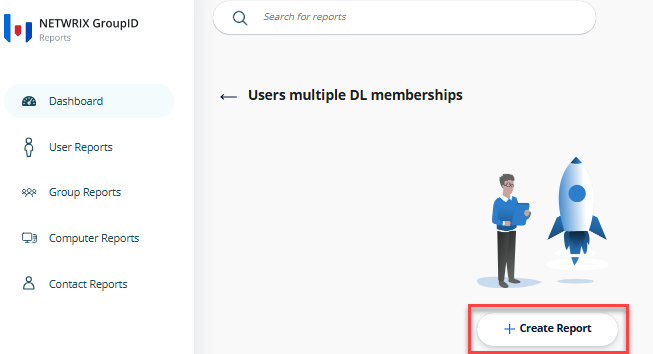
Click Create Report to start the report creation wizard.
-
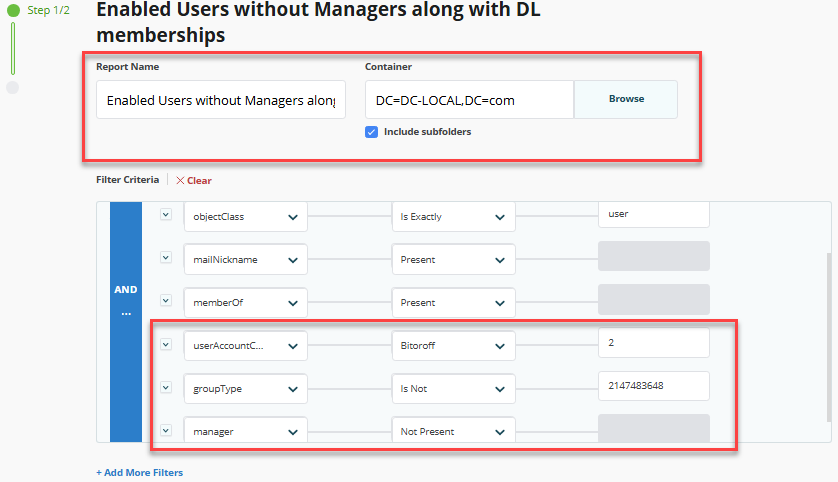
On the first page, provide a name for the report then choose the search scope within the directory and provide a filter criterion. By default, the wizard searches the Global Catalog. To limit the scope to a particular container:
- Click Browse to launch the Select Container dialog box and select the required source container.
- Select the Include sub-containers check box to include sub-containers in the report.
- In the Filter Criteria box, modify the default LDAP filter. The default filter generates a list of all users in the domain along with their group memberships.
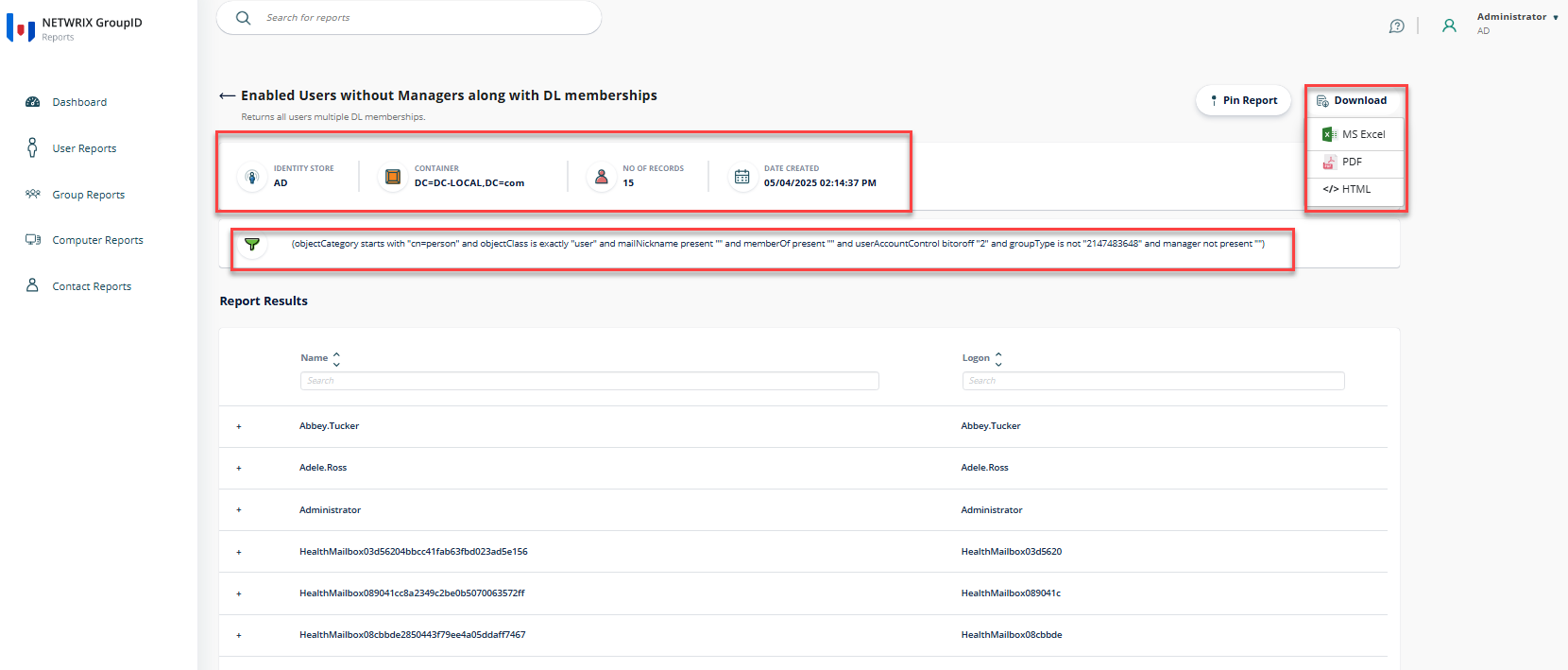
- Add the filter manager Not Present to fetch a list of all enabled users without managers, along with DL memberships.
-
Click Next.
-
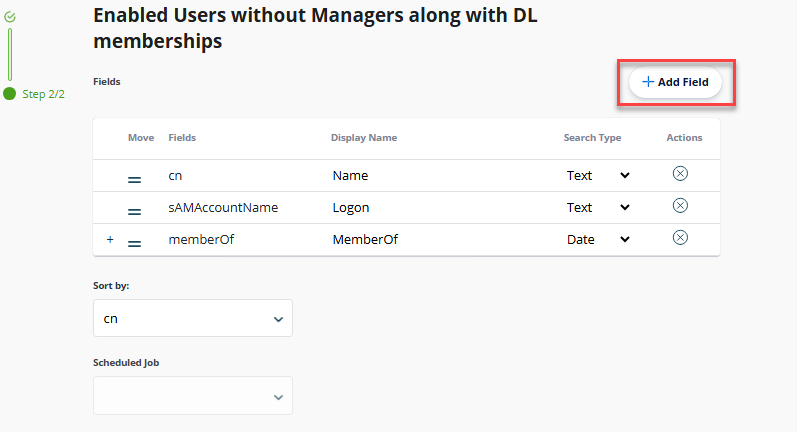
The Edit Report Fields page displays the fields that will be included in the report. To add more fields, click Add. To remove a field, select it and click Remove. You can change the order of fields using the double bar buttons.
-
Click Finish to generate the report.
-
The report will be generated. You can download the report in your desired format or pin the report to the Reports portal Dashboard.