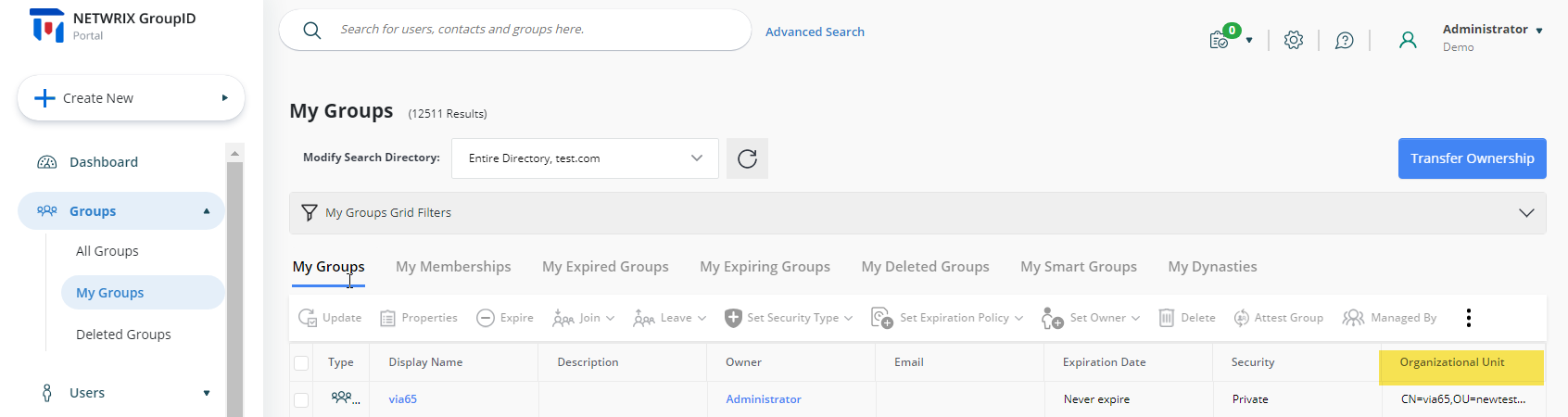
Add the Organizational Unit Field to the My Groups Page
Applies To
Netwrix Directory Manager 11
Overview
Netwrix Directory Manager (formerly GroupID) allows you to customize the portal to meet your organization's needs. You can add additional fields, such as the Organizational Unit (OU), to the My Groups page. The My Groups page displays the groups owned by the logged-in user and search results for group queries. This article explains how to add the Organizational Unit field as a column on the My Groups page.
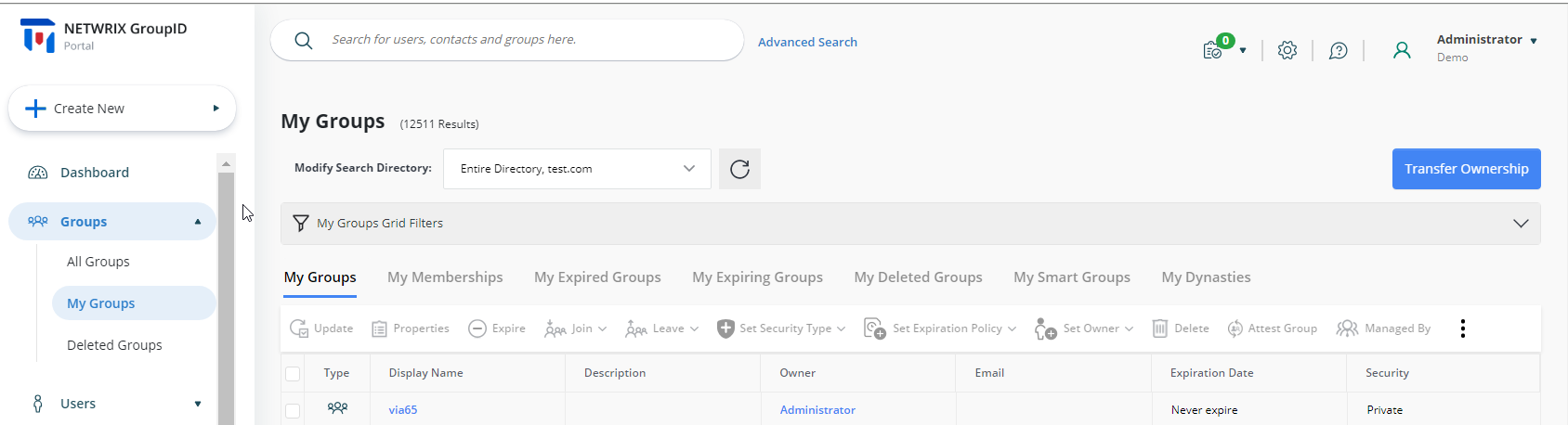
Instructions
Add the Organizational Unit Column to the My Groups Page
-
In the Directory Manager Admin Console, select Application > Directory Manager Portals > [required portal].
-
Click the three-dot icon and go to Settings > Design Settings.
-
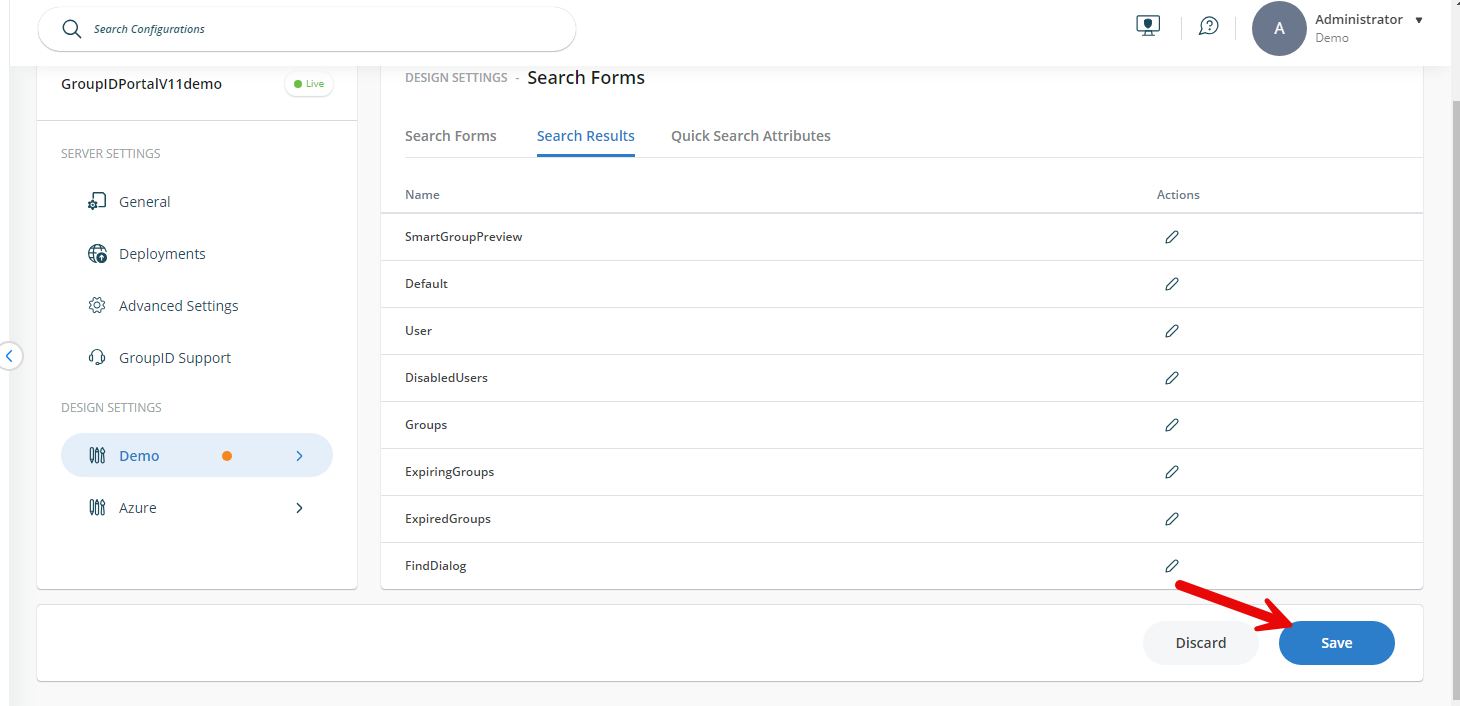
Select the identity store, then go to the Search Forms tab and select Search Results.
-
In the Name list, select Groups and click Edit.

-
On the Edit Search Results dialog, click Add Field.

-
In the Add Field dialog box, enter the following:
- From the Field list, select DistinguishedName.
- In the Display Name box, enter Organizational Unit or OU. This text will appear as the field name in the portal.
- In the Tooltip box, keep the default text (for example, WEB_Type_changes).
- From the Display Type list, select Text.
-
Click OK.

-
On the Edit Search Results dialog, drag the fields to change their order if needed and click OK.
-
Click Save in the design settings.
-
Refresh your Directory Manager portal page. The Organizational Unit column will now be displayed on the My Groups page.