Logging in to the Server
After provisioning the Endpoint Protector Server, you can configure the feature modules. To manage policies in preparation for agent deployment, access the web user interface set up during the server installation by following these steps:
Step 1 – Access the Web Interface: Enter the server's fully qualified domain name (FQDN), for
example https://epp.example.com, in your web browser's address bar.
Netwrix recommends against using a static IP address. Clients and single sign-on (SSO) response URLs bound to an IP address break when the server address changes. See Use an FQDN Instead of an IP Address.
Step 2 – Log In: Enter your credentials. Use your assigned username and password. If you are logging in for the first time, use the default credentials:
- Username: root
- Password: epp2011
Update your login credentials after the first log in to enhance security.
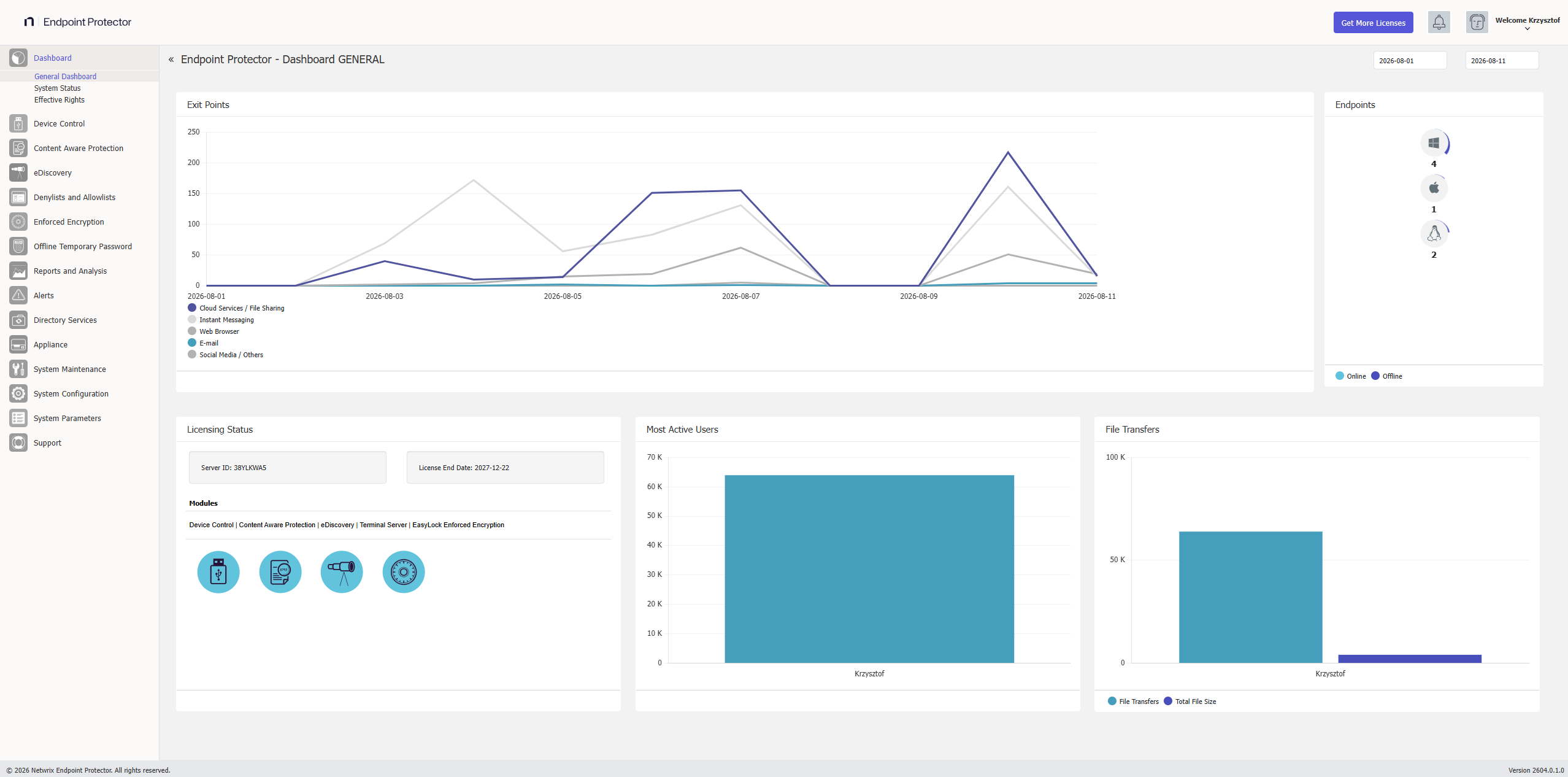
Upon successful log in, Endpoint Protector displays the Dashboard > General Dashboard window (see the following image). This window provides a high-level overview of endpoints under management as well as activity, licensing status, and modules licensed.
The left-side navigation pane displays your available modules. Select a module to further manage module-specific policies. Ultimately, policies define the actions allowed / disallowed on the endpoint.
Before deploying any agents, review each module’s policy. If you've already deployed agents to systems, verify the configuration by checking active policy mappings. After you build or edit a policy, you map it to a defined target or group of targets. Later sections for each module discuss this process.