How to Control iDevices on Endpoint Protector for Mac
Overview
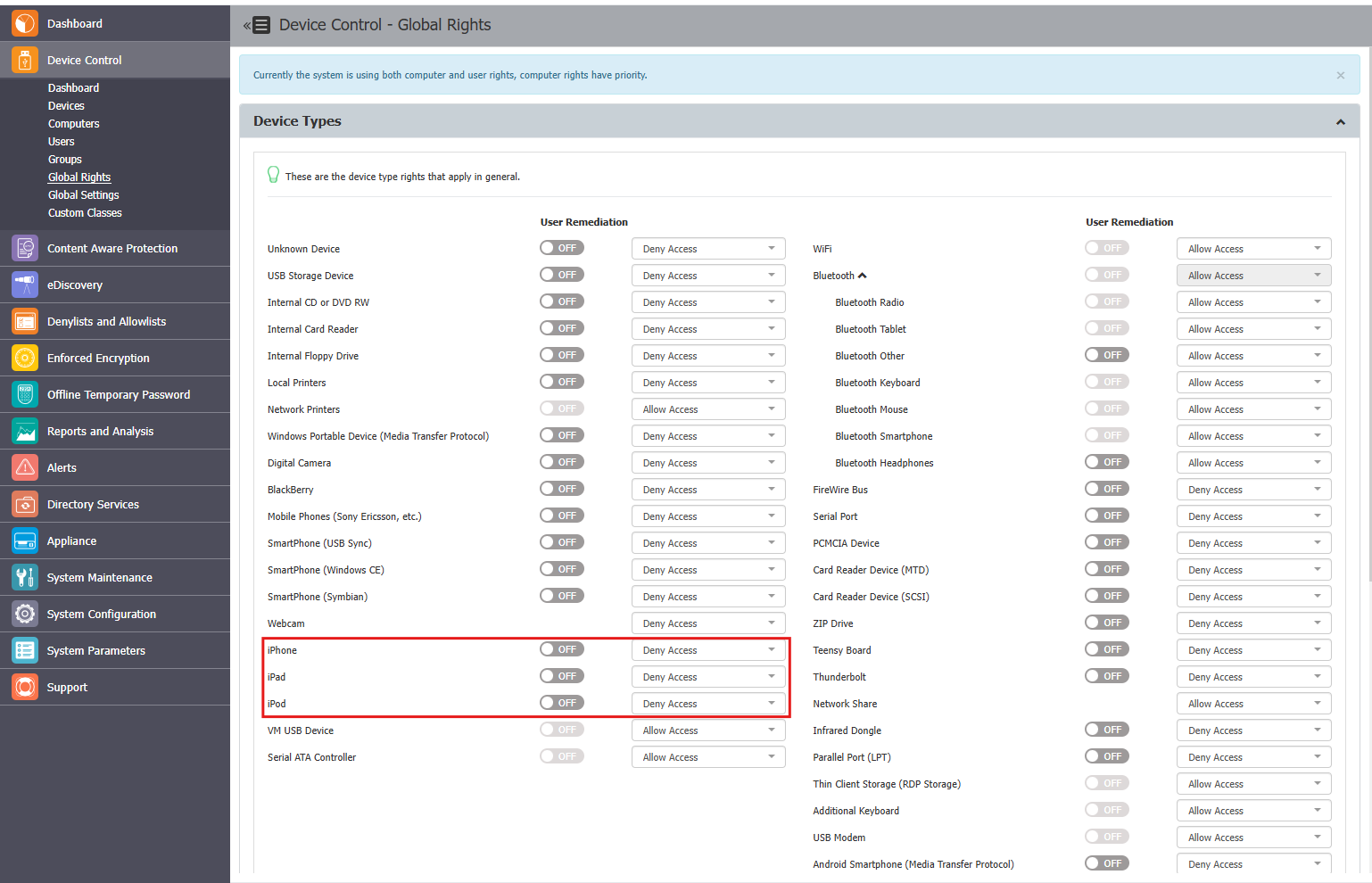
On Mac computers, iDevices such as iPhones, iPads, and iPods Touch can be controlled separately within Endpoint Protector.
Instructions
Follow these steps to configure settings for devices:
- In the Endpoint Protector Console, navigate to Device Control > Global Rights.
- Alternatively, set the device rights at the group, computer, or user level.
- Ensure these settings align with your requirements for managing iPhones, iPads, and iPods Touch.