Licensing Page
The Licensing page shows your organization's license status and lets you import a license file.
Click Configuration in the left pane. Then click the Licensing tab on the Configuration page to open the Licensing page.
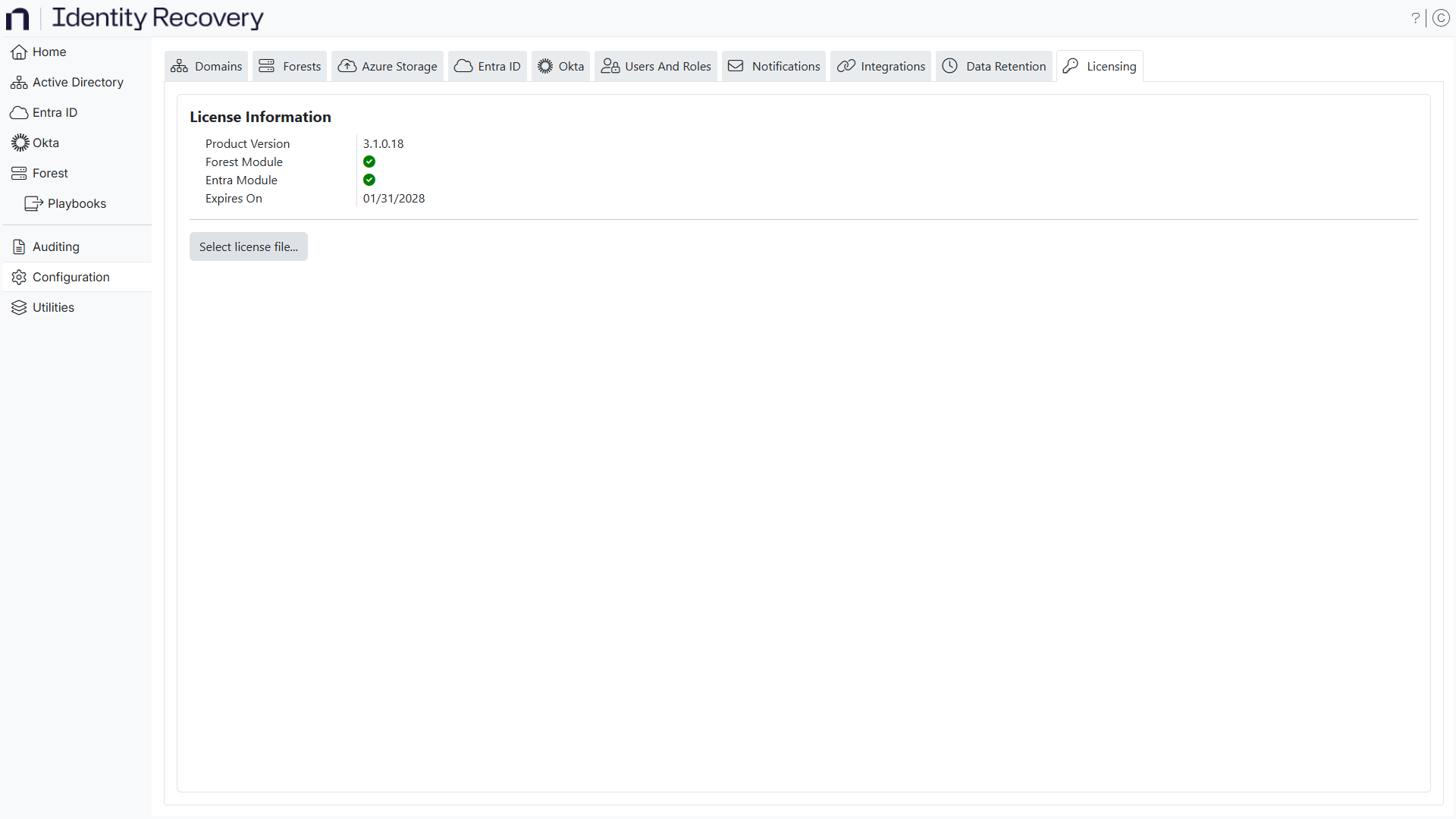
You can view whether the license is valid and when it will expire.
Import a License Key
Identity Recovery comes with a temporary 14-day trial license. To continue using the product, import a license key file.
Only accounts with administrator role can add a license key.
Step 1 – Contact your Netwrix Sales Representative to obtain a license key.
Step 2 – On the Licensing page, click the Select license file... button to open the file explorer.
Step 3 – Locate the license key file for Identity Recovery in the file explorer and click Open. The file explorer closes and you return to the console.
The system has imported the license key successfully. The Licensing page now displays your organization’s license information.