Configuration Interface
The Configuration interface lets you configure domains, forests, Entra ID and Okta tenants, Azure Storage, user access, notifications, integrations, data retention policy, and licensing for Identity Recovery.
note
Only users with Administrator rights have access to the Configuration interface.
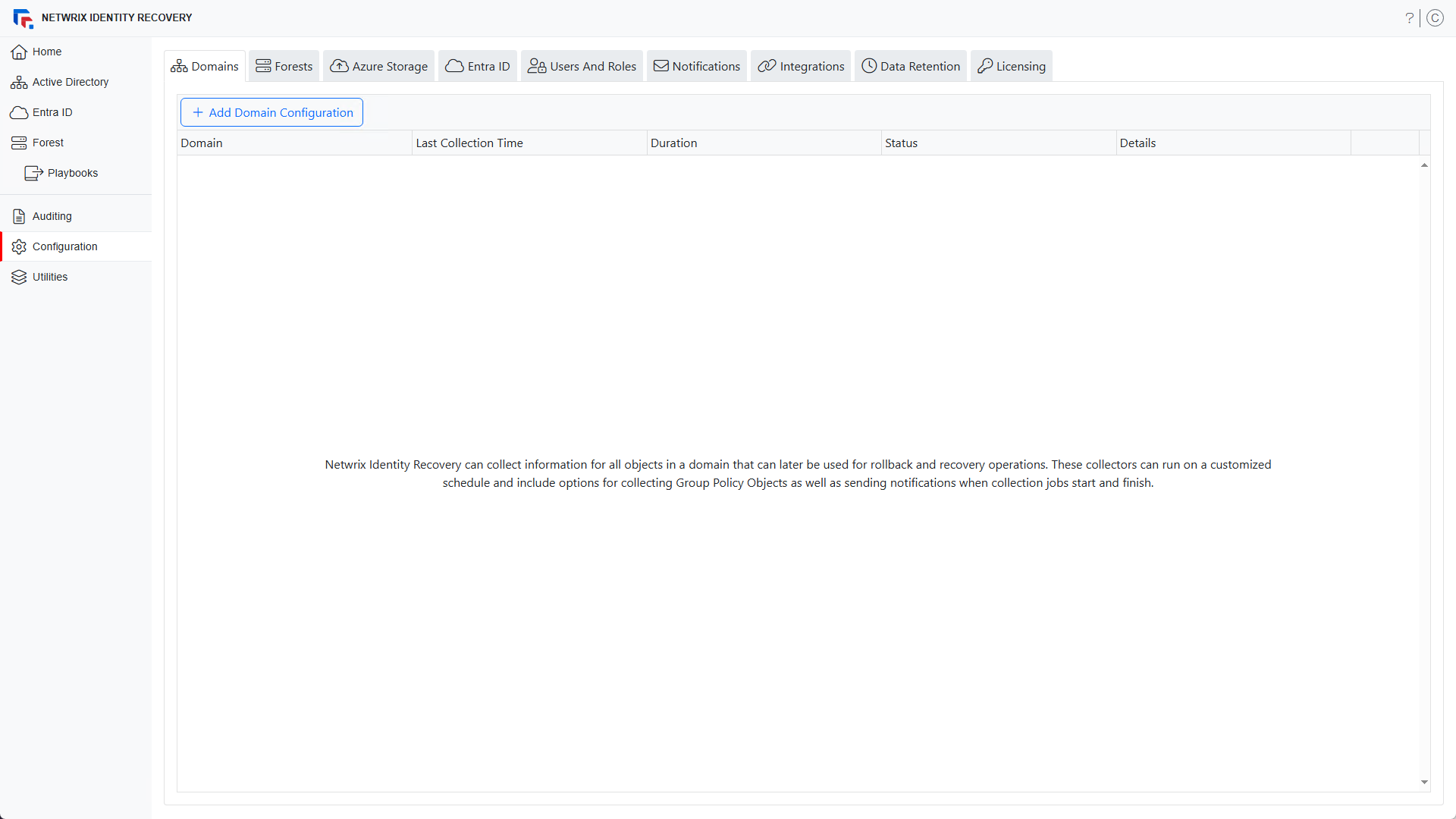
The Configuration interface contains the following tabs, each documented in its own topic:
- Domains Page – The Domains tab lists the domains that Identity Recovery backs up and their backup schedules. You can also add and configure new domains.
- Connect a Forest – The Forest tab lets you add a forest so that Identity Recovery can back it up and recover it.
- Azure Storage Page – The Azure Storage tab lists the storage containers in Azure Storage.
- Connect Entra ID – The Entra ID tab lets you add Entra tenants for Identity Recovery to back up and view their backup schedules.
- Connect Okta – The Okta tab lets you add Okta tenants for Identity Recovery to back up and view their backup schedules.
- Users and Roles Page – The Users and Roles tab displays the accounts with access to Identity Recovery.
- Notifications Page – The Notifications tab lets you configure notifications to send emails when a collection (backup) job completes.
- Netwrix Integrations Page – The Netwrix Integrations tab lets you configure access to data in other Netwrix products. Identity Recovery supports only Netwrix Threat Prevention.
- Data Retention Policy Page – The Data Retention Policy tab lets you delete backup data for domains and domain controllers older than X days, and delete backup data for purged tombstone objects.
- Licensing Page – The Licensing tab shows your organization's license status and lets you import a license file.
Any user can set up multi-factor authentication for their own account from the profile menu. This doesn't require access to the Configuration interface. See the Configure Multi-Factor Authentication topic for additional information.