Reports Not Visible or Name Truncated After Publishing in Custom Job or Group
Symptoms
When creating a report for a custom job or group, the following issues are present in your environment:
- The custom job or group name appears normally in the Netwrix Access Analyzer console.

- After publishing the report, it does not appear in the reporting web interface.
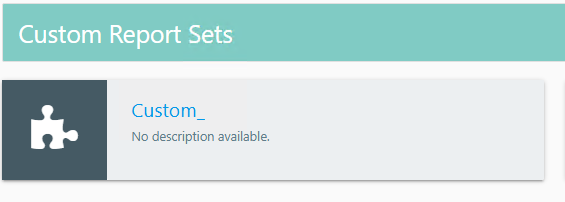
- The custom job or group name is truncated in the reporting web interface.
Cause
Netwrix Access Analyzer truncates Jobs or _Jobs from the end of all job and/or group names. The truncated name then gets displayed in the Reporting console, and settings for published reports in this group may be unpredictably affected.
Resolution
To correct the issue, rename any custom job or group currently using the word Jobs to something that does not include the word Jobs to prevent truncation.
- In the Netwrix Access Analyzer console, locate the custom job or group whose name ends with
Jobsor_Jobs. - Rename the job or group so the name does not include
Jobs(for example, changeAccounting JobstoAccounting Tasks). - Republish the report and verify the report appears and the name displays correctly in the reporting web interface.