How to Apply Netwrix Auditor License
Question
How to apply a Netwrix Auditor license?
Answer
You may have received an email from our licensing team — download the attached *.lic file and follow the steps below:
-
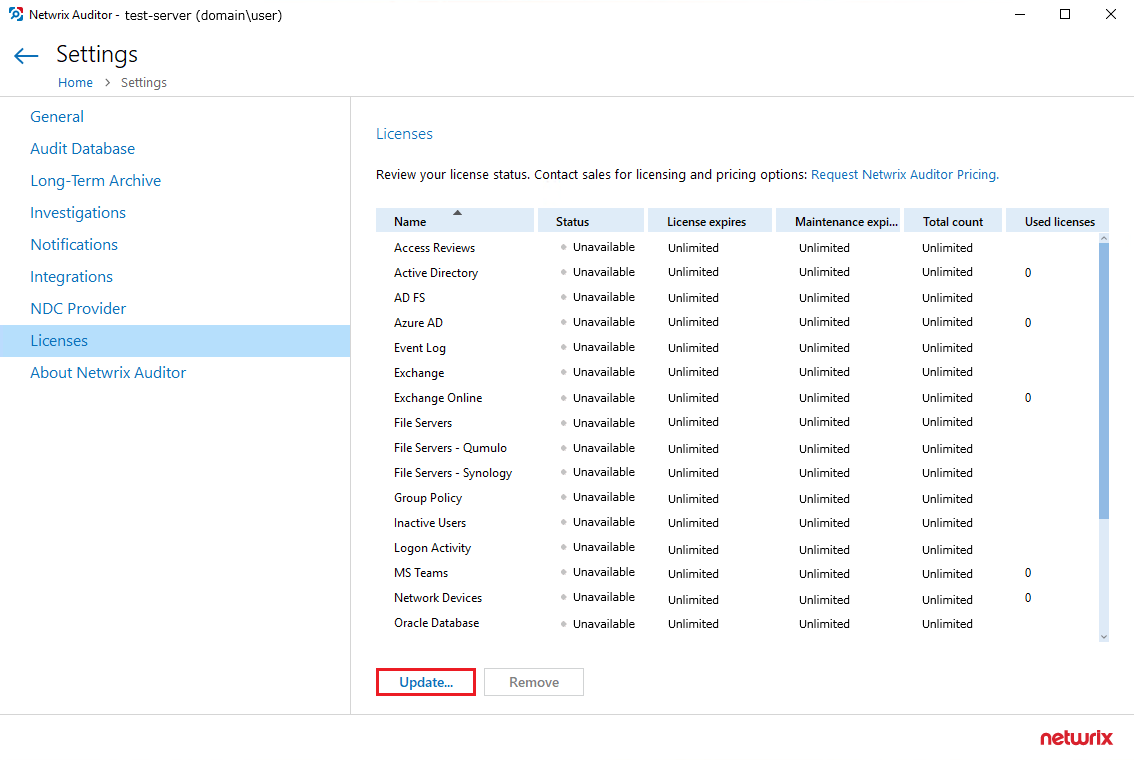
In the main Netwrix Auditor screen, go to Settings > Licenses and click Update.
-
Navigate to your
*.licfile and select the file. -
Click Open.
The license is now applied to your Netwrix Auditor instance. Verify the information in the Licenses section.