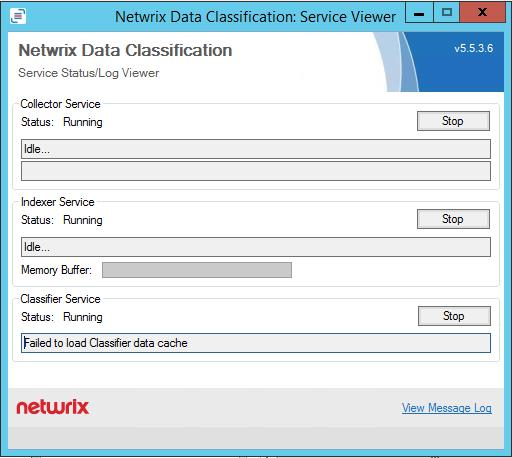
Error: "Failed to load Classifier data cache"
Scenario
The Netwrix Data Classification: Service Viewer displays the following error message for the Classifier Service:
Failed-to-load-Classifier-data-cache
Solution
- Open
http://hostname/conceptQS/Taxonomies/GlobalSettings. - Confirm the status of each taxonomy. This error will be caused by a failed connection to a SharePoint termset.
- Find the faulting termset and update the credentials and/or confirm account permissions for that termset.
- Restart the classifier service. After restarting, the service should immediately begin processing documents pending classifications.