Convert Between Smart Groups and Static Groups
Applies To
Netwrix Directory Manager 11
Overview
In Netwrix Directory Manager, you can convert a Smart Group to a static group by clearing its LDAP query or convert a static group to a Smart Group by applying an LDAP query in the application portal. This functionality enables flexible management of group types based on organizational requirements.
Instructions
Convert a Smart Group to a Static Group
- Log in to the application portal of Netwrix Directory Manager.
- Open the properties of the Smart Group you want to convert to a static group.
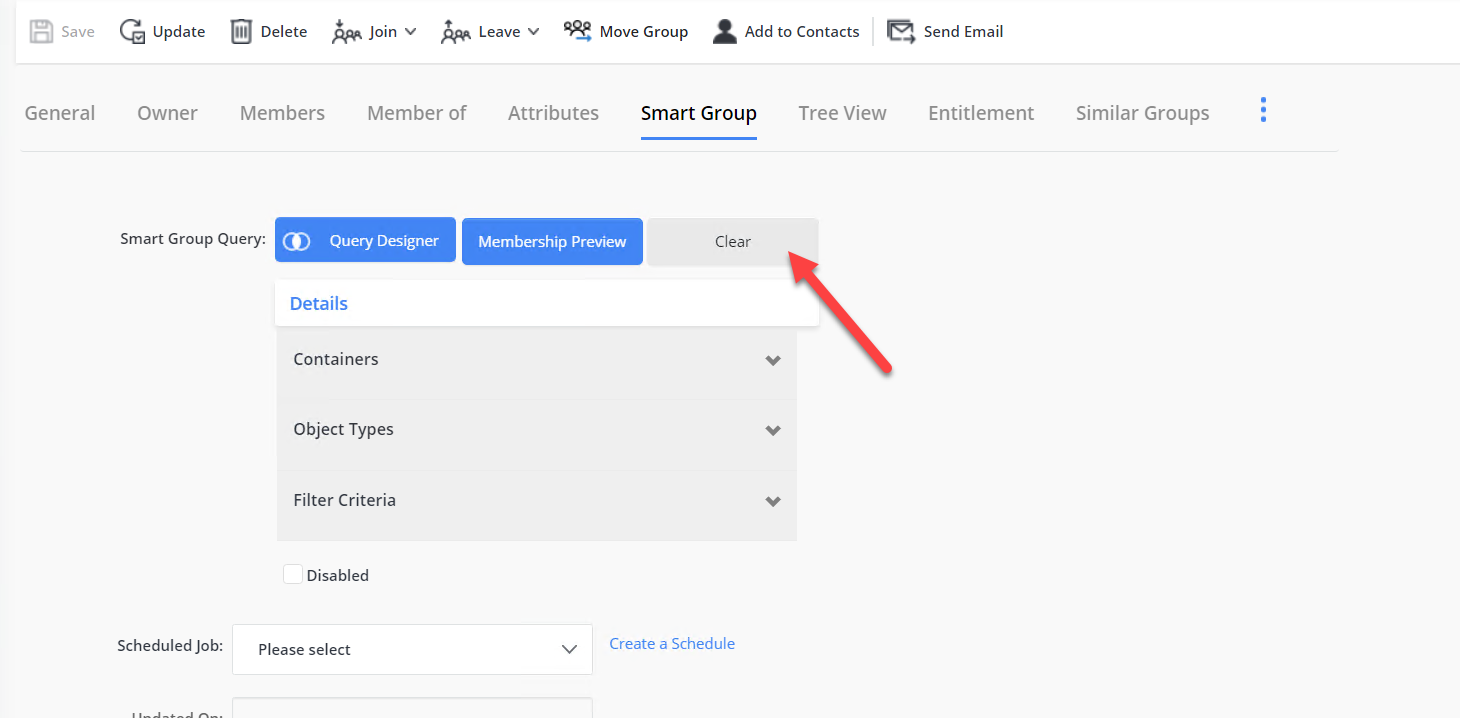
- On the properties page, navigate to the Smart Group tab.
- Click the Clear button next to the Smart Group query.
- When prompted, click Clear query text to confirm. The group will be converted to a static group, and the current membership will remain unchanged.
Convert a Static Group to a Smart Group
- Log in to the application portal of Netwrix Directory Manager.
- Open the properties of the static group you want to convert to a Smart Group.
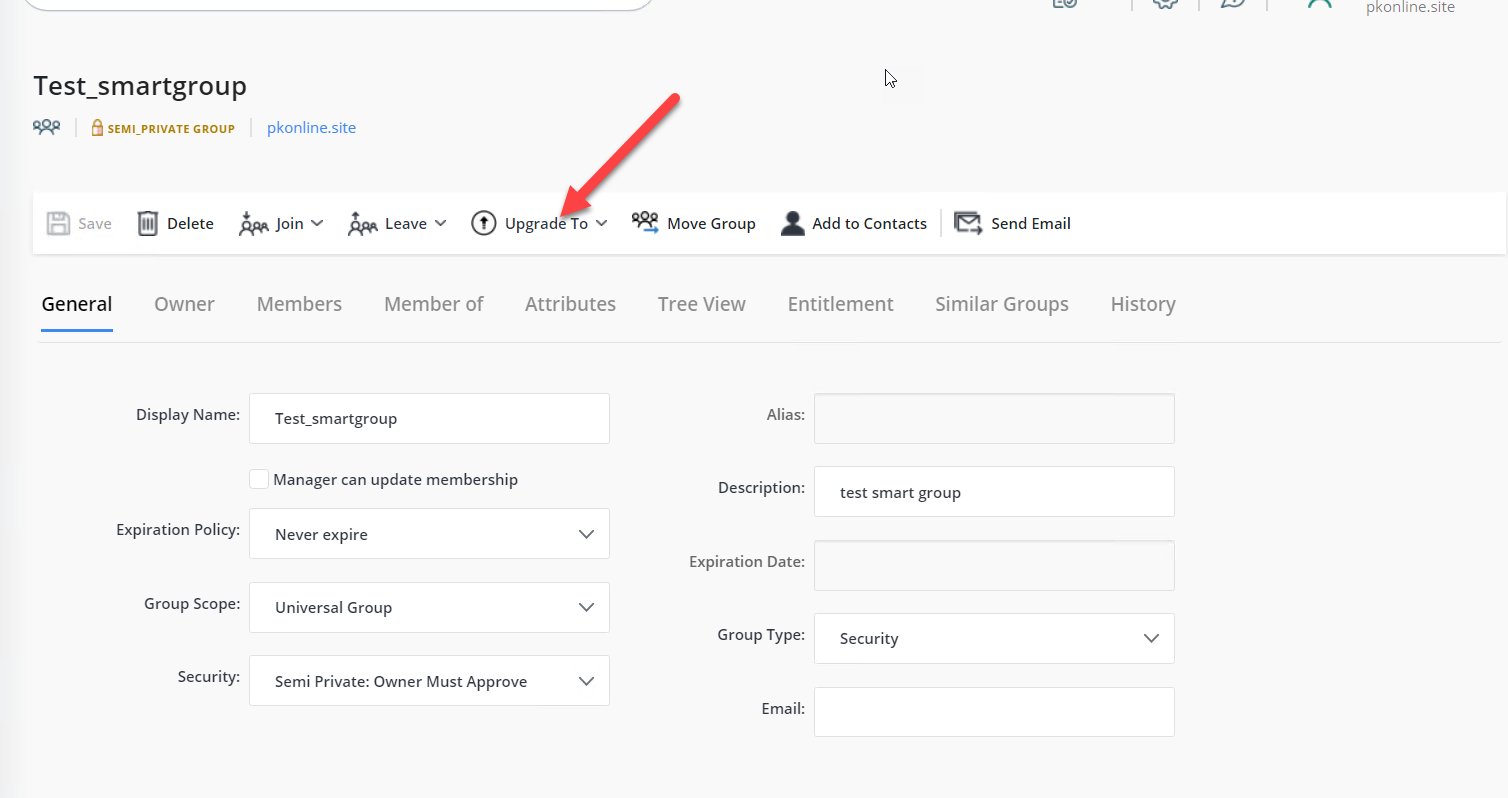
- On the properties page, click the Upgrade to button. Two options will populate, select Smart Group.
- When prompted, confirm the action. The query designer will open, allowing you to specify the LDAP query as required.
- After confirming the query, the group will be converted to a Smart Group.