How to Identify Groups Without Owners
Overview
This article shows how to use the Reports module in Netwrix Directory Manager 11 to identify groups that lack a primary owner, additional owners, or any owners.
Instructions
-
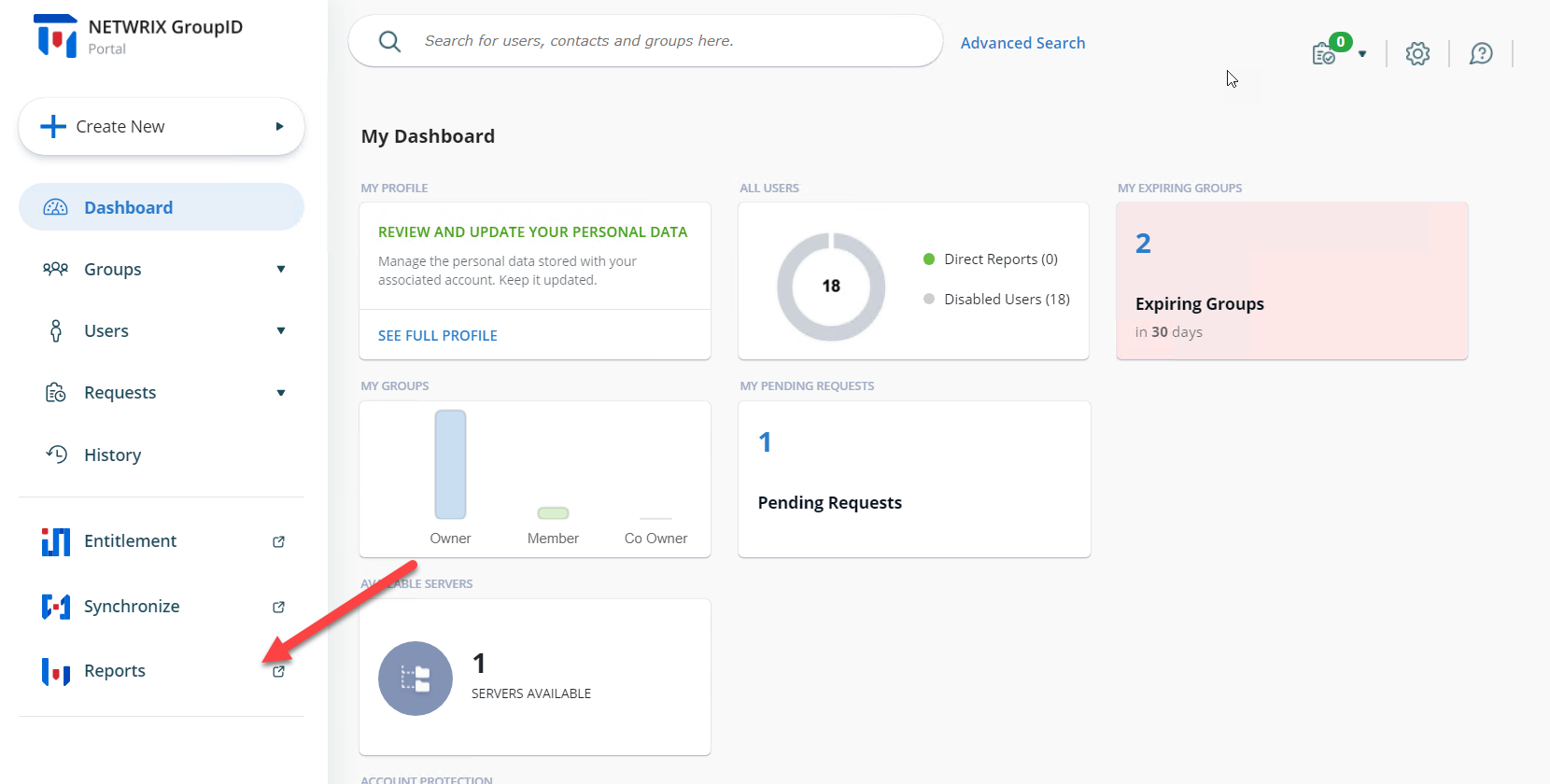
In the Directory Manager application portal, click the Reports tab on the left side of the dashboard page.
-
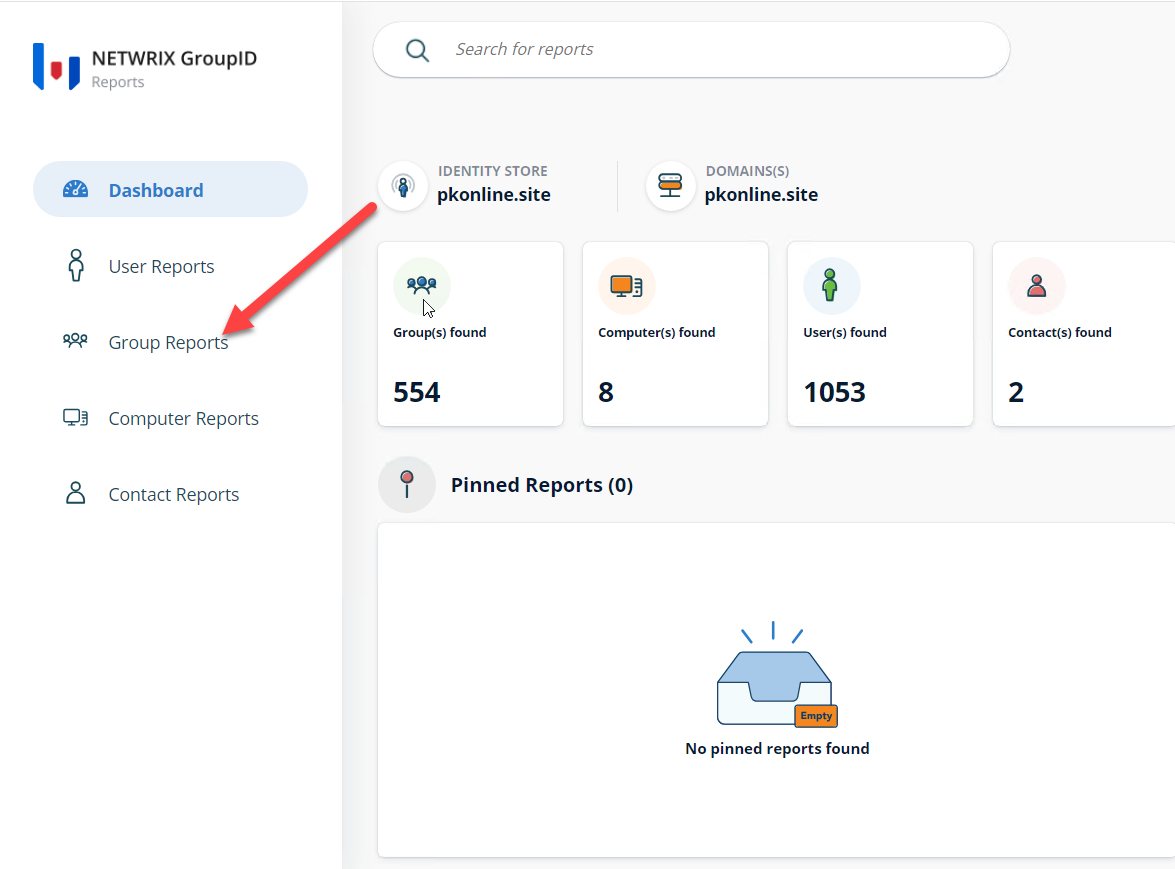
When the Reports module opens, click the Group Reports tab on the left side of the page.
-
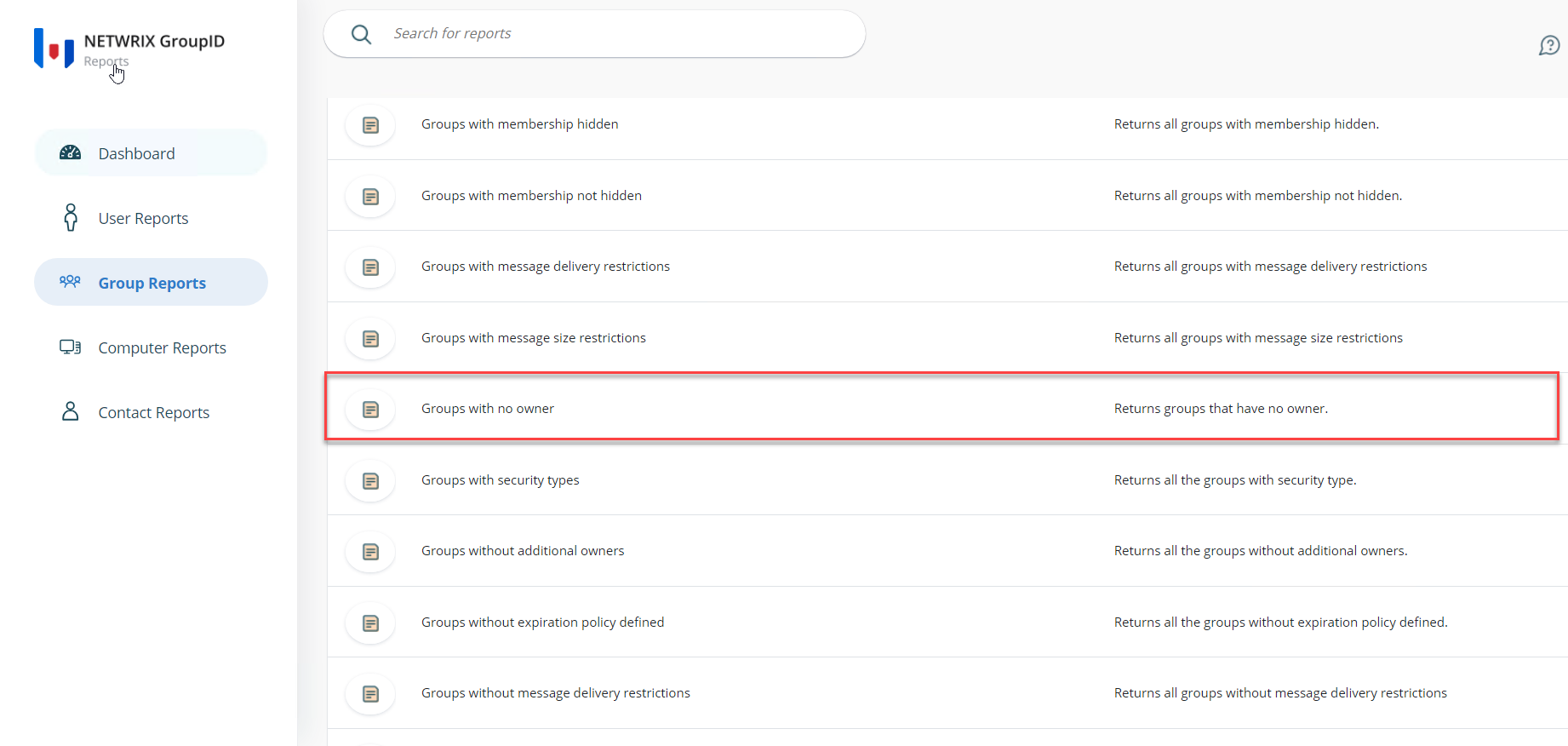
To find groups without a primary owner, run the report titled Groups with no owner.
-
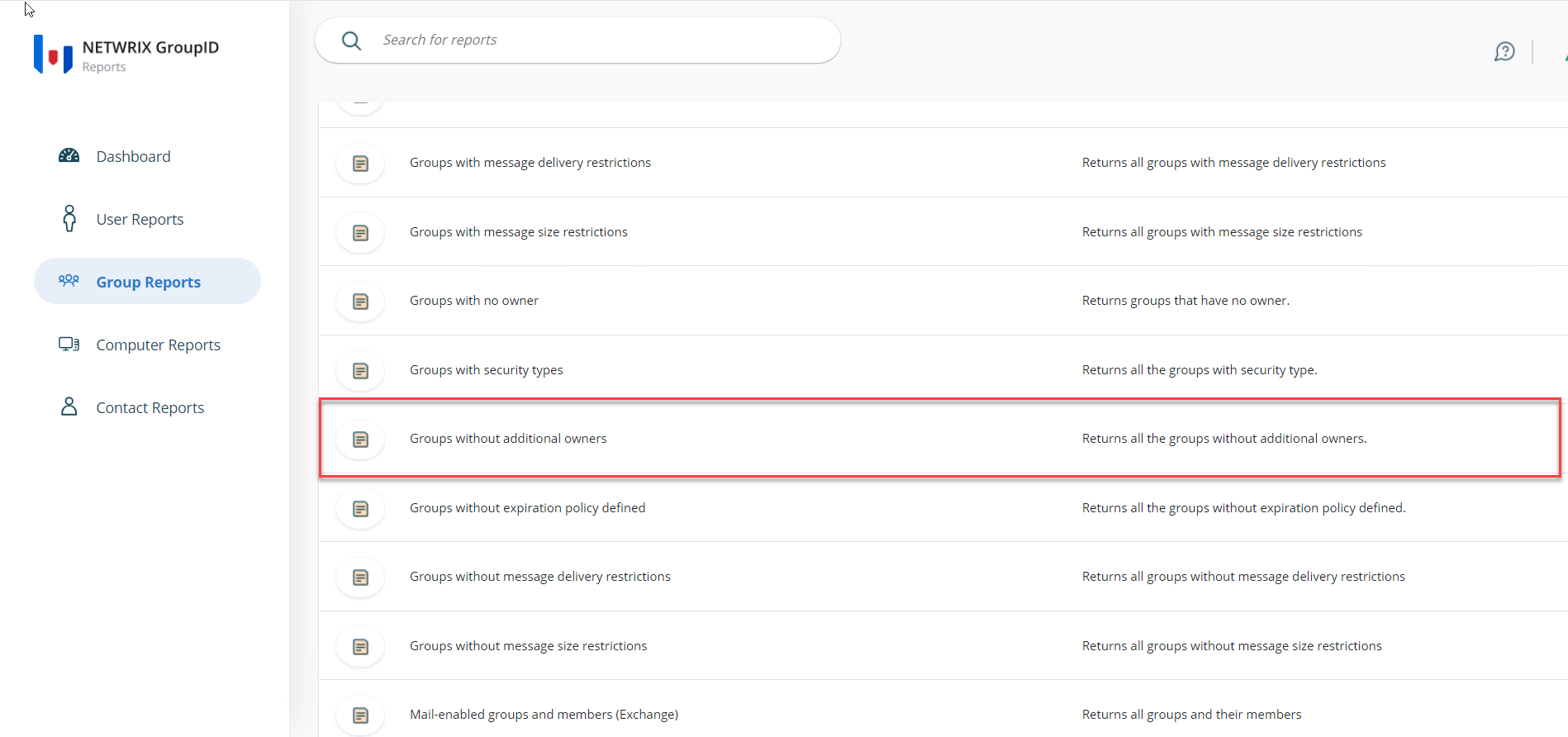
To find groups without additional owners, run the report titled Groups without additional owners.
-
To find groups without both primary and additional owners, run either of the above reports. In the Report Generation wizard, replace the LDAP query with your custom query as needed.
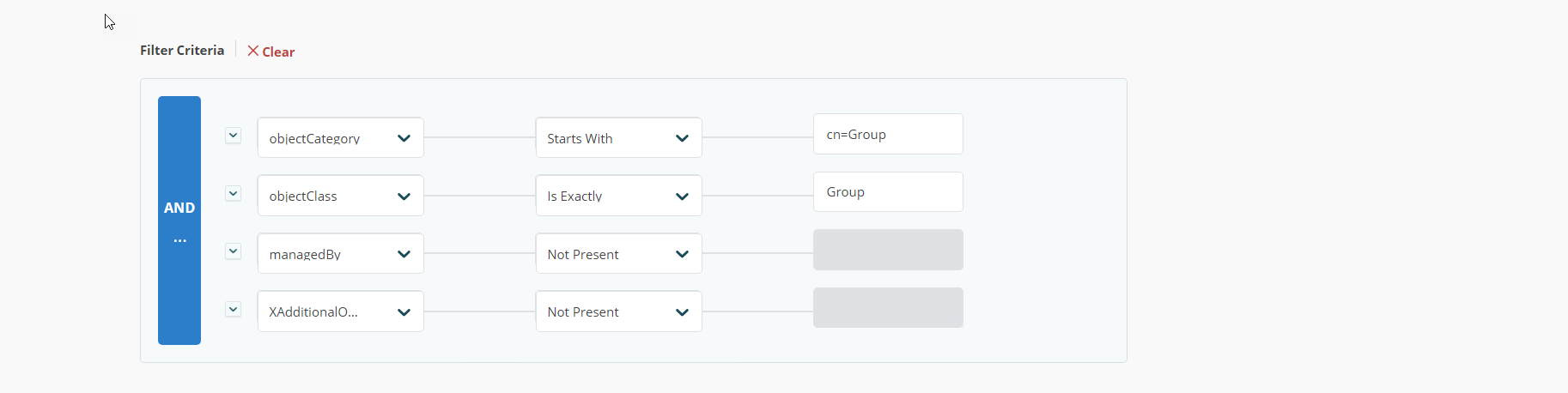
-
Complete the wizard. The generated report will show groups that do not have a primary owner or additional owners.