Require Unique Group Display Names in Portal
Applies To
Netwrix Directory Manager 11
Overview
To prevent duplicate group names, you can configure Netwrix Directory Manager to require that each group’s displayName attribute is unique. Directory Manager contains a setting in the Application portal that enforces this uniqueness. When enabled, users will not be able to create a new group if the display name matches an existing group. This article explains how to configure this setting in the portal to require unique group display names.
Instructions
Configure the Portal to Require Unique Group Display Names
- In the Netwrix Directory Manager Admin Center, navigate to Applications > [Your Portal] > Settings.
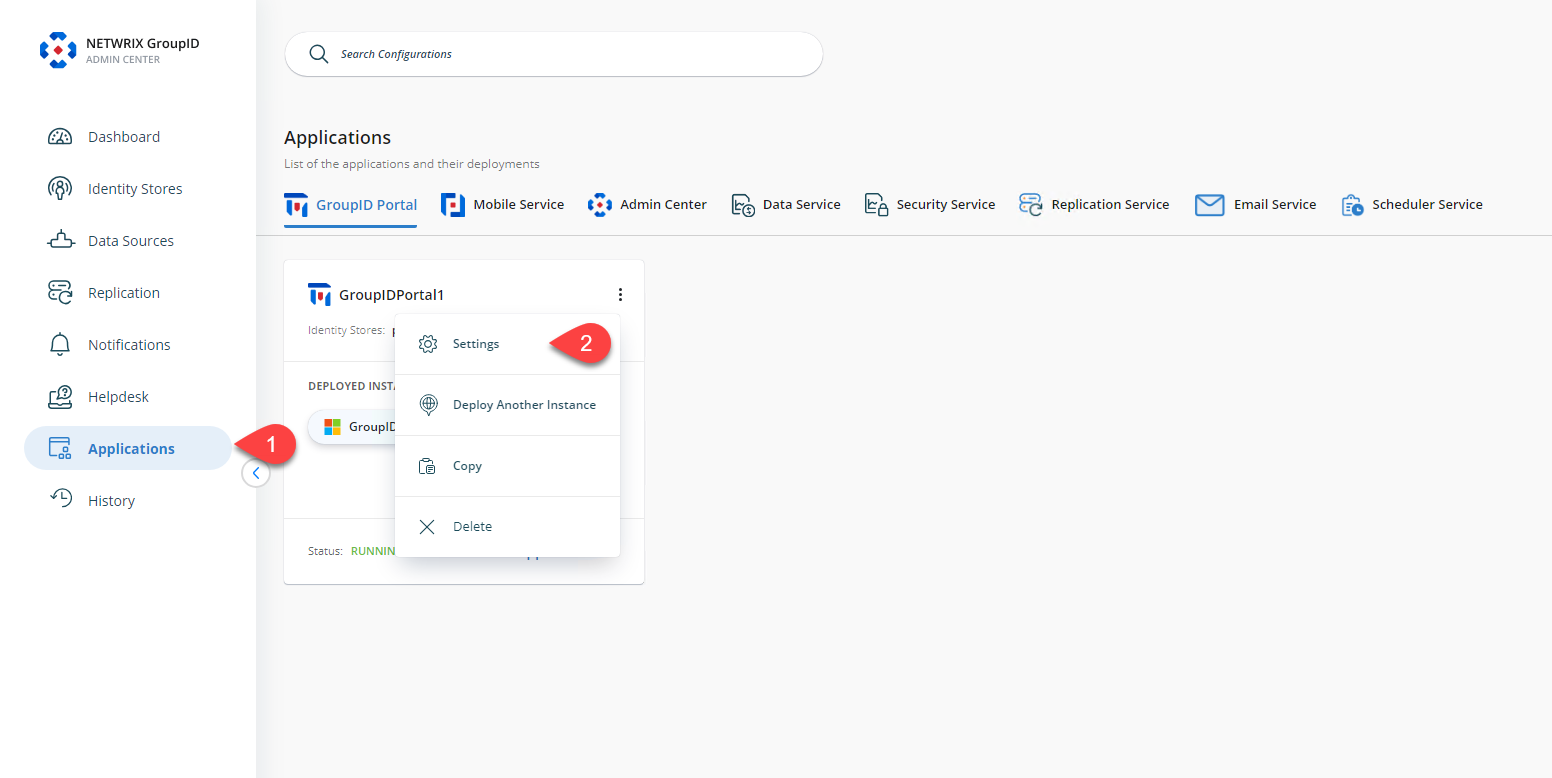
- Click the identity store name under the Design Settings section.
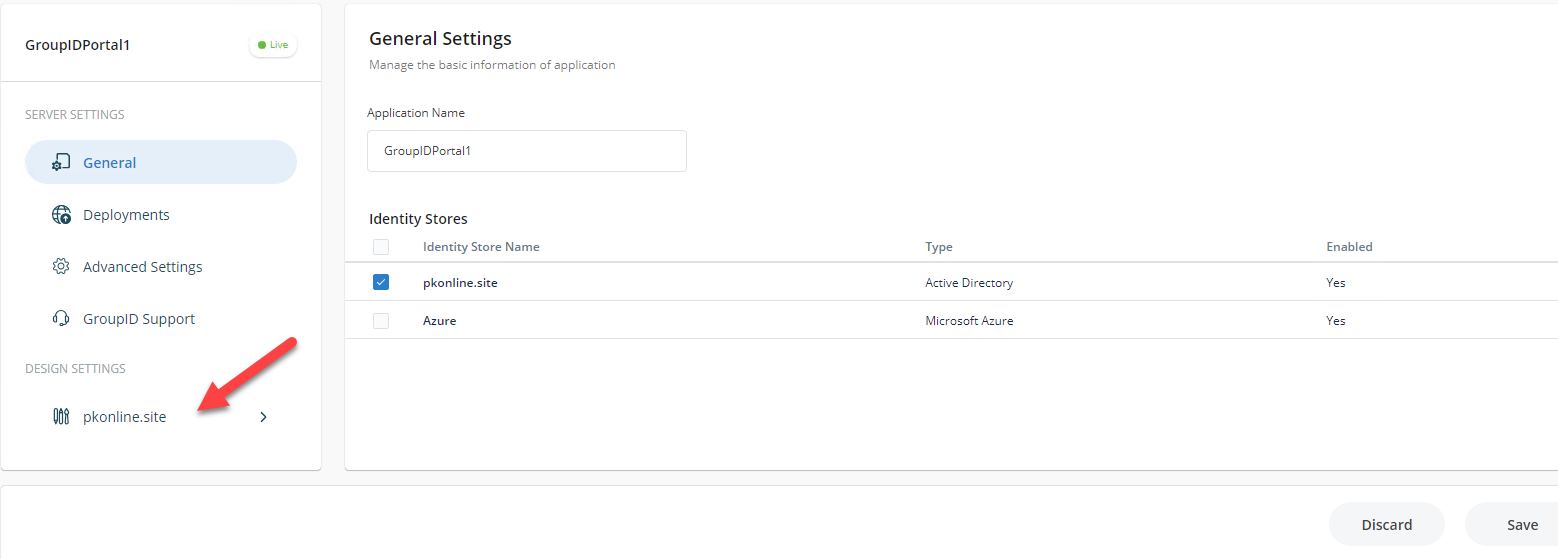
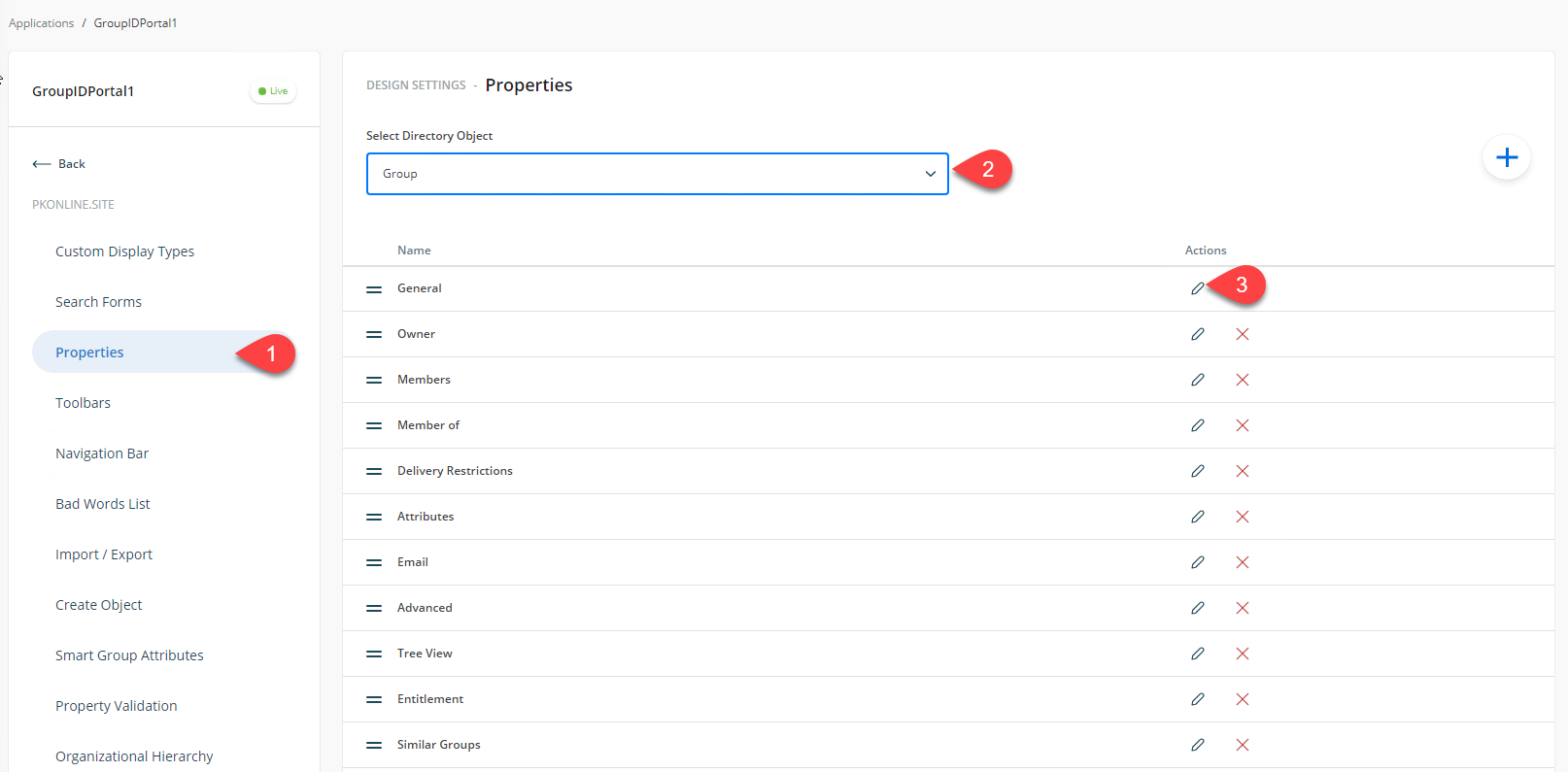
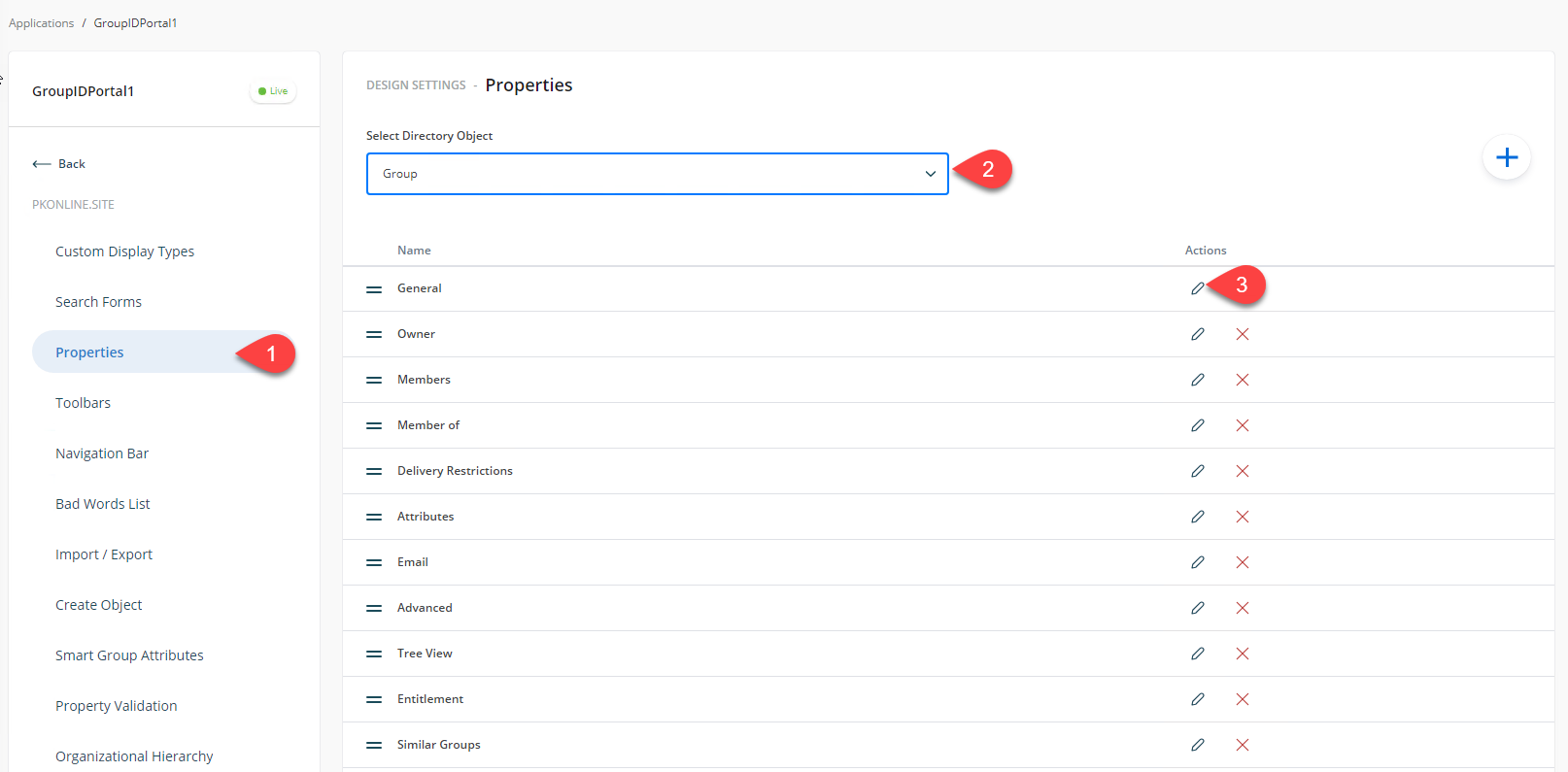
- On the Properties tab, select Group as the directory object then select General and click Edit.
- In the Edit Design Category box, select Display name and click Edit.
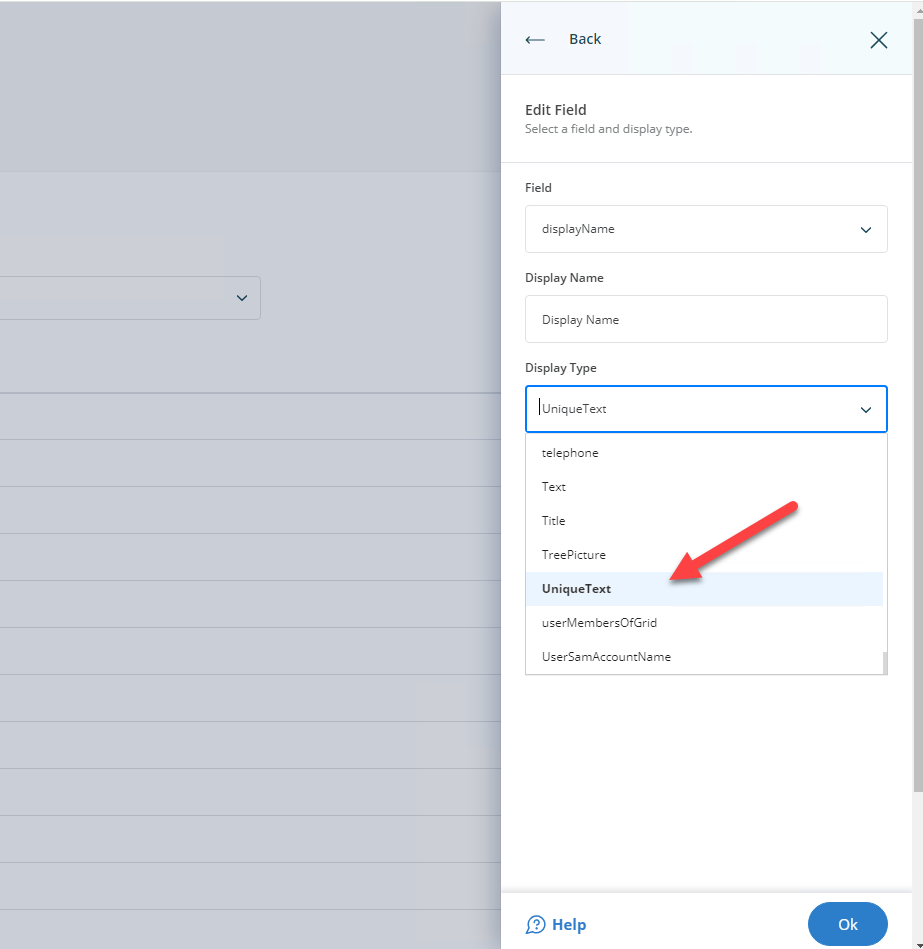
- In the Edit Field dialog box, ensure
displayNameis selected in the Field box. For Display Type, selectUniqueText.
- Click OK then click Save in the outer window.
- If you want to apply this setting to Smart Groups, select Smart Group as the directory object in step 3 and repeat the same steps.
- After this configuration, when a user tries to create a group from the Self-Service portal with a display name that already exists, the portal will not allow it.
NOTE: If you have multiple portals, you must configure the unique display name setting separately for each portal.