How to Replace Logo on Landing Page
Applies To
Netwrix Directory Manager 11 – Directory Manager Portal
Question
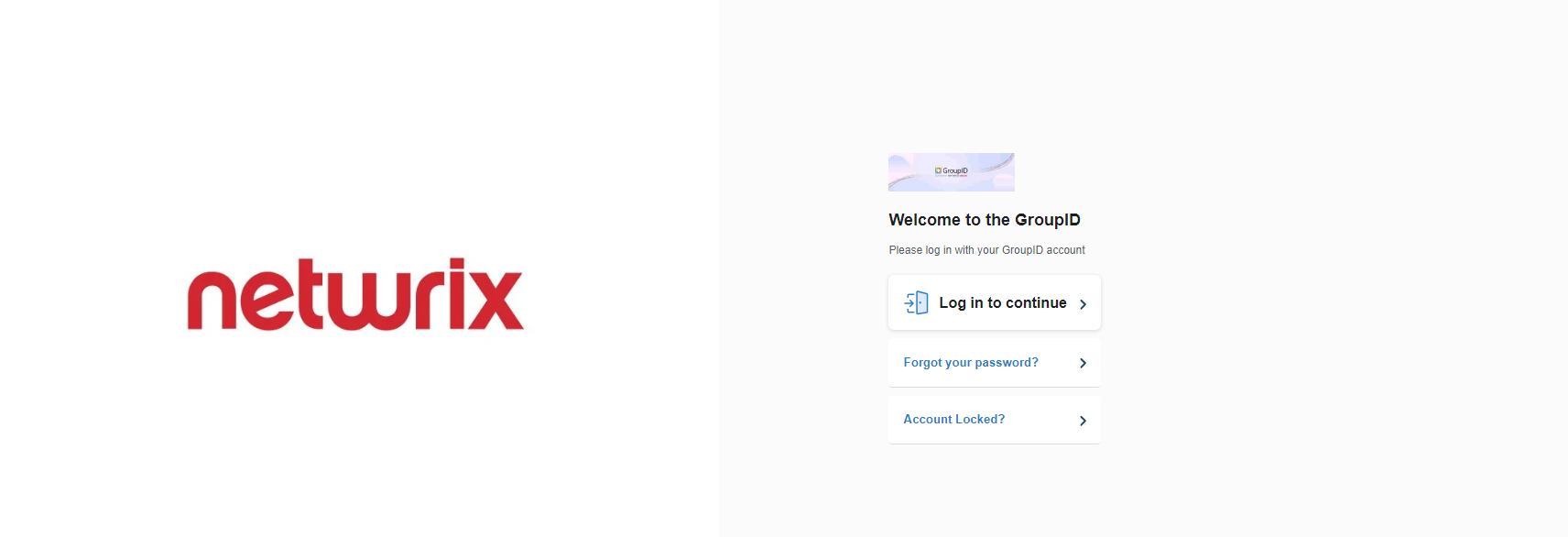
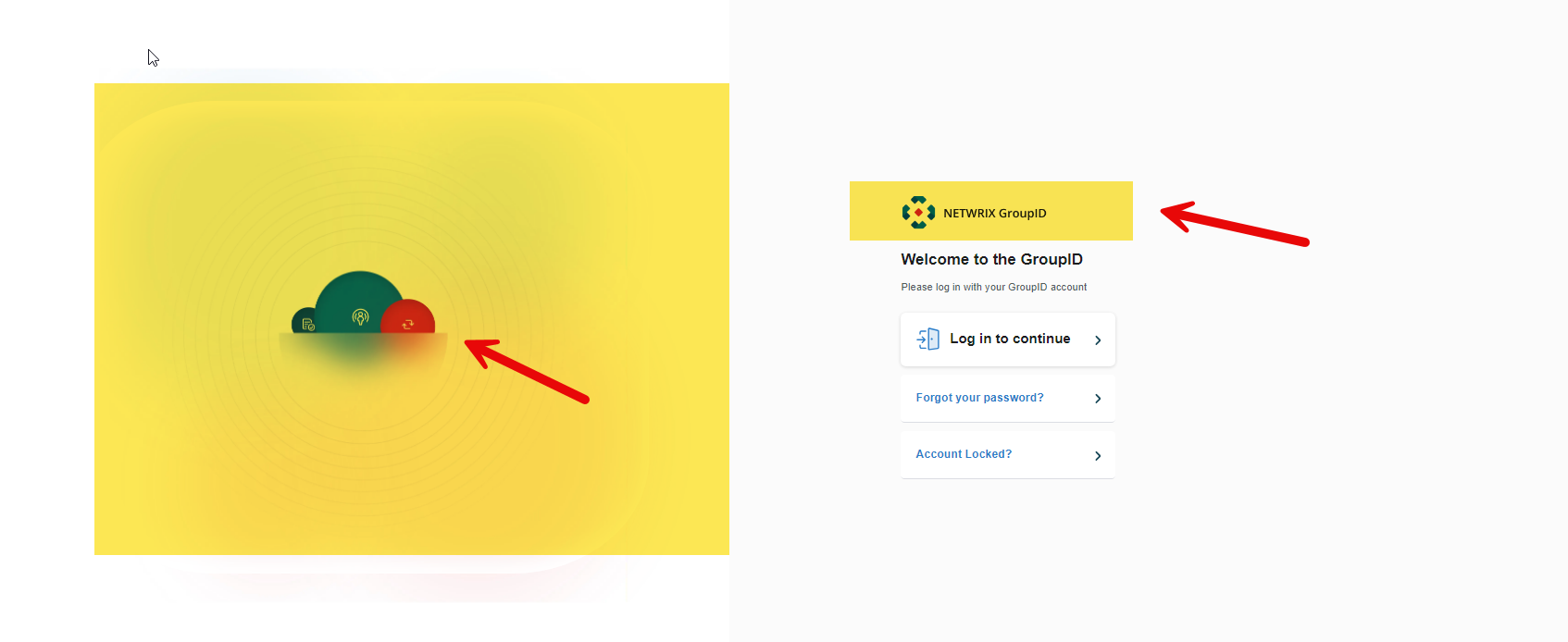
Can you replace the logo and picture on the landing page of the Netwrix Directory Manager portal?
Answer
Yes, you are able to replace the logo and picture. This can be acheived by following the steps below.
Replace the Logo
- Go to the following directory:
C:\Program Files\Imanami\GroupID 11.0\GroupIDPortal\Inetpub\Select your portal\Web\wwwroot\Content\Images - Replace the file named
imanami-logos-master-1@3x.webp.
IMPORTANT: The new file must have the same name, size, and extension as the original.
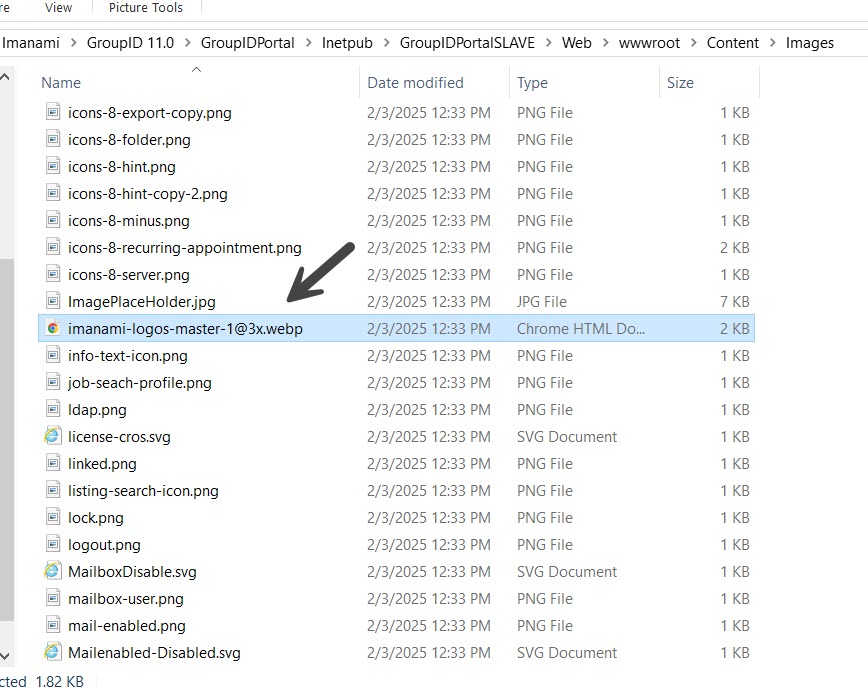
IMPORTANT: Take a backup of the original file before replacing it.
Replace the Landing Page Image
- Go to the following directory:
C:\Program Files\Imanami\GroupID 11.0\GroupIDPortal\Inetpub\Select your portal\Web\wwwroot\Content\Images - Replace the file named
groupid-3x.webp.
IMPORTANT: The new file must have the same name, size, and extension as the original.
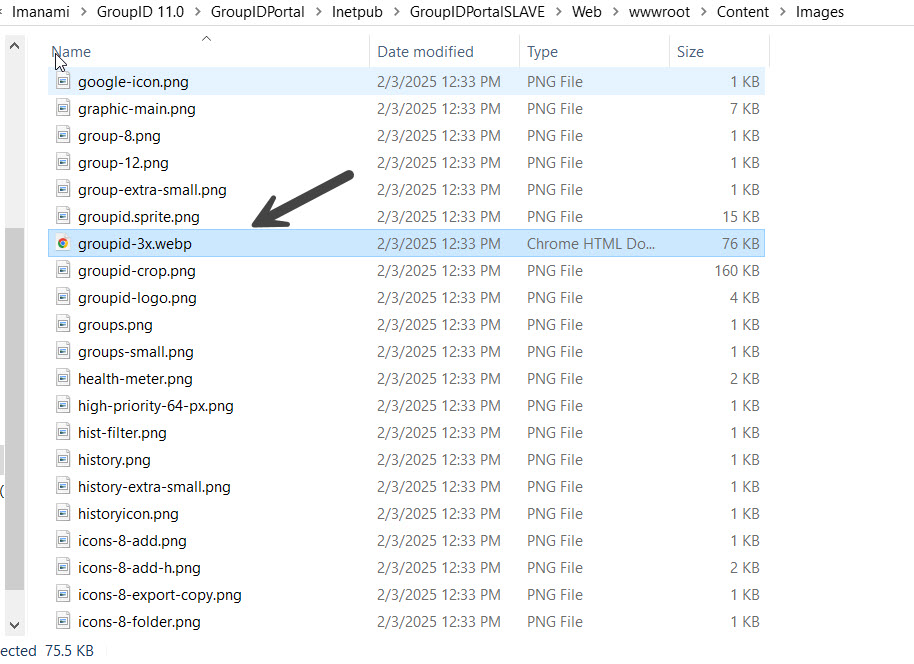
IMPORTANT: Take a backup of the original file before replacing it.
Verify the Changes
- Open the landing page of the Directory Manager portal in incognito mode to verify that the logo and image have been updated.