How to Replace the Password Center Portal Logo
Applies To
Netwrix Directory Manager 11.1 – Directory Manager Portal
Question
Can you replace the logo on the Password Center portal in Netwrix Directory Manager (formerly GroupID)?
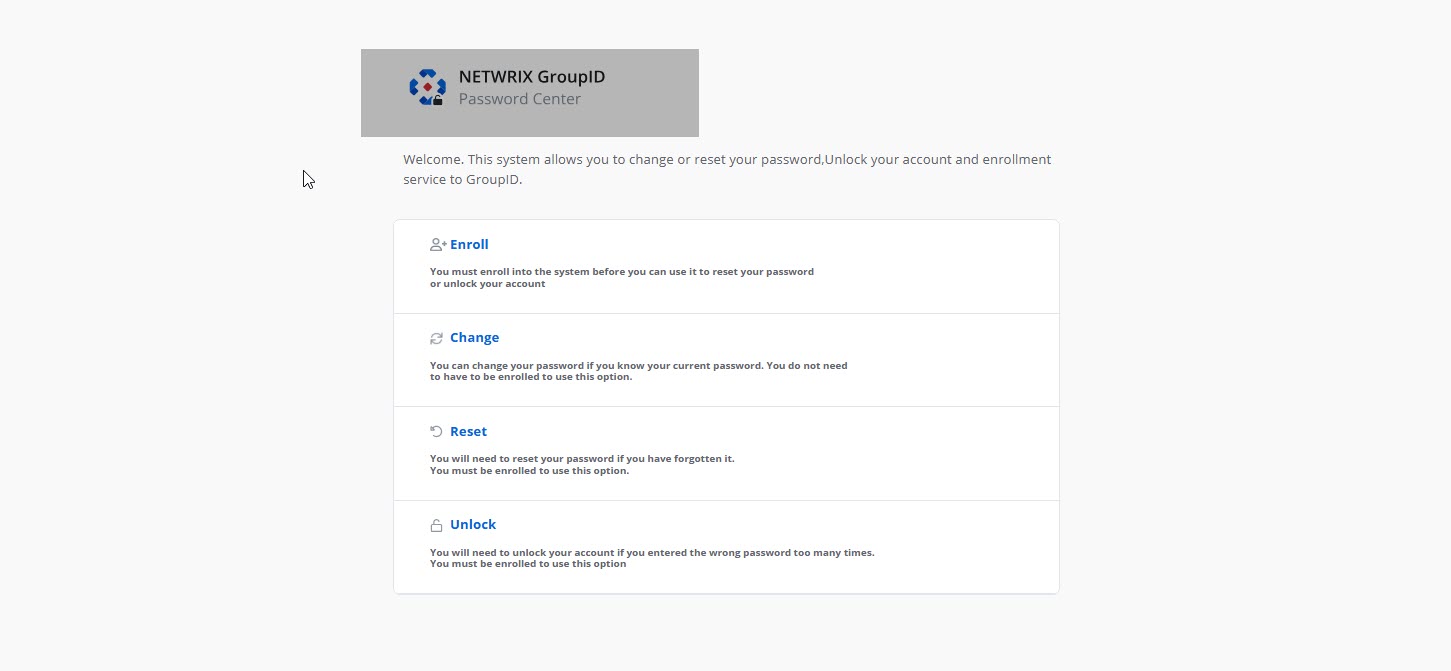
Answer
Yes, you can replace the Password Center logo. Follow the steps below.
Replace the Logo on the Password Center Portal
-
Go to the following directory:
C:\Program Files\Imanami\GroupID 11.0\GroupIDPortal\Inetpub\<Your Portal Name>\Web\wwwroot\Content\Images\vector -
Locate the file named
PCFullLogoTransaprent.svg. This file is used to render the logo on the portal.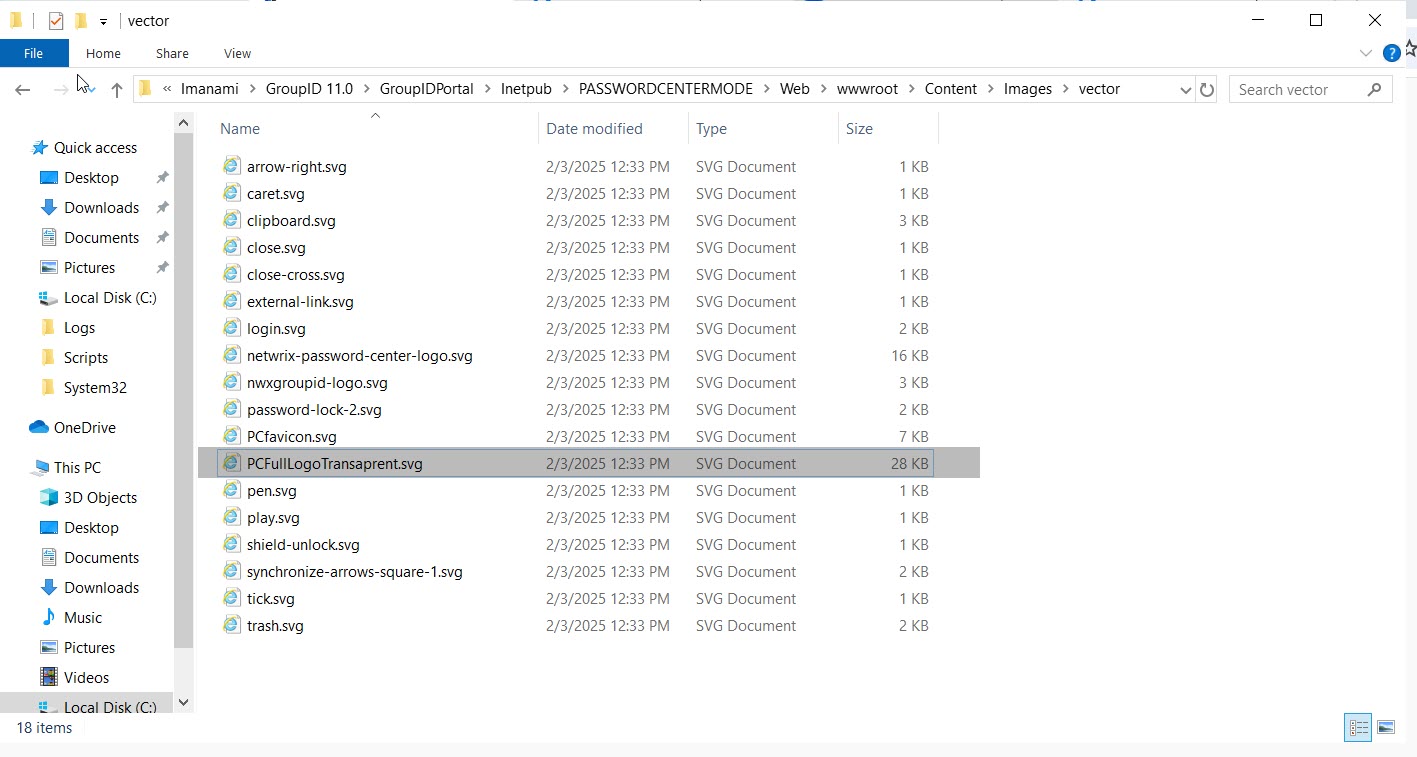
-
Convert your logo to the
.svgformat and copy it to the same directory. -
Rename the existing
PCFullLogoTransaprent.svgfile toPCFullLogoTransaprentbackup.svgfor backup purposes. -
Rename your new logo file to
PCFullLogoTransaprent.svg. -
Open the Password Center portal in incognito mode to verify that the new logo appears.
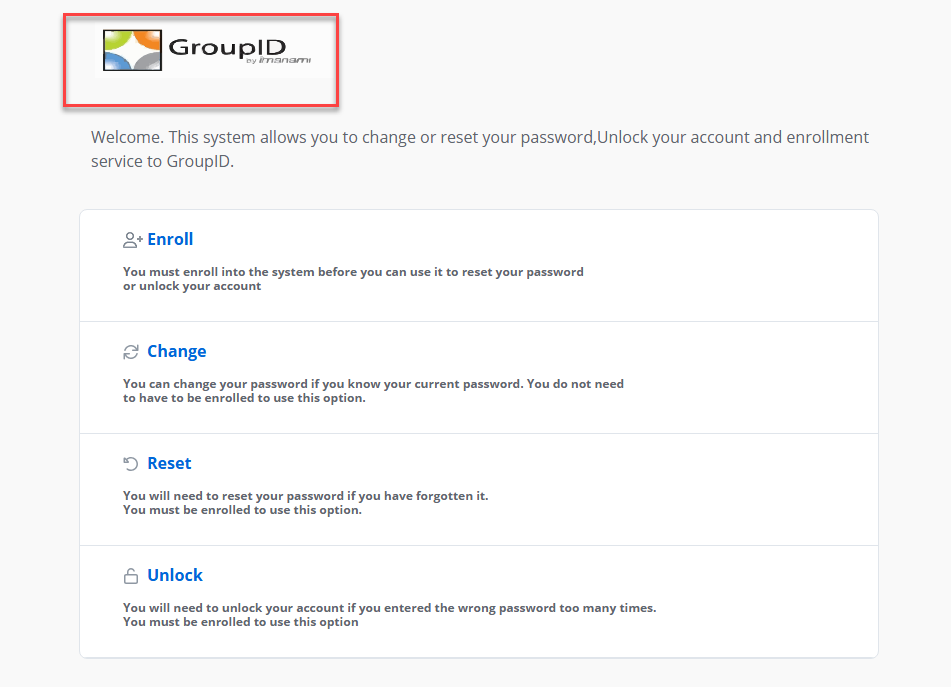
NOTE: Adjust the dimensions of your logo as needed to fit the portal layout.