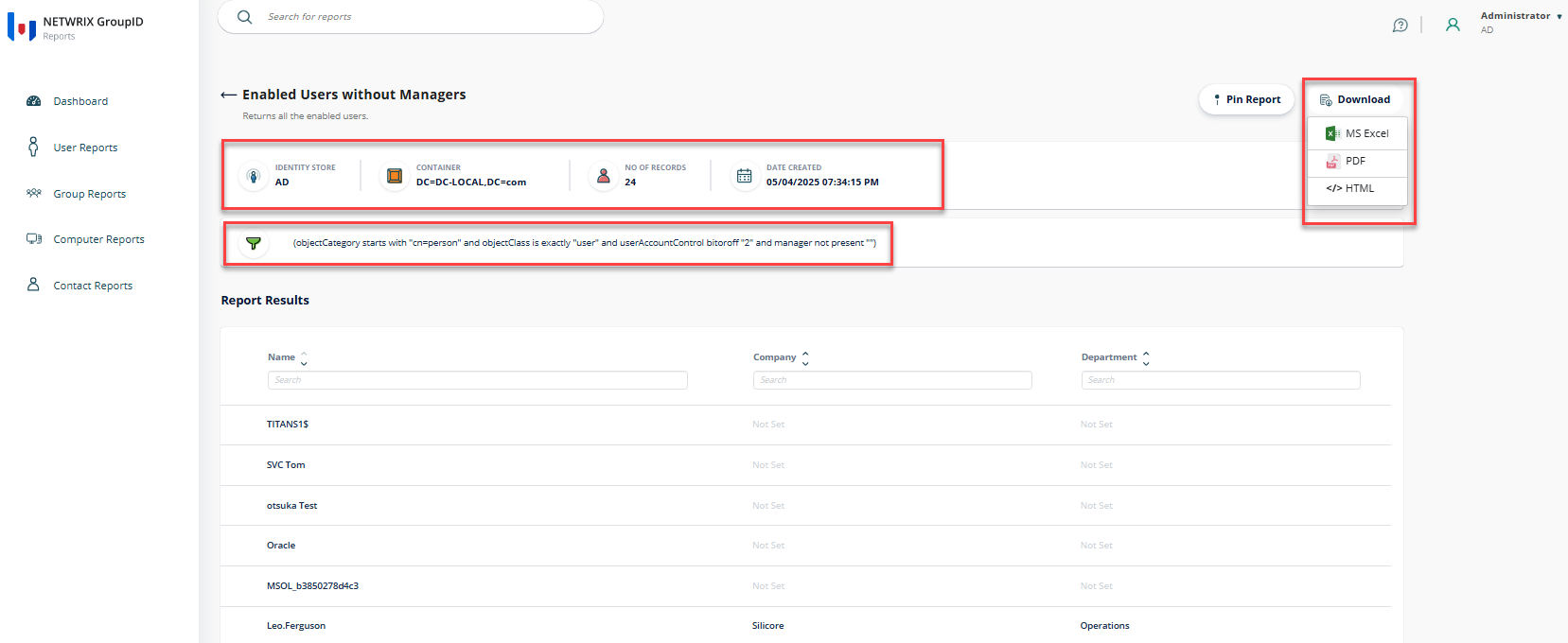
Generate a Report on Enabled Users Without Managers
Overview
Netwrix Directory Manager (formerly GroupID) allows you to generate reports on enabled users who do not have a manager in the domain. The Reports module is a free tool for running reports on Active Directory and Microsoft Exchange/Office 365. This article explains how to generate this report using the Reports portal.
Instructions
Generate a Report on Enabled Users Without Managers
-
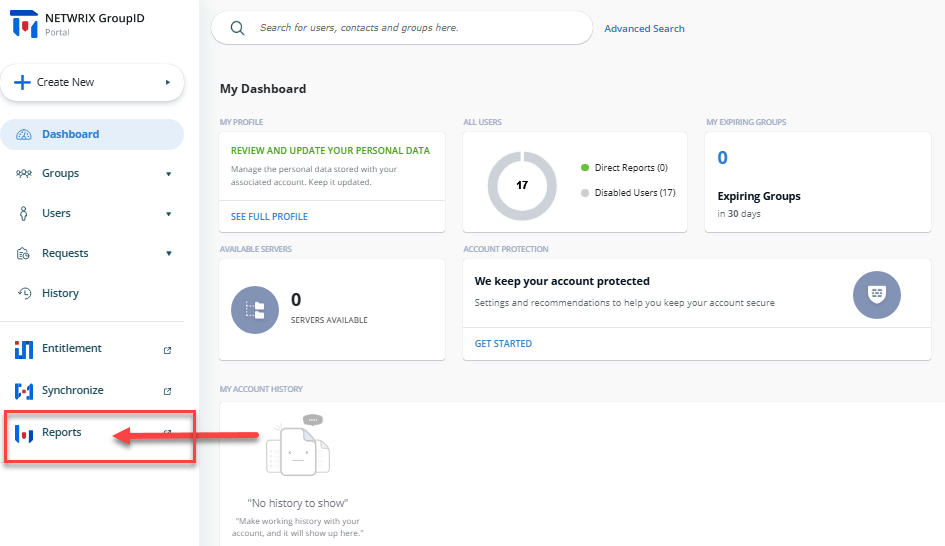
In the Directory Manager portal, select Reports from the left navigation bar. The Reports portal will open in a new browser tab.
-
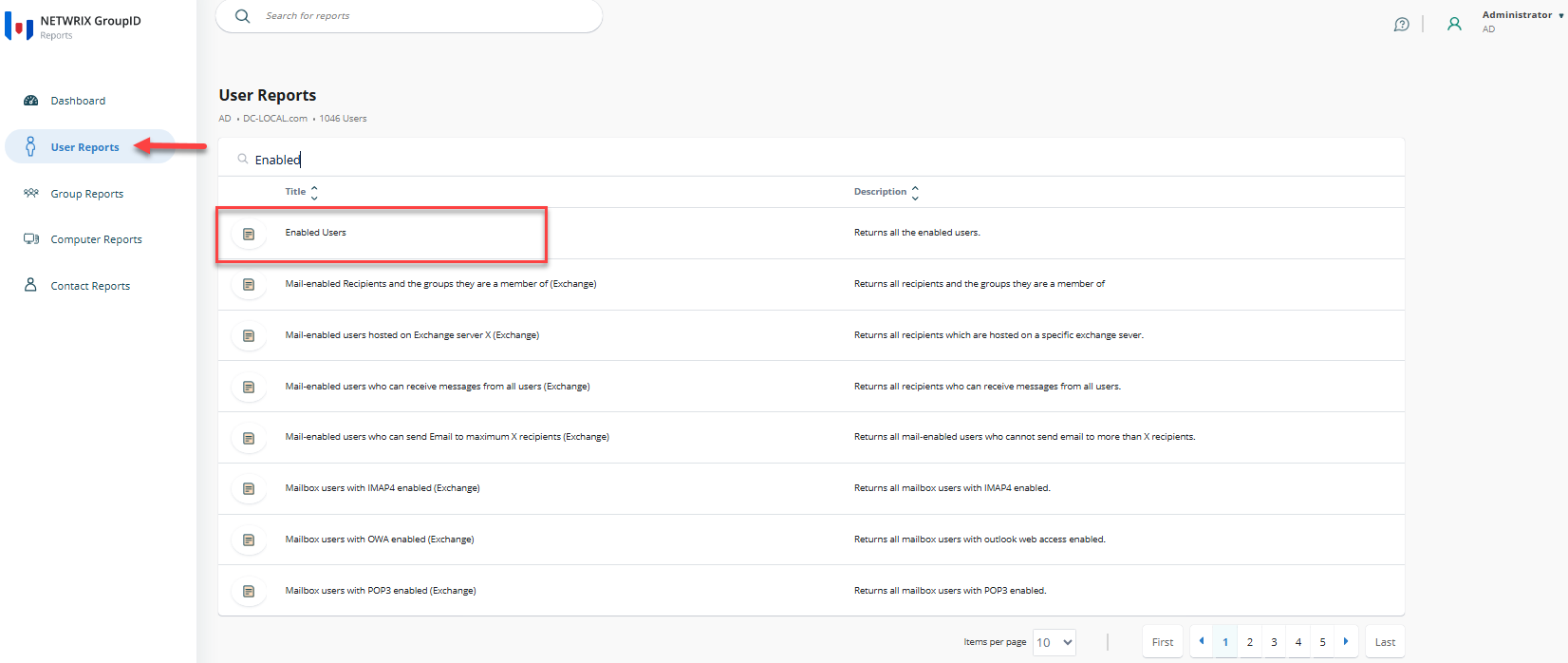
Click the User Reports button on the navigation bar.
-
In the Users category, type Enabled Users in the search bar.
-
Select the first report template in the list.
-
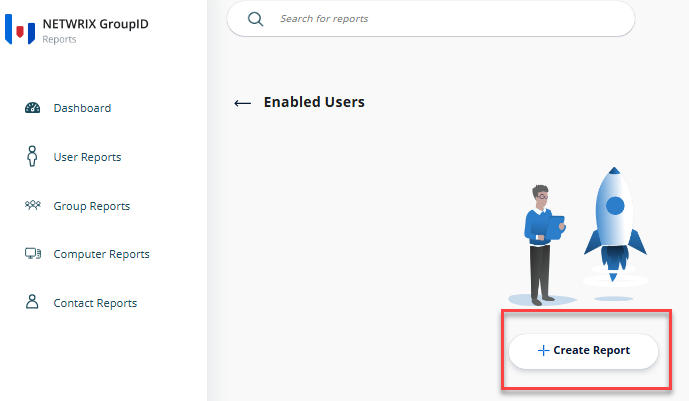
Click Create Report to start the report creation wizard.
-
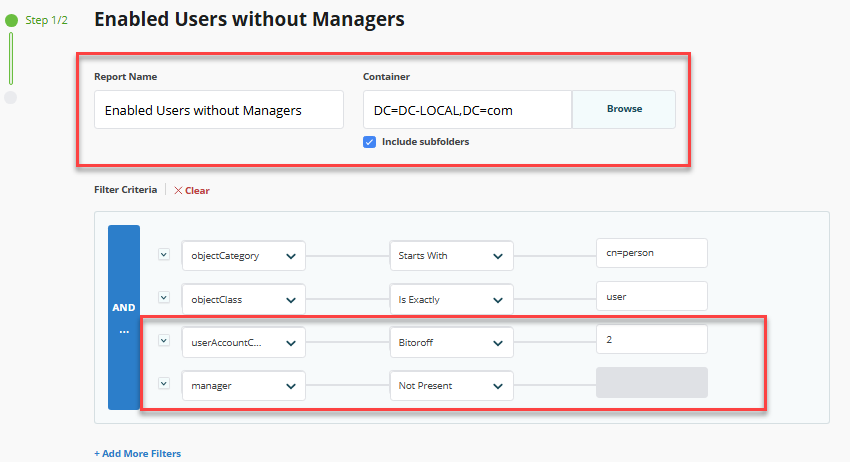
On the first page, provide a friendly name for the report, then choose the search scope within the directory and provide a filter criterion. By default, the wizard searches the Global Catalog. To limit the scope to a particular container:
- Click Browse to launch the Select Container dialog box and select the required source container.
- Select the Include sub-containers check box to include sub-containers in the report.
- In the Filter Criteria box, modify the default LDAP filter. The default filter generates a list of all users in the domain.
- Add a new clause, manager Not Present, to fetch a list of all enabled users without managers.
-
Click Next.
-
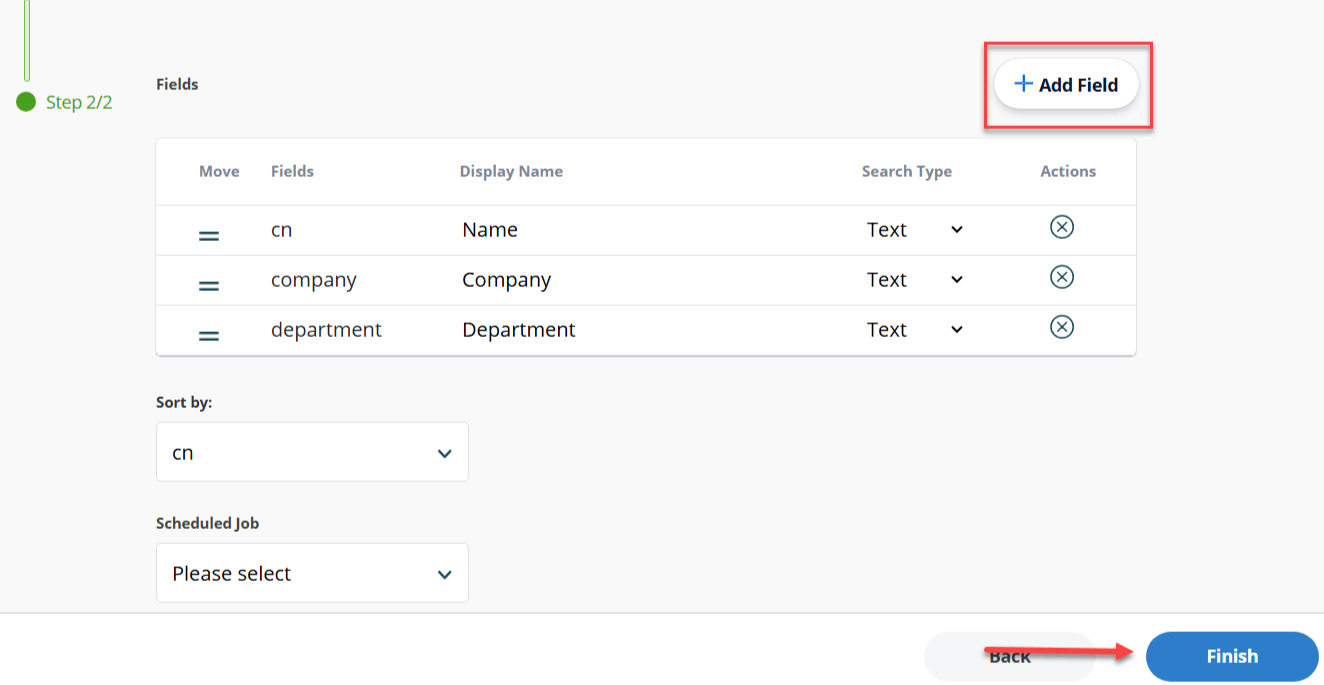
The Report Fields page displays the fields that will be included in the report. To add more fields, click Add. To remove a field, select it and click the Cross button. You can change the order of fields using the double bar buttons.
-
Click Finish to generate the report.
-
The report will be generated. You can download the report in your desired format or pin the report to the Reports portal Dashboard.