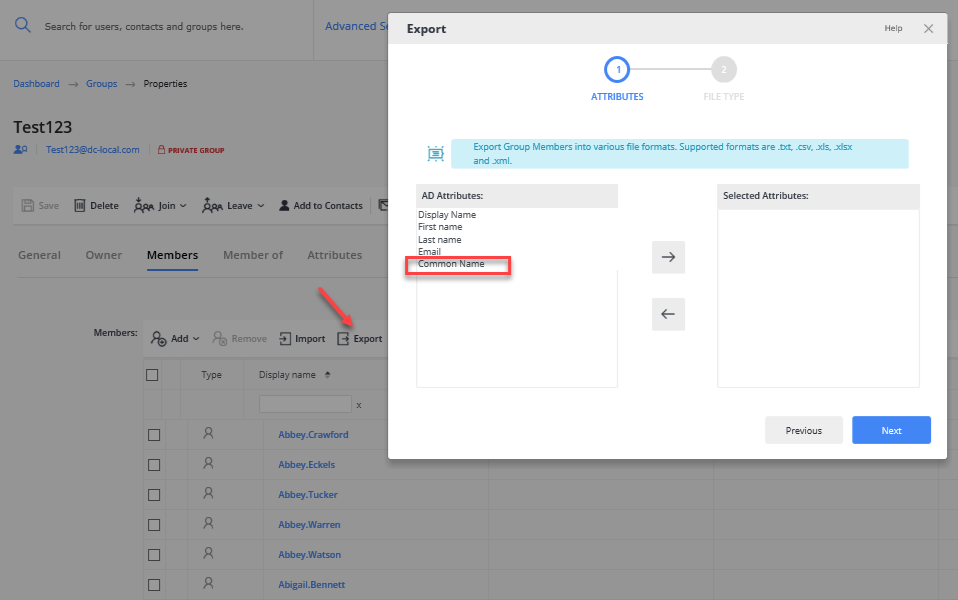
How to Add Attributes to the Export List in the Portal
Overview
This article explains how to add additional attributes to the list of exportable fields in the Export option of the Netwrix Directory Manager (formerly GroupID) Portal. By default, only a standard set of attributes is available for export. You can customize the portal design to include other attributes, such as Common Name (CN), in the export list.
NOTE: Before making any changes to your environment, create a backup, snapshot, or checkpoint of the Directory Manager server.
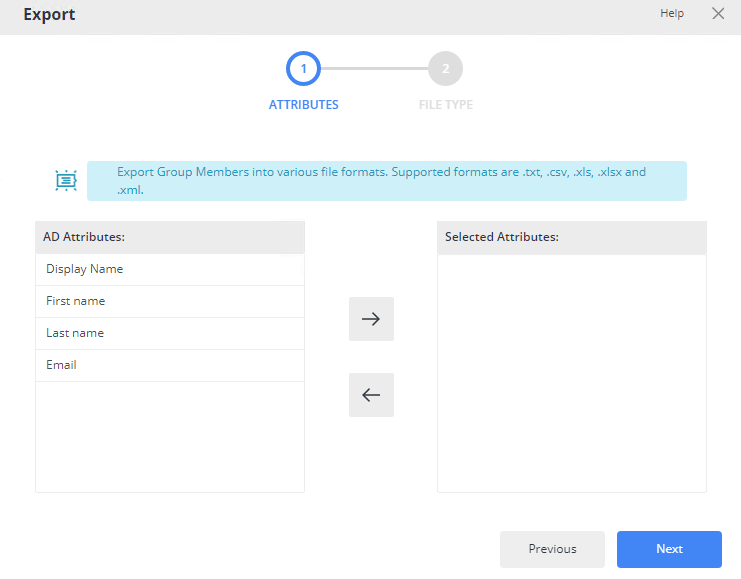
Instructions
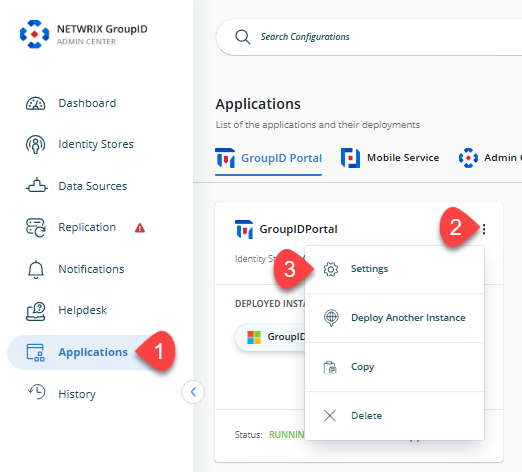
- In Directory Manager Admin Center, go to Application from the navigation bar and click the three-dot icon for the portal you want to customize.
- Click the Settings button. A new page will appear.
- Select the Identity Store you want to customize the design for.
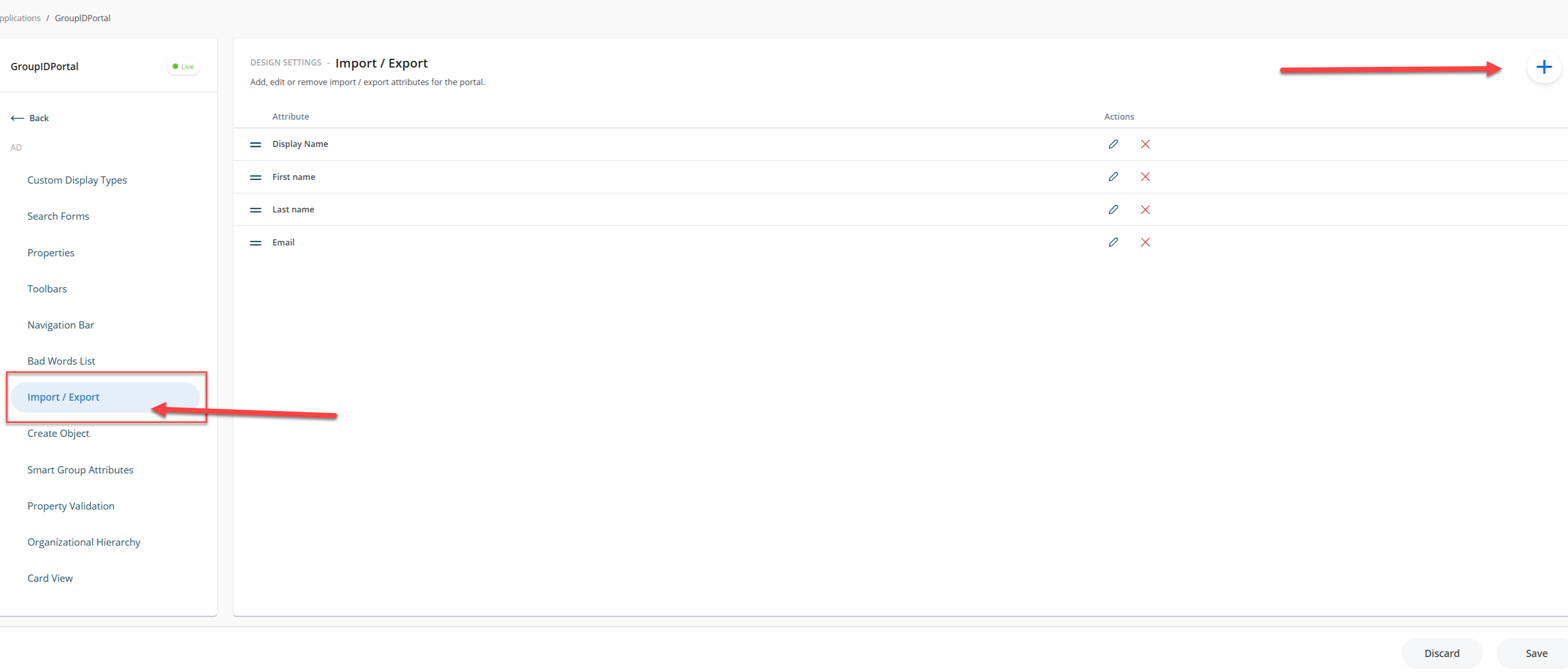
- Click Import/Export, then click the + icon to add a new attribute field.
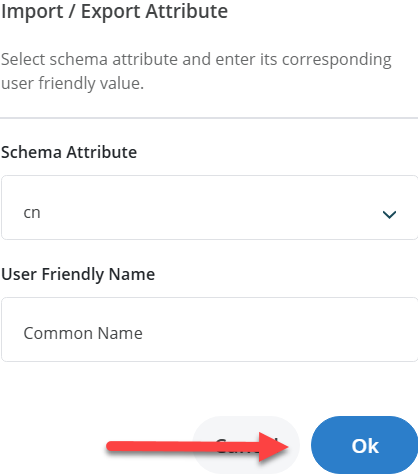
- On the Import/Export Attribute dialog, select an attribute from the Schema Attribute dropdown and provide a name.
- After making changes, click Save.
- Refresh or relaunch the Directory Manager Portal. In the Members tab of any group, when you export the list of members, the newly added attribute will appear in the list of attributes to export.