How to Delegate Password Reset Privileges in Self-Service Portal
Applies To
Netwrix Directory Manager 11
Overview
This article explains how to delegate the password reset function to users in the Netwrix Directory Manager Self-Service portal. By default, only administrators have this privilege, but you can assign it to any security role as needed.
Instructions
- Access the Netwrix Directory Manager Admin Center at
https://servername/AdminCenter/dashboard. - Select Applications > Portal Name > Settings.
- Select Design Settings and then select Identity Store.
- Click the Navigation bar tab.
- In the Tab list, select Users and click Edit.
- On the Edit Tab dialog box, select Reset Password in the Links section and click Edit.
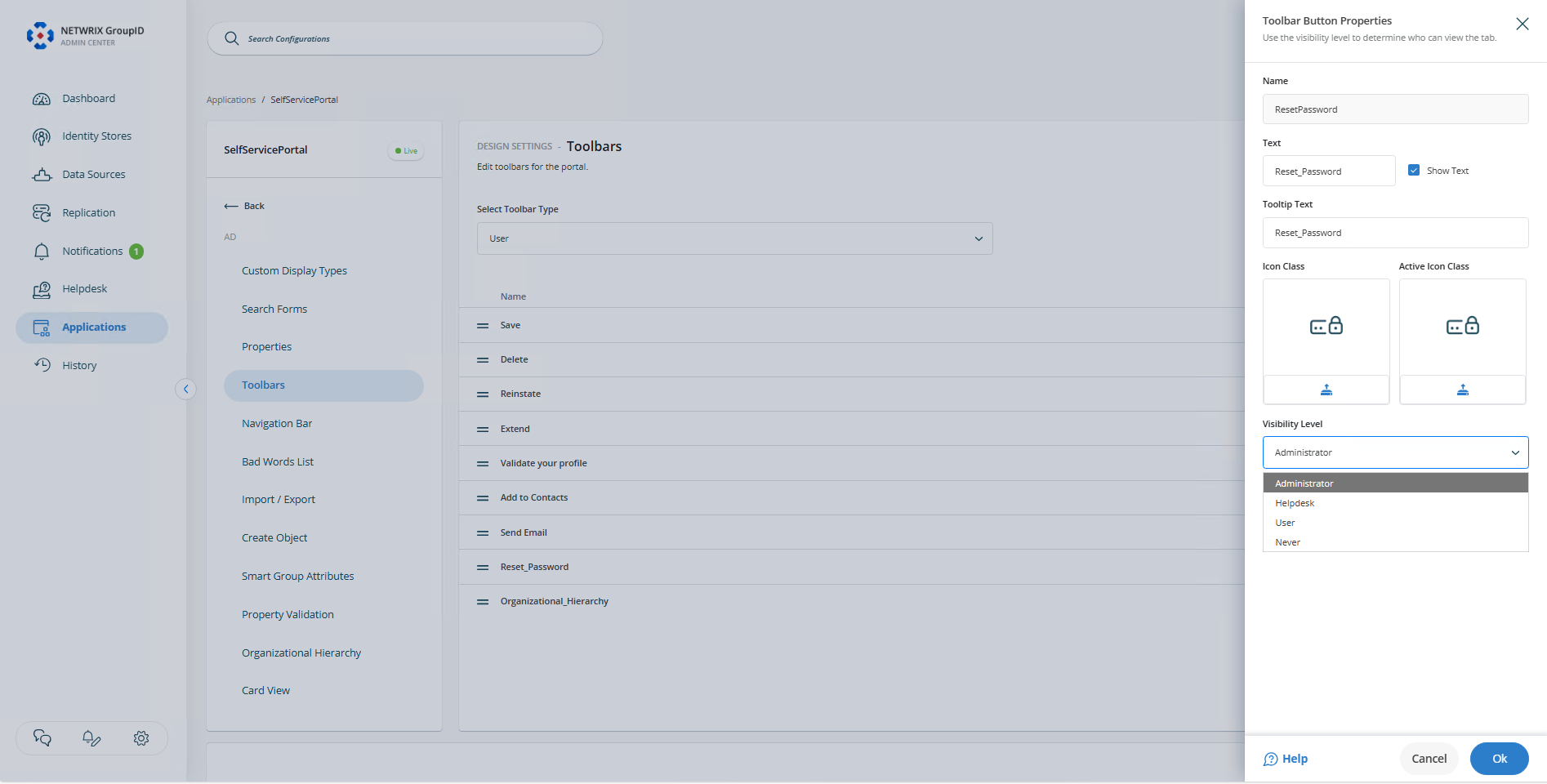
- From the Access Level list on the Edit Link dialog box, select a security role. This role and any roles with a higher priority value can reset the passwords of other users through the Self-Service portal.
- Click OK to close the dialog boxes and then save the changes.
Impact on the Self-Service Portal
In the Self-Service portal, the Reset Password node will be visible to the selected role and to roles with a higher priority value.