Export Event Logs from Reports and Analysis
Overview
This article explains how to export selected event logs from the Reports and Analysis section in Endpoint Protector. You can filter for specific events and export the results for further analysis or record-keeping.
Instructions
- On the Endpoint Protector server, navigate to Reports and Analysis.
- Apply a filter for the desired event logs.
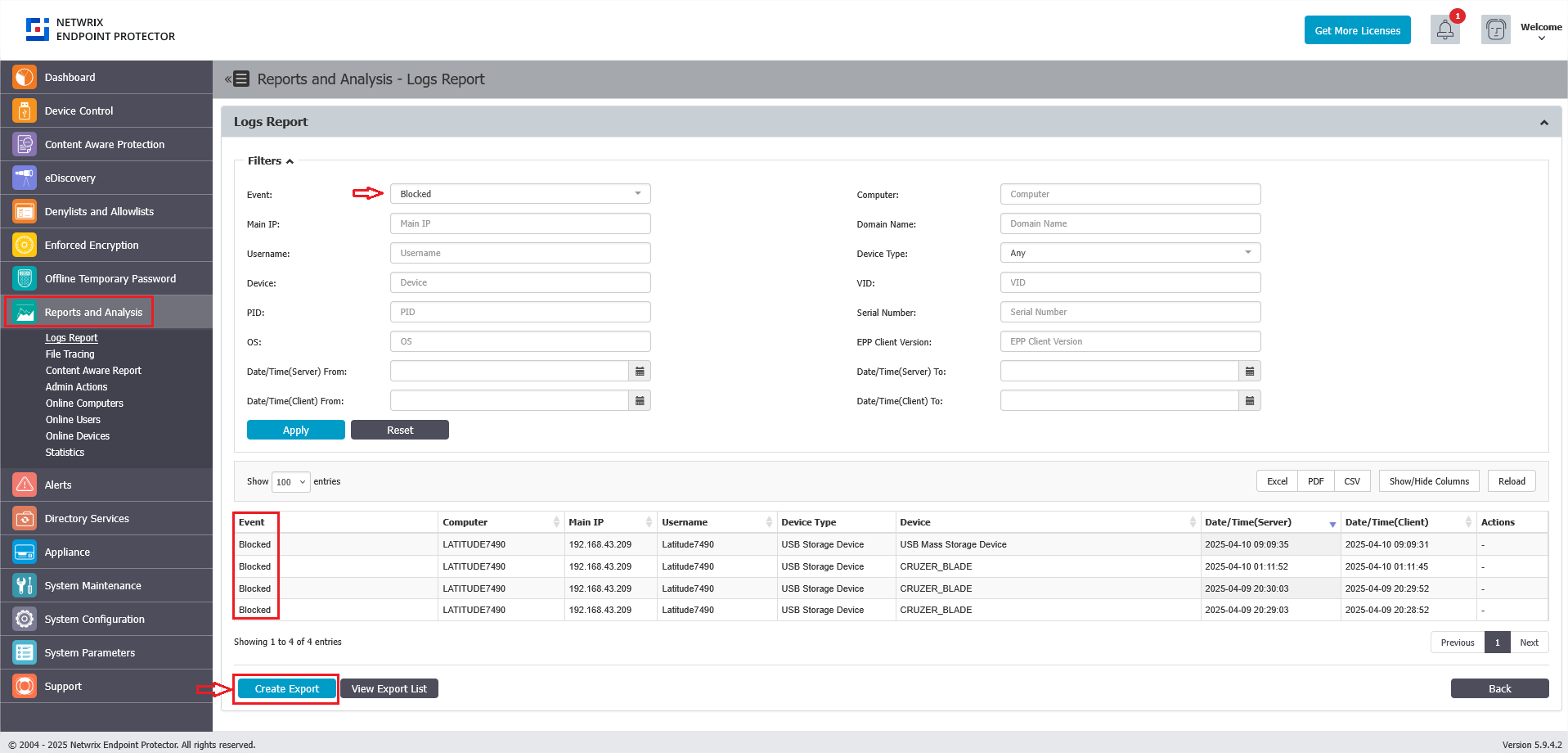
- Click the Create Export button at the bottom of the list to generate an export file.
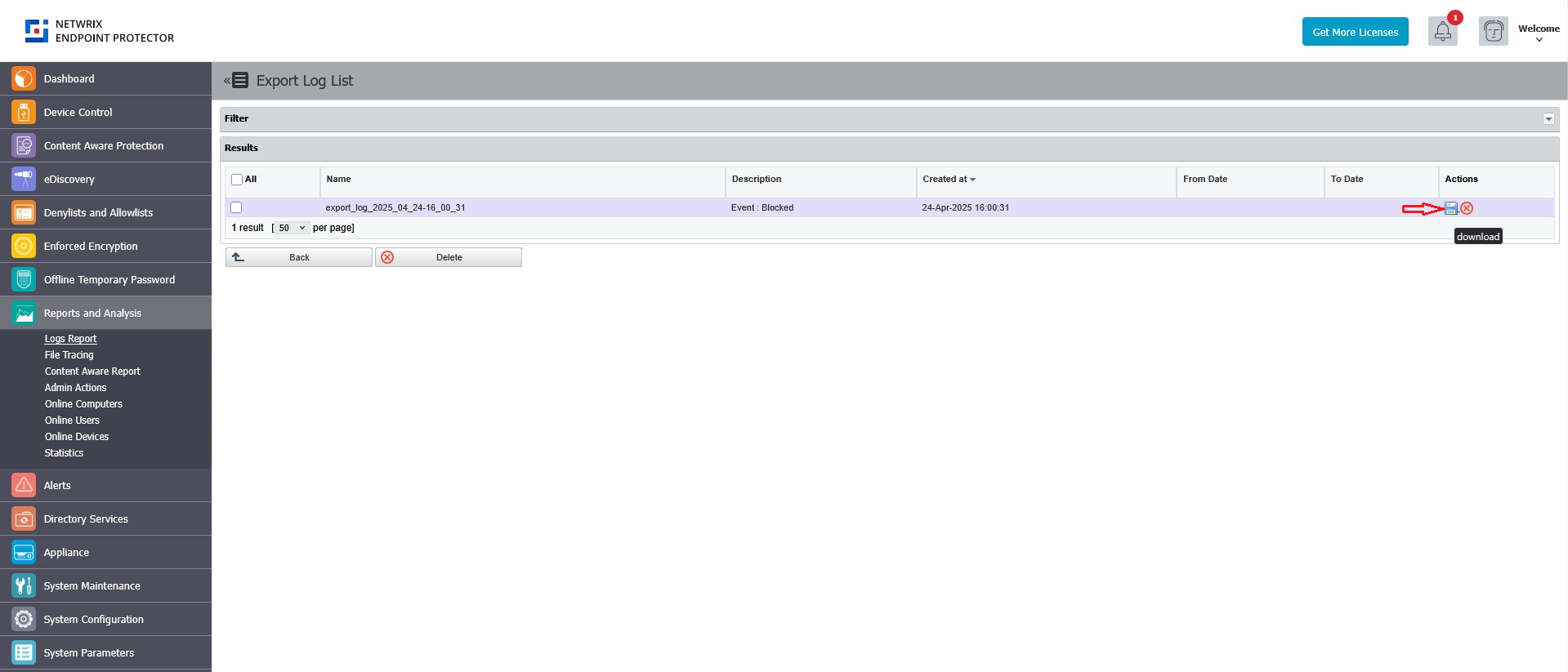
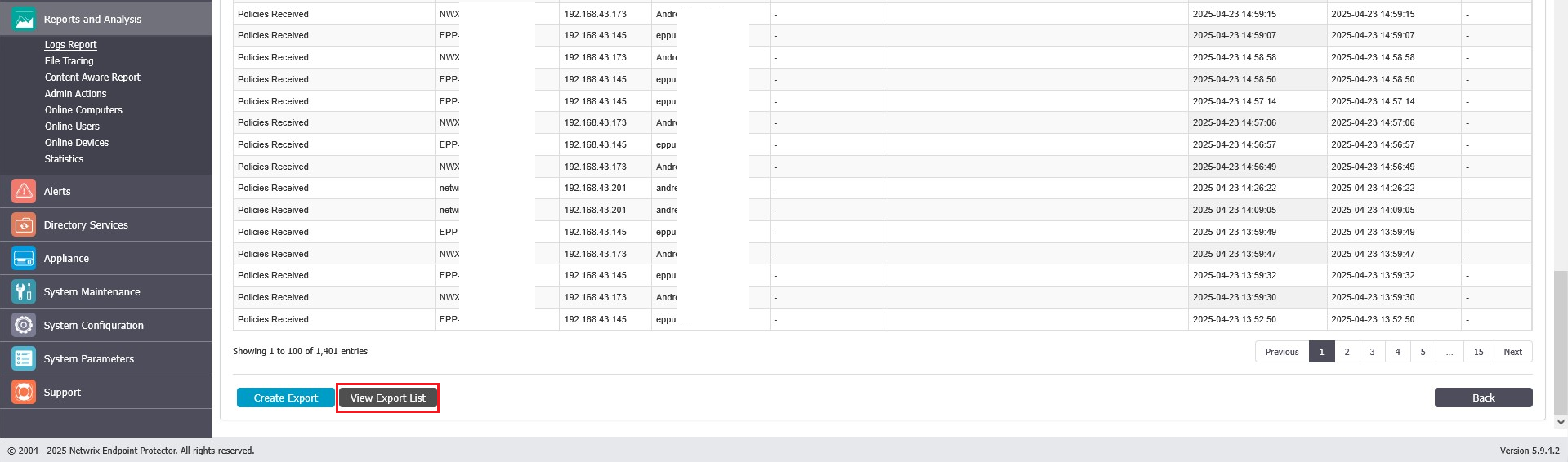
- Download the generated
.csvor.xlsxfile from View Export List.
- Access and review the exported file as needed.