Secure Endpoint Protector Web Console with an SSL Certificate
Overview
This article explains how to add an SSL certificate to Endpoint Protector using the web interface. Adding a valid SSL certificate helps secure communications between clients and the server.
Instructions
- Navigate to the Endpoint Protector Console > Appliance > Server Maintenance.
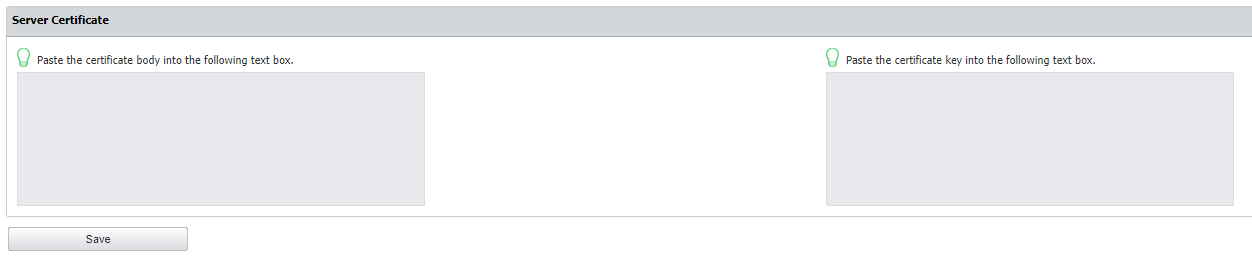
- Copy and paste the content from your
.pemcertificate into the Body and Key text boxes. - Ensure you include the BEGIN and END directives for both the certificate body and private key.
- Save the changes.