Locate Logs in Content Aware Report When Using Partitions
Overview
This article explains how to locate logs in the Content Aware Report when partitions are used. When you filter by specific dates, you may not see any results if the logs are stored on a different partition.
Instructions
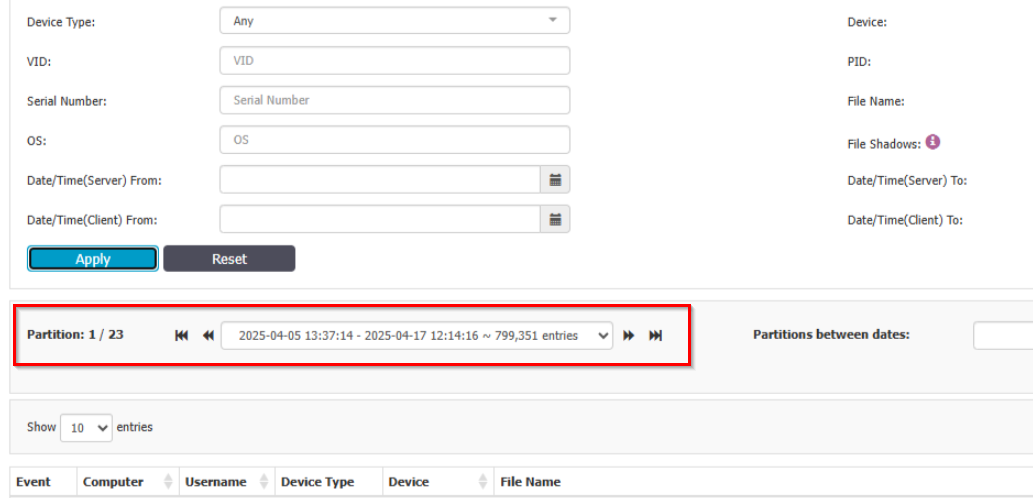
- If no results are shown when filtering by date in the Content Aware Report, check which partition is currently selected.
- Select the partition that corresponds to the time interval you are searching for to view the relevant logs.