Restrict Applications or CLI Commands
Overview
This article explains how to block or disable specific applications or Command Line Interface (CLI) commands from running by creating an Applications denylist in the policy settings of Netwrix Endpoint Protector.
Instructions
Follow the steps below to complete this process:
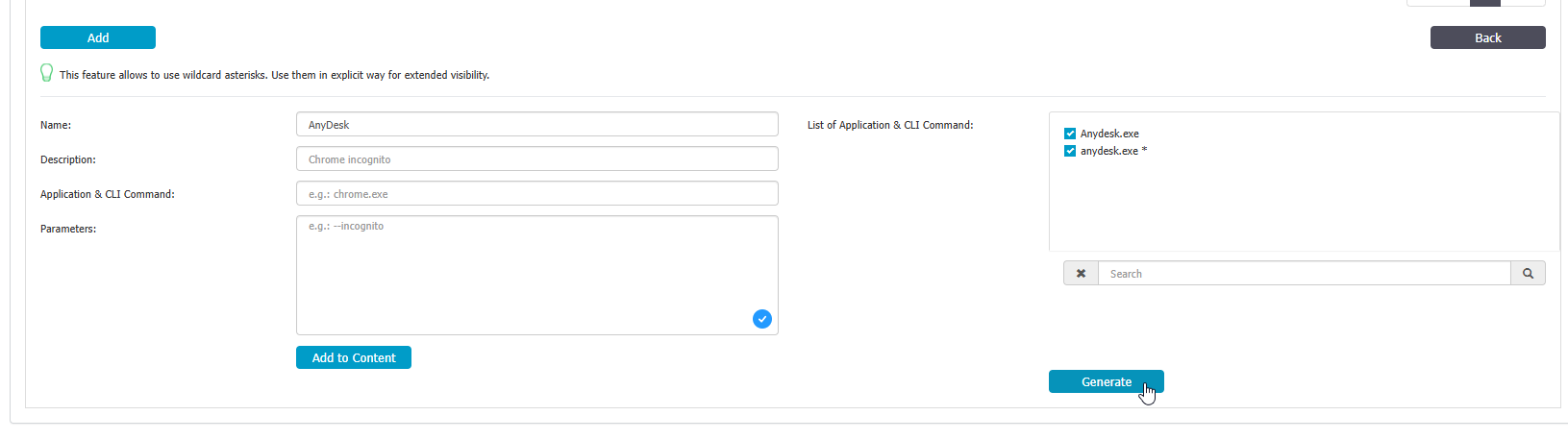
- Create an Applications denylist from Denylists and Allowlists > Denylists > Applications.
- Enter the application name or CLI command you want to block.
- Click the Add to content button.
- Click the Generate button.
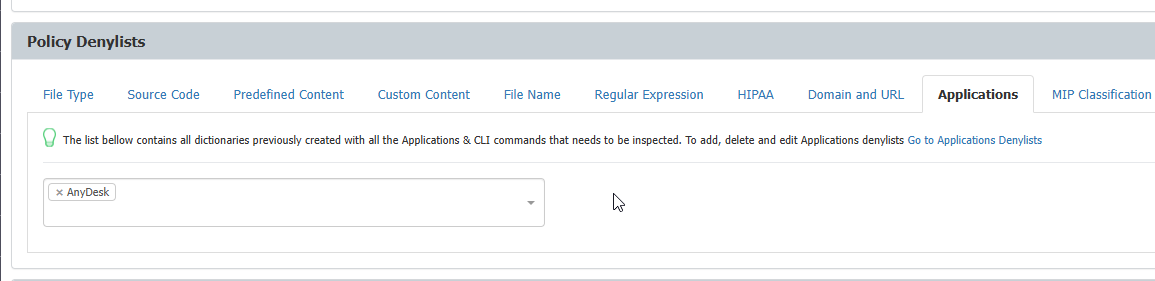
- To include the newly created Applications denylist in a content aware policy, you must select the denylist in the policy settings.
- Target the client machines where the policy should apply.