How to apply license to Password Manager
How to apply license code to Password manager?
To enter a new license, do the following:
- In the browser navigate to the Admin portal of Password Manager (default URL is
http://%pmserver%/pm/admin) - Click the License button
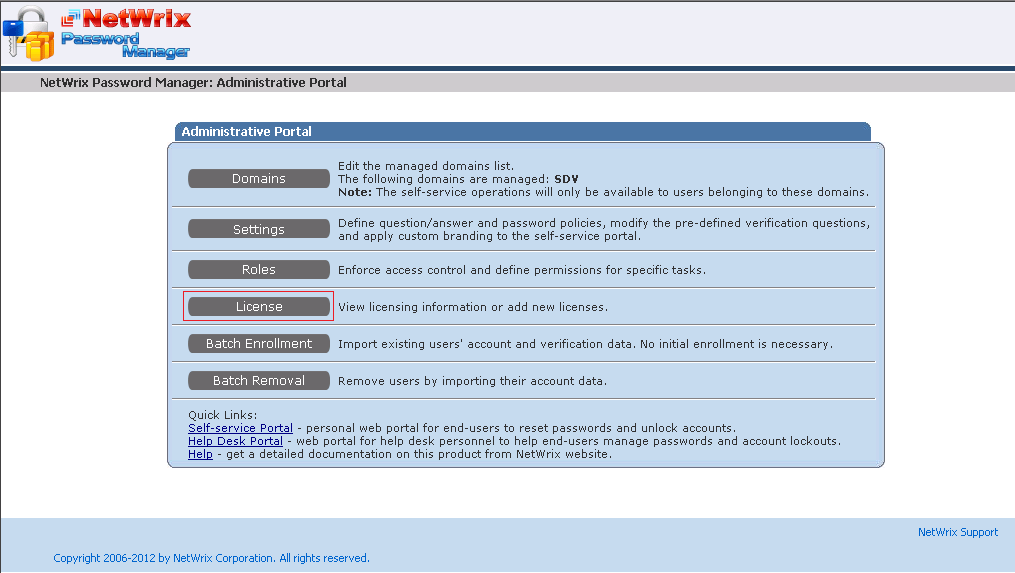
- If there is a license applied already, click Change license.
- Enter the new code and click OK.
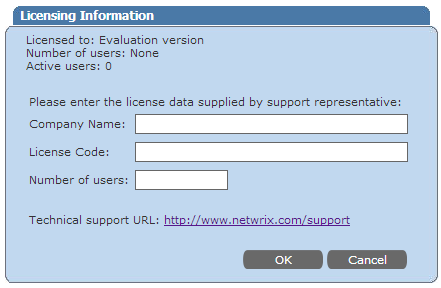
Note: When entering the license code it is recommended to use copy/paste to input the license code. Also it is common if copying from an HTML document to also copy an extra space so ensure these are removed upon paste.